Quantize Grayscale
In: Filters > Adjustments
Description
Generates a single spline in the shape of a circle.
Parameters
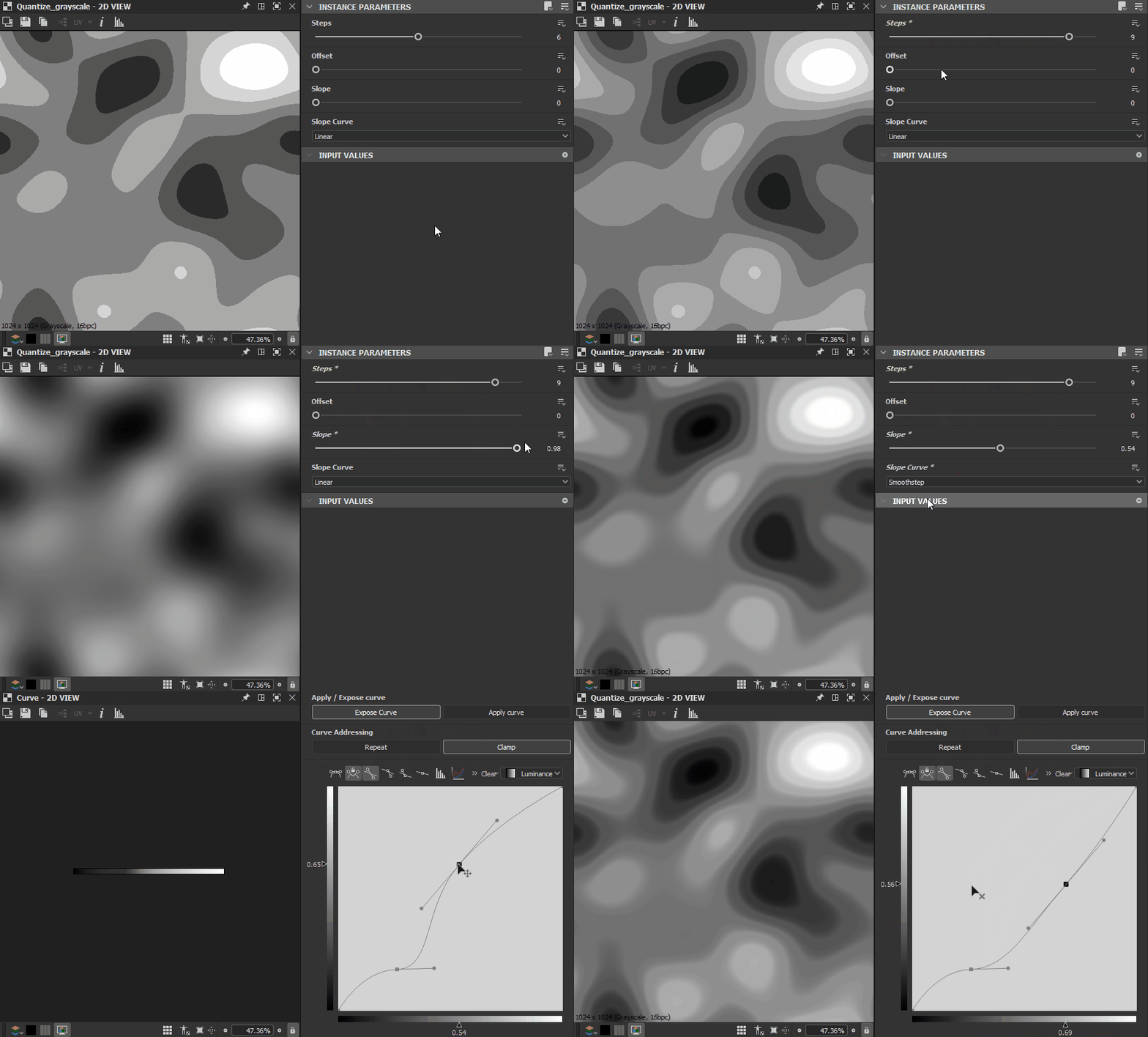
Steps IntegerThe number of separate values the input range should be approximated to.
Offset FloatApplies an offset to the input range, which shifts the results along the range.
Slope FloatApplies a slope gradient to the transitions between approximated values, up to the full span of a step.
Slope Curve IntegerSets the method of acquiring the curve for the slope set by the Slope parameter:
- Linear: Applies a linear curve, resulting in a straight slope
- Smoothstep: Applies a smoothstep curve, resulting in a smooth slope
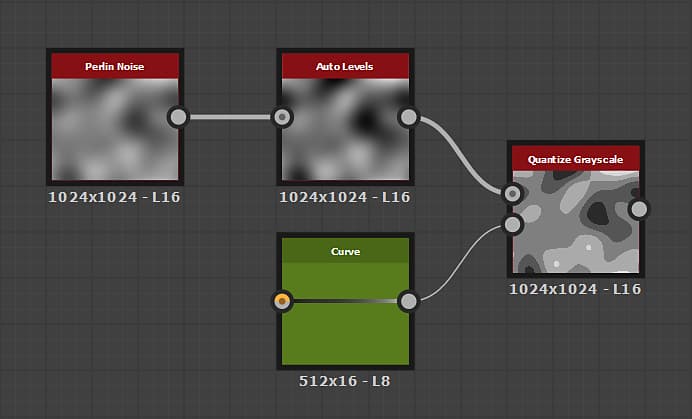
- Curve input: Applies the curve described by the Curve Input input map. You may use a Curve node to describe this curve with a great amount of control.
Examples