Nadir Patch
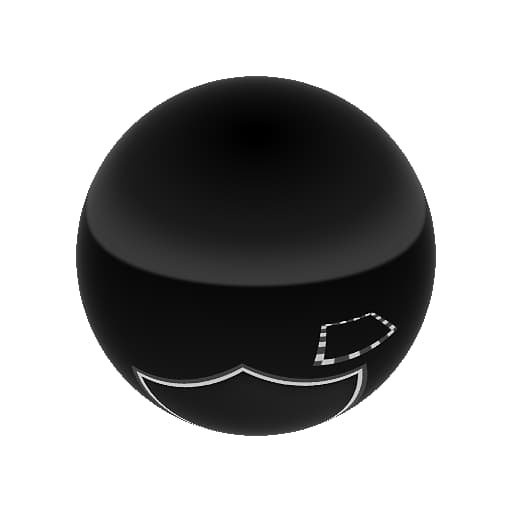
In: 3D View > HDRI Tools
Description
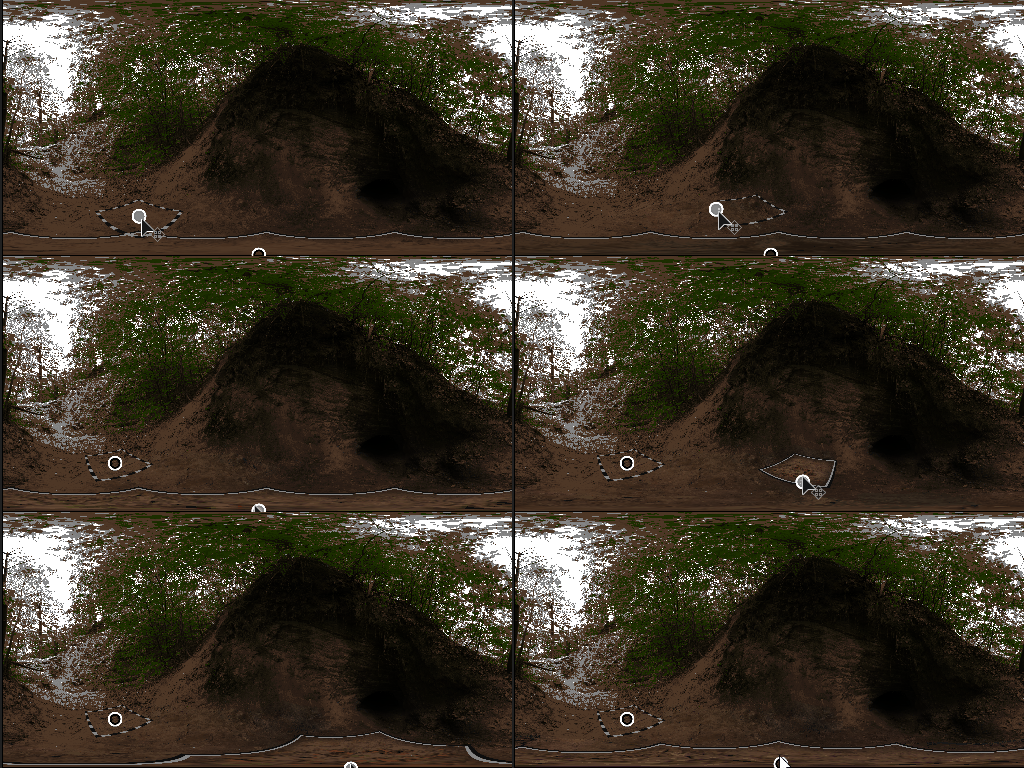
This node provides functionality to patch over the central ground point (nadir) of a spherically mapped image. It can be used to hide or “clone out” an ugly nadir, or visible camera or tripod. It works like a Clone Patch, but with adjustments for spherically mapped images. The user selects a point elsewhere in the image, that is the cloned and blended in at the nadir. No other external inputs are required other than a single HDRI to process, but an external mask can be used as alpha for the patch effect.
effect can be quickly checked and validated with Nadir Extract.
Inputs
Input Color Input
Mask Input Grayscale Input
Optional mask slot used for masking the patch. Function like an alpha.
Parameters
Enable False/True
Enable or disable patching effect.
Show Frames Helper False/True
Show or hide the helper lines, for debug purposes.
Frame Thickness 0.0 - 1.0
Thickness of helper lines.
Patch Scale 0.0 - 1.0
Global, uniform scale of patch. Affects both source and target.
Patch Size 0.0 - 1.0
Non-uniform size of patch.
Patch Rotation 0.0 - 1.0
Rotation of the patch. Affects source and target.
Patch Alpha Smooth Square, Gaussian, Mask Input
Set what alpha is used to blend the patch with the background.
Patch Hardness 0.0 - 1.0
Set hardness/contrast of alpha.
Source Rotation Offset 0.0 - 1.0
Rotation only for source of the patch.
Position Coordinates
Source Position
Position of source. Has handle in 2D view.
Patch Position
Position of target. Has handle in 2D view.
Examples
recommendation-more-help
substance-3d-designer-help-guide