Directional warp

In: Atomic Nodes
Displaces pixels in a specified direction according to an intensity map, which can result in deformation.
Warps an input in a user-set direction, multiplied by a user-set Intensity map. It works similar to Warp, but then only in a specific direction.
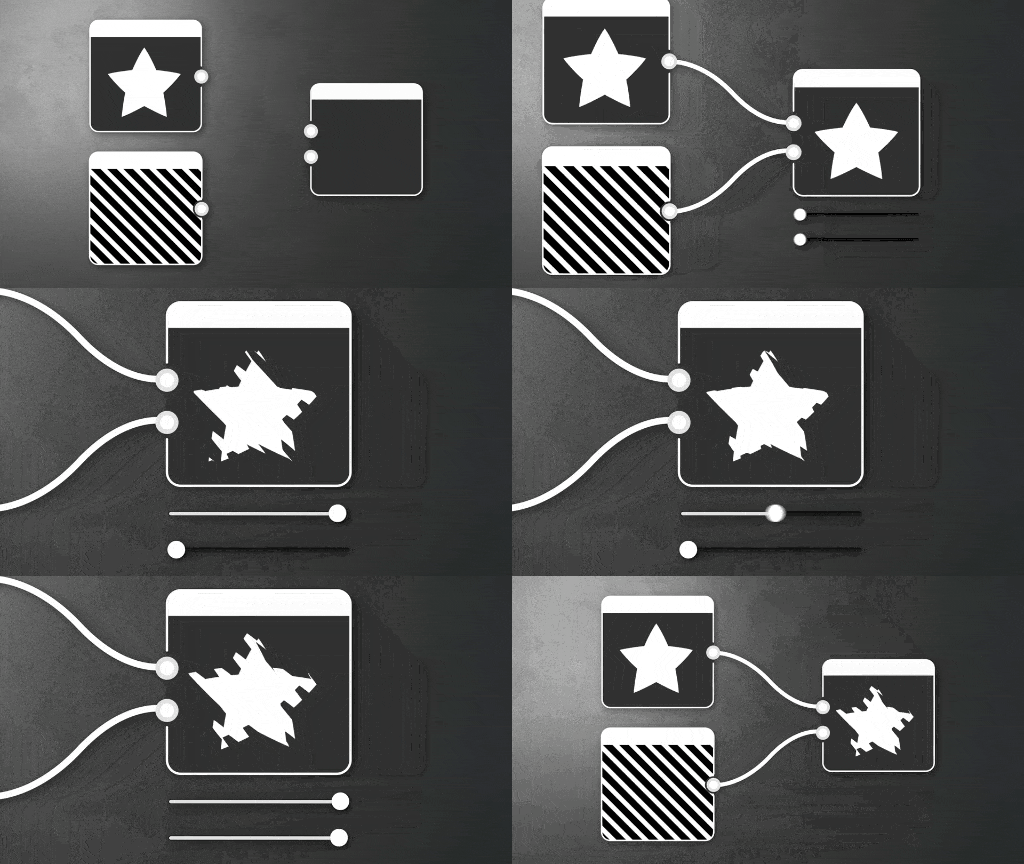
The Warp node is a fairly simple but useful node that serves as a good basis for other more advanced effects. There are more advanced alternatives such as other related nodes of interest are Slope Blur and Vector Warp.
Parameters
Intensity Float
Sets the intensity of the warp.
Warp angle Float
Sets the angle of the warp effect, in number of turns…
Input filtering mode Boolean
Controls whether nearest or bilinear filtering is used to sample the Input.
Intensity map offset Float
This value is subtracted from the the Intensity input image values.
Input connectors
Input Grayscale/Color PRIMARY
The grayscale or color input image on which the warping effect should be applied.
Intensity input Grayscale
The grayscale image defining the amount of warping that should be applied to the Input image.
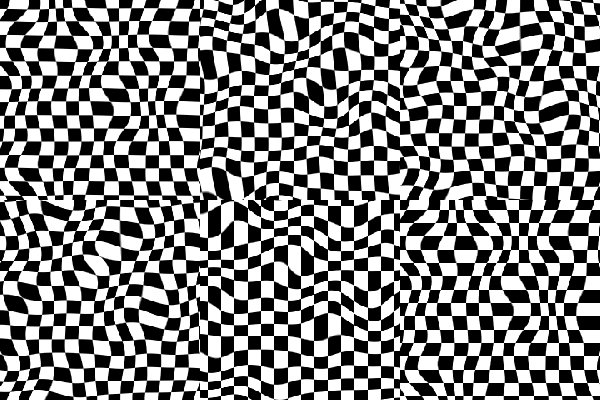
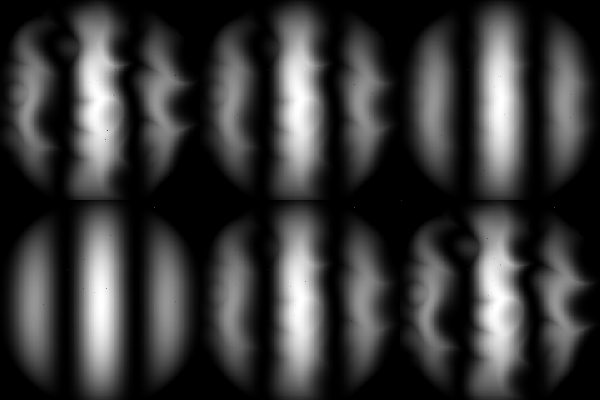
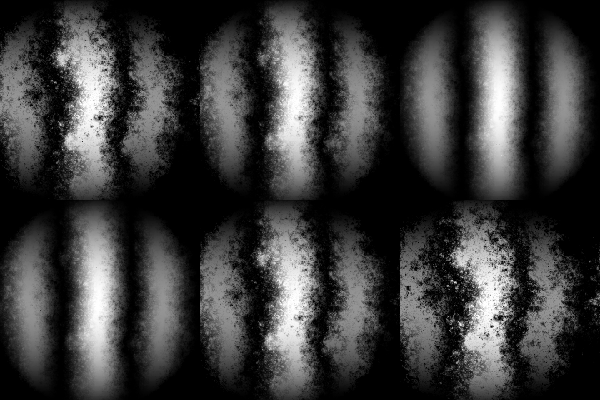
Examples
recommendation-more-help
substance-3d-designer-help-guide