[Limited Availability]{class="badge informative"}
Identity crosswalks
Learn all about identity crosswalks in Real-Time CDP Collaboration, including how to bring identity crosswalks in from different sources, and how to manage identity crosswalks.
Identity crosswalks facilitate the secure and privacy-compliant linking of customer identities across multiple datasets and platforms. By utilizing hashed identifiers, Real-Time CDP Collaboration ensures that users can synchronize and reconcile identities without exposing personal identifiable information (PII). This enables a unified view of the customer for better collaboration and targeted marketing efforts.
As a first step, you must import identity crosswalks into Real-Time CDP Collaboration. To import identity crosswalks into Real-Time CDP Collaboration, read the section below:
Import identity crosswalks into Real-Time CDP Collaboration import-crosswalk
Navigate to Setup > Identity crosswalks tab, select the add icon (

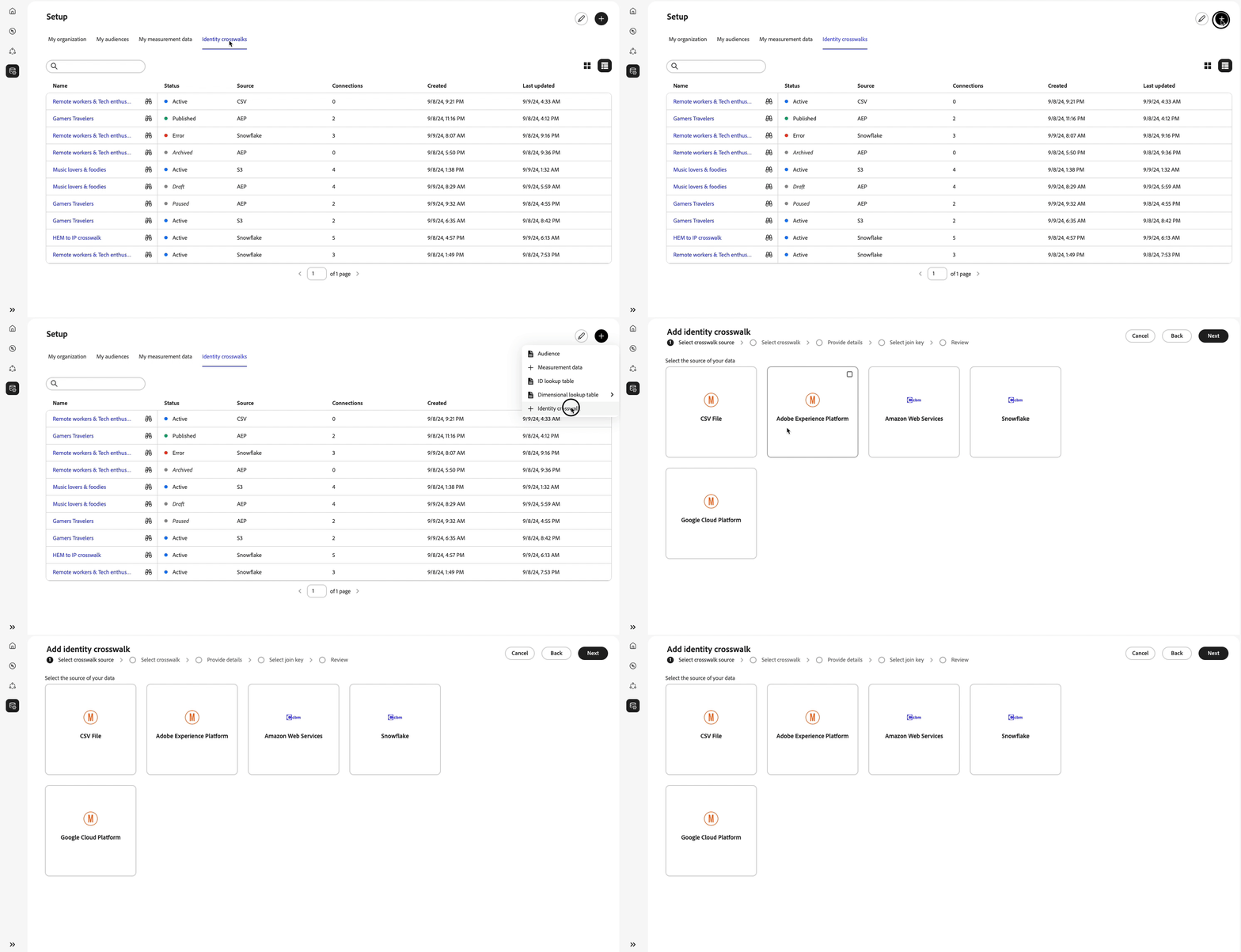
Select crosswalk source
Select a source where you will be importing the identity crosswalk from. In the first release of Real-Time CDP Collaboration, Experience Platform is the only supported source for importing crosswalks.
After selecting Experience Platform as the source of your crosswalks, select the Experience Platform sandbox from which you are importing the identity crosswalk.
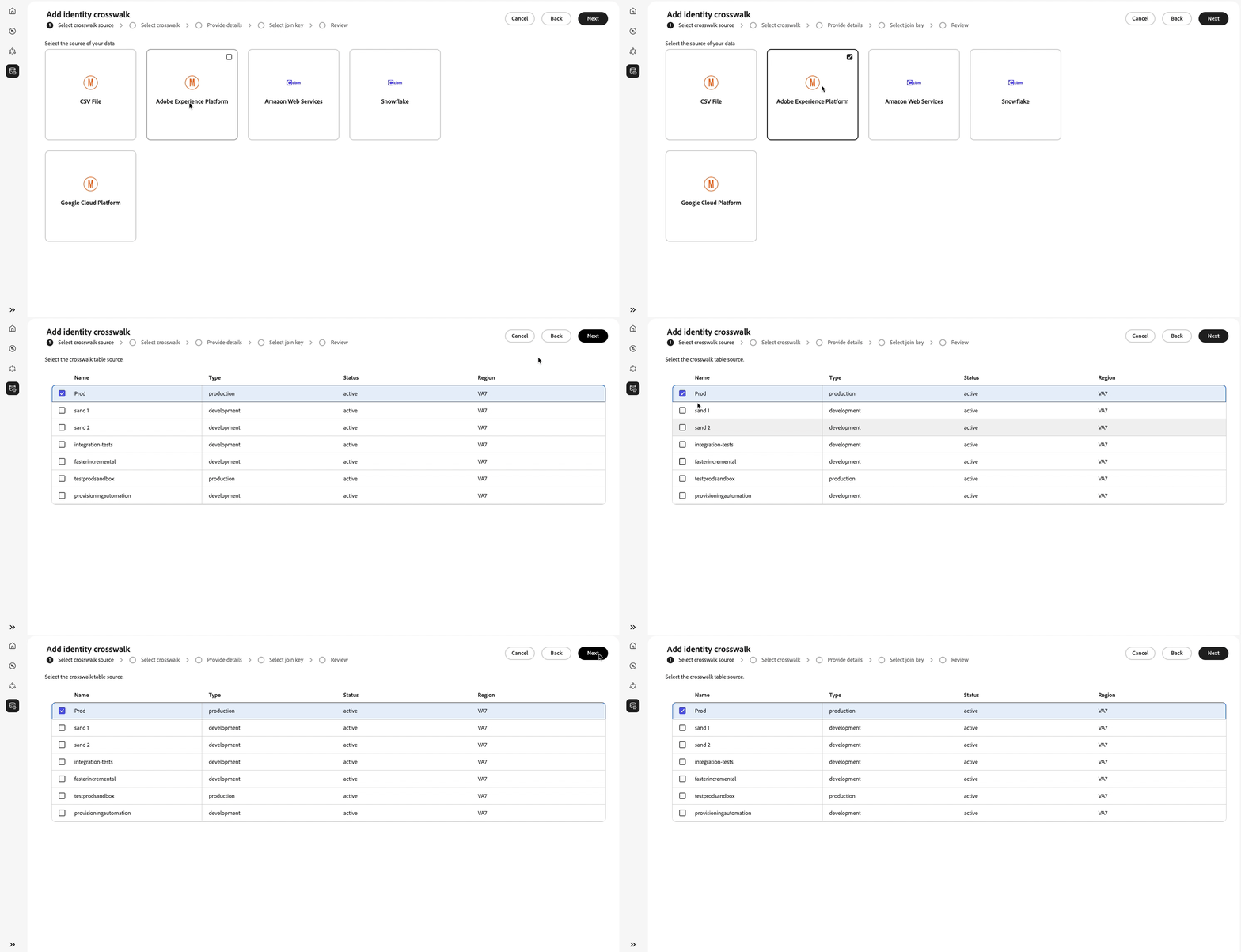
Select crosswalk
After selecting Experience Platform as the source of your crosswalks,
Provide details
Provide a name and a description for the identity crosswalk that you are importing into the product.
Select join key select-join-key
A join key is a unique identifier used to match and link records across different datasets. It ensures that data from various sources can be accurately associated with the same individual or entity. By selecting the appropriate join key, you can effectively merge and reconcile data, enhancing the accuracy and completeness of your campaigns.
Any of the column headers from the selected crosswalk can serve as join key.
Select the desired join key for the crosswalk table and select Next to proceed to the next step.
Review
Review any of the selections in the previous screens. When satisfied with your selection, select Next to complete the workflow.
Next steps
After learning how to import identity crosswalks into Real-Time CDP, you can view all the identity crosswalks that you have so far added to Real-Time CDP Collaboration. You can also now use the identity crosswalks that you have imported when importing audiences into Real-Time CDP Collaboration.