Log in to Learning Manager using SSO authentication
This document helps you configure SSO authentication to log in to your Learning Manager account.
To configure SSO authentication, perform the following steps:
-
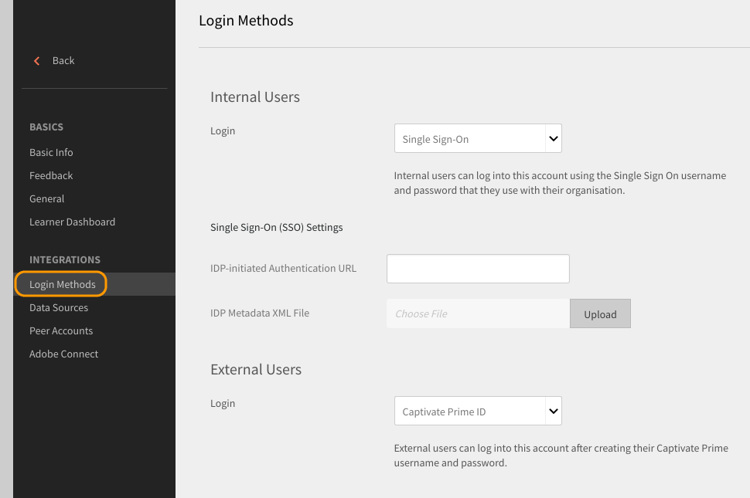
Open Settings > Login Methods.
-
Choose Internal Users or External Users depending on your requirement.
-
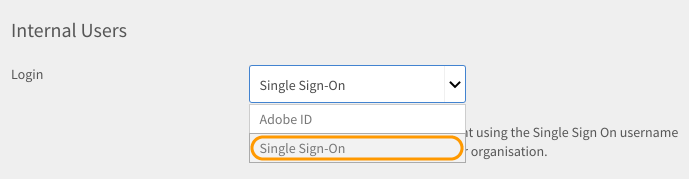
Click the drop-down next to login option and select Single Sign-On.
-
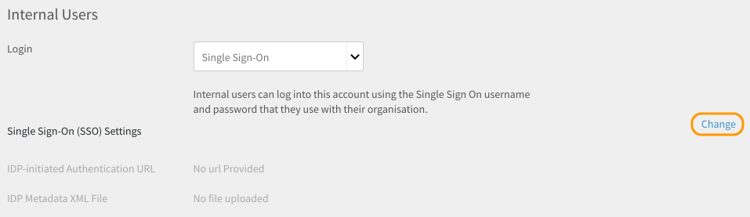
To adjust Single Sign-On (SSO) Settings, click Change.
-
Enter IDP-initiated Authentication URL given by your service provider and upload your XML file by clicking IDP Metadata XML File.
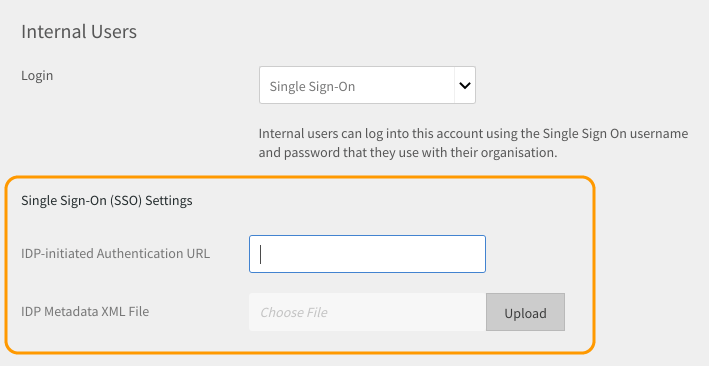
The SSO you configure in Learning Manager should be SAML 2.0 supported.
You can now log in to Learning Manager using your SSO authentication.