Add a header and footer
Add a header and footer to include elements such as your logo.
-
Select Themes from the toolbar, then hover over the applied theme and select Edit.
-
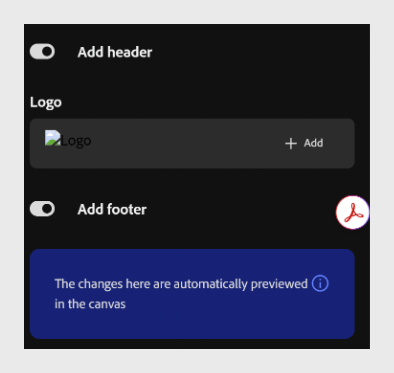
Turn on the Add header toggle to add a header to your course.
-
Under Logo, select Add to upload a logo for the header.
-
Turn on the Add footer toggle to add a footer to your course.
NOTE
Content Composer automatically previews your changes in the canvas as you make them.
recommendation-more-help
learning-manager-help-migrated