Review and edit the quiz
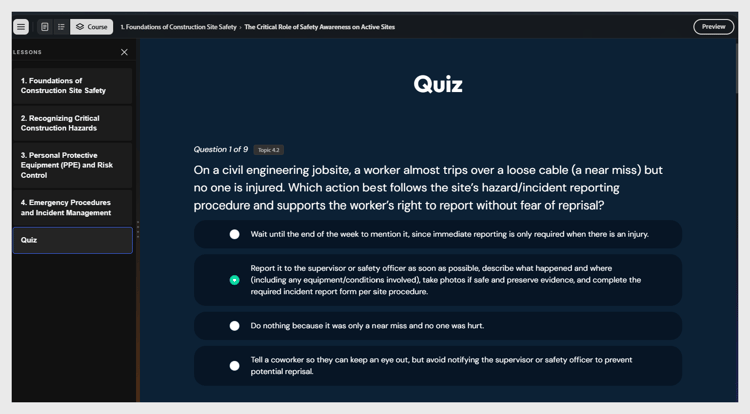
A graded quiz appears at the end of the course. Each question is tagged with the topic it tests.
To edit a question:
-
Select the question text to edit it and use the text-edit options to adjust styling.
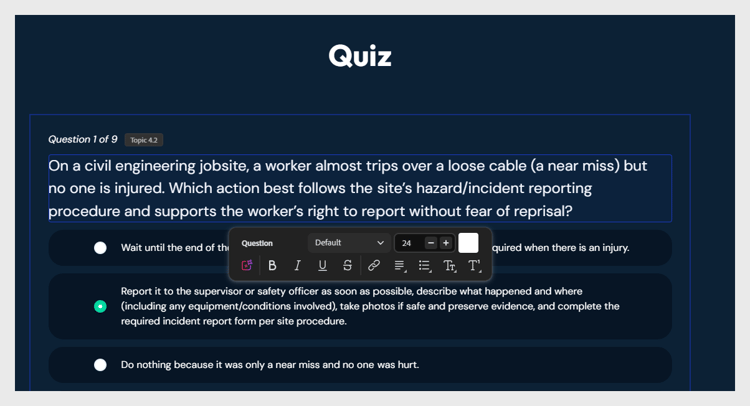
-
Select the radio button next to the option you want to mark as correct.
-
You can also assign a score to the correct answer.
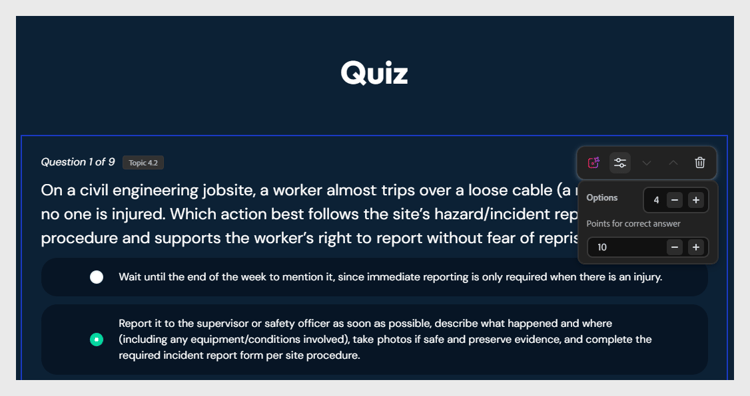
-
To delete a question, select Remove option.
-
To regenerate questions, ask the assistant: “Regenerate the quiz for Lesson 1.”