Preview the course
-
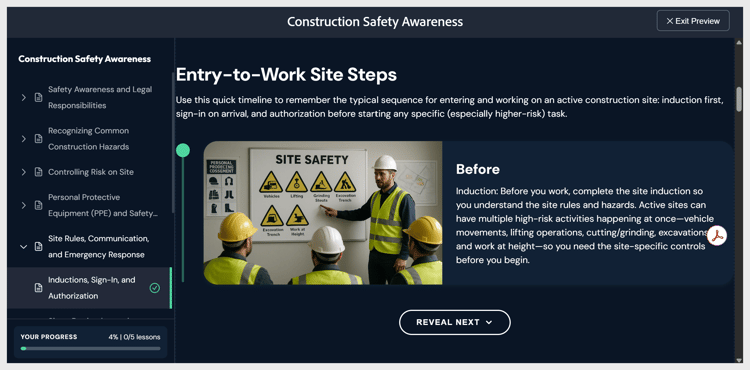
Select Preview in the top toolbar. The course displays exactly as a learner will see it, with the applied theme, interactive components, and the quiz in answer mode.
-
Navigate using Next and Previous, or select any topic in the lesson panel on the left. Select Exit Preview in the top-right corner to return to editing.
recommendation-more-help
learning-manager-help-migrated