Adobe Learning Manager Content Composer (Beta) Help
From concept to course in minutes
Adobe Learning Manager Content Composer is an AI course authoring tool that turns a plain-language prompt into a structured, publish-ready course, including lessons, assessments, and media,without requiring prior instructional design experience.
Content Composer guides authors through training goals, source material, and learning objectives through conversation, then generates courses that are educationally sound, on-brand, and ready to publish directly to Adobe Learning Manager.
Key highlights
- AI-guided course creation: A conversational AI asks targeted questions to turn training goals into clear, measurable learning objectives.
- Document-grounded generation: Authors upload existing documents, policies, or decks. The AI generates a brief and outline from that material; authors accept or edit before anything is built.
- Instructionally sound output: Courses, assessments, and media are generated using structured learning principles, keeping output educationally effective, not just fast to produce.
- Direct publishing to Adobe Learning Manager: Finished courses publish directly to Adobe Learning Manager; no separate authoring tool, no manual SCORM export.
- Single-system workflow: Course creation, learner management, and reporting stay on one platform, eliminating the overhead of managing multiple authoring and delivery tools.
Before you sign in
Try Content Composer
Ready to build your first course? Open Content Composer and go from a plain-language prompt to a publish-ready course in no time.
Overview overview

Get started with Content Composer
What Content Composer is, who it's for, and what you need before you begin.

Go from a plain-language prompt to a publish-ready course in a single guided workflow.

Set completion criteria, quiz scoring, and your Adobe Learning Manager connection before publishing.
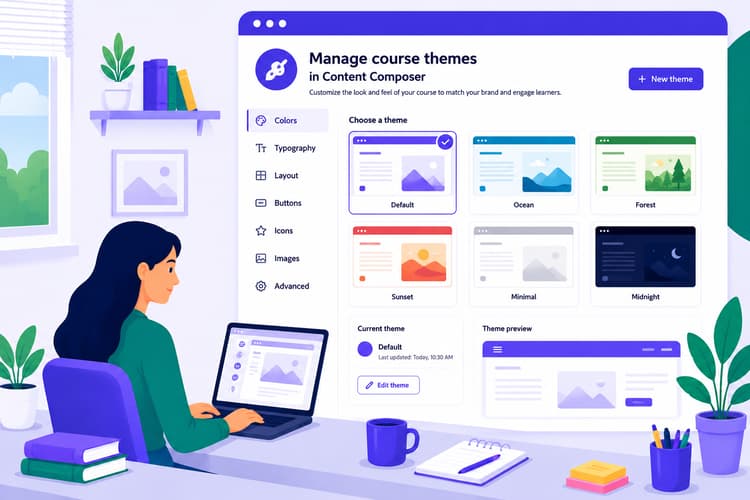
Apply, customize, create, and import visual themes to control how your course looks and feels.

Share your course for review with colleagues or give learners direct access to the course.
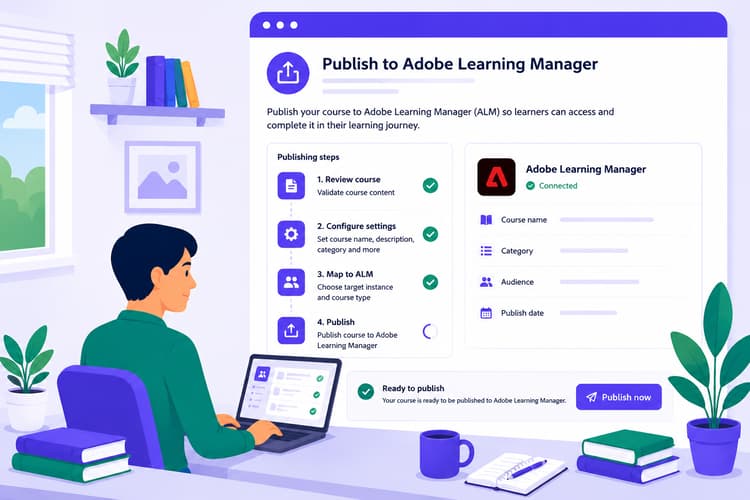
Publish to Adobe Learning Manager
Deploy your finished course to Adobe Learning Manager and understand how Content Composer and ALM divide authoring, delivery, and reporting responsibilities.
Look things up lookthingsup
Quick answers, current constraints, and the full JSON schema. Everything you need to look something up fast.
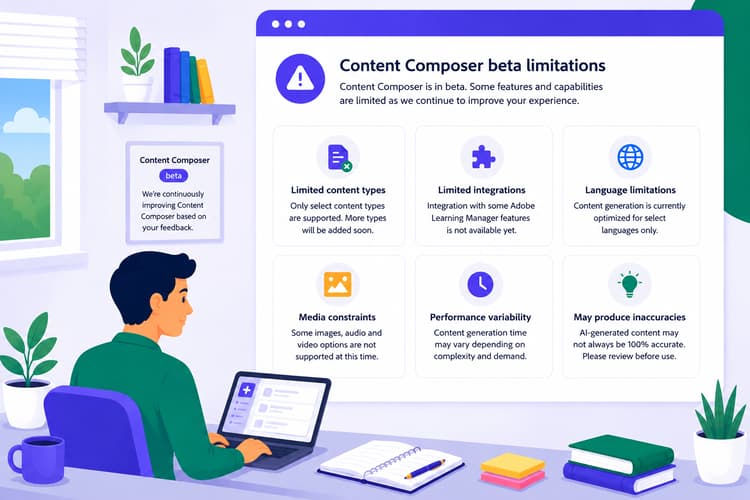
A complete list of current constraints, workarounds, and roadmap status. Updated as features ship.
Quick answers to the most common questions about authoring, settings, sharing, and publishing.

Every property in the Content Composer theme JSON schema, with descriptions and example values.
Start creating startcreating
You have everything you need. Open Content Composer and build your first course.