Create a campaign
In Adobe Journey Optimizer (AJO), a campaign serves as a container that brings together all the elements required to deliver personalized experiences to a targeted audience. It orchestrates when and how offers are presented, linking components such as channels, placements, collections, and decision strategies.
-
Login to Journey Optimizer.
-
Click Journey Management > Campaigns > Create campaign > Schedule Marketing.
-
Provide a meaningful name to the campaign
-
Navigate to the Action tab
-
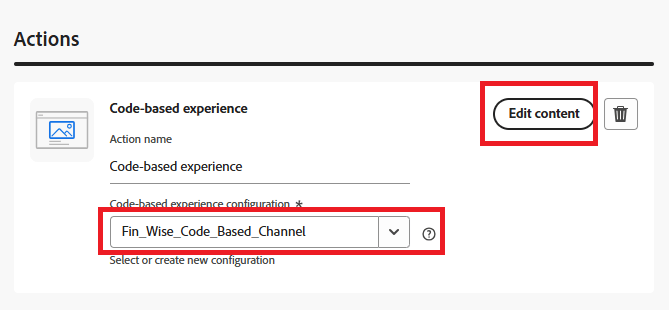
Select Code-based experience action, then select the configuration created in the earlier step.
-
Click Edit content.
-
To open the personlization editor, Click Edit code.
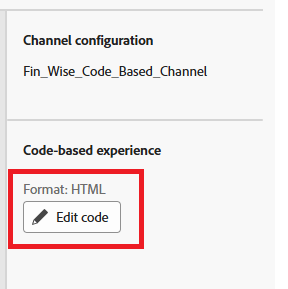
The personalization editor is a non-visual experience creation interface which allows you to author your code.