Dynamic Media dynamic-media
See how Dynamic Media renditions show up in the Assets view, and where Dynamic Media configuration lives in the Admin view.
Assets view
See how Dynamic Media renditions for an asset show up directly in the Assets view, so you can review responsive images and interactive viewers as part of your regular asset workflow.
| embed |
|---|
| https://video.tv.adobe.com/v/3503497/?learn=on&enablevpops |
| video-transcript |
|---|
| https://video.tv.adobe.com/vc/3503497/eng.json |
Admin view
Dynamic Media configuration and setup still happen in the Admin view. For a complete walkthrough, refer to the Dynamic Media overview.
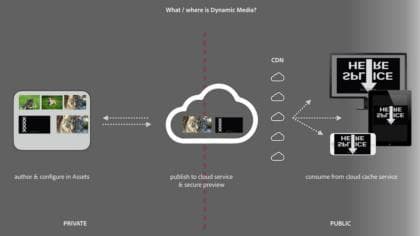
Learn how Dynamic Media manages and delivers responsive images, video, and interactive viewers across every channel.
Explore Dynamic Media Templates and best practices for managing and delivering content efficiently.
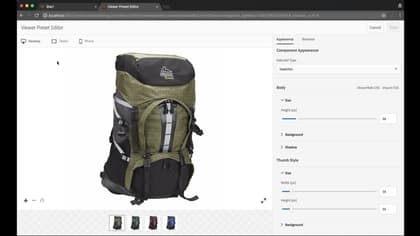
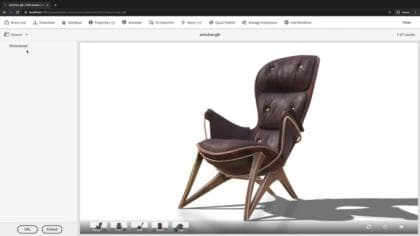
Customize and deliver interactive 3D-powered experiences at scale with Dynamic Media 3D.
recommendation-more-help
experience-manager-learn-help-assets