[AEM Assets]{class="badge positive" title="Applies to AEM Assets)."}
Panoramic images panoramic-images
This section describes working with the Panoramic Adobe Image Viewer to render spherical panoramic images for a 360° viewing experience of a room, property, location, or landscape.
See also Manage viewer presets.
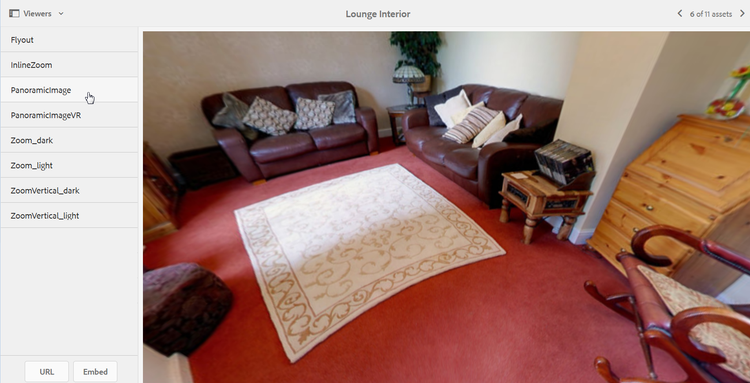
Upload assets for use with the Panoramic Adobe Image Viewer uploading-assets-for-use-with-the-panoramic-image-viewer
For an uploaded asset to qualify as a spherical panoramic image that you intend to use with the Panoramic Adobe Image Viewer, the asset must have one or both of the following:
- An aspect ratio of 2.
- Tagged with the keywords
equirectangularorsphericalandpanoramaorsphericalandpanoramic. See Use Tags.
Both the aspect ratio and keyword criteria apply to panoramic assets for the asset details page and the Panoramic Media WCM component.
To upload assets for use with the Panoramic Adobe Image Viewer, see Upload assets.
Preview Panoramic Images previewing-panoramic-images
See Preview assets.
Publish Panoramic Images publishing-panoramic-images
See Publish assets.