Adobe Workfront On-demand Workshops workfront-workshops
Release Webinars
This ongoing video series offers a clear and concise overview of each quarterly Adobe Workfront release. Whether you’re a system admin, power user, or just curious about what’s new, these sessions are designed to help you stay informed and confident about the latest updates. In partnership with the Product Management team, these events highlight key features, functionality enhancements, and tips to quickly understand what’s changing and how those changes can benefit your organization.
Adobe Workfront Second Quarter 2026 Release Webinar
Discover the latest updates in Adobe Workfront's Q2 2026 release, including enhancements in planning, workflow, and more.
Workshop Rewind
June has arrived and so has the latest edition of The Workfront Wire! This newsletter is your one-stop-shop for the latest news, updates, events, and everything happening across the Workfront world.
Looking for more? Explore the latest from your Adobe Workfront community through our curated selection of on-demand events. Use the left navigation menu to browse topics under Workshop Rewind, where sessions are grouped by Fusion, Planning, and Workflow to help you quickly find content tailored to your needs.
And make sure to join upcoming live events to ask questions, share insights, and collaborate with peers. Visit the Experience League Workfront Events page regularly to see what’s coming up next!
Power Templates - How IDEXX Reconfigured Project Templates for Global Success
Templated approach for global campaigns with localization scenarios!
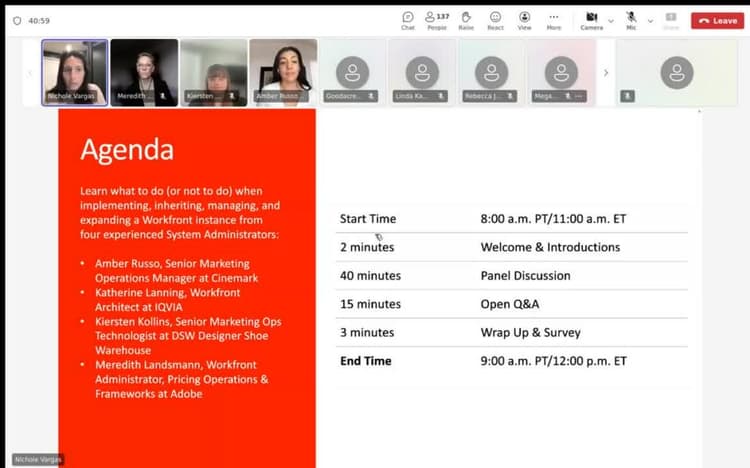
Discover insights from veteran Workfront admins on managing workflows and driving system adoption effectively.
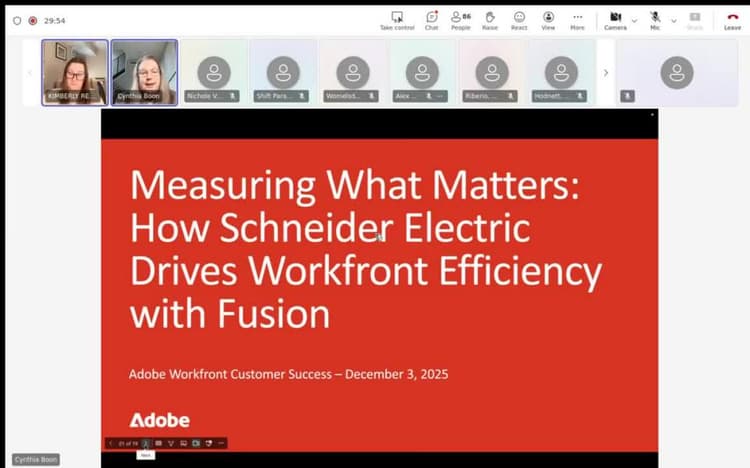
Measuring What Matters - How Schneider Electric Drives Workfront Efficiency with Fusion
Discover how Schneider Electric uses Workfront Fusion to streamline processes, save time, and enhance efficiency in their creative studios.
Quick Takes
Looking for quick, practical insights to strengthen your Adobe Workfront expertise? These Quick Takes offer two powerful series designed to help you level up fast. The Top 3 videos offer short, bite-sized highlights—three tips, features, or creative approaches shared by real users and experts—so you can walk away with actionable ideas you can apply right away.
The Versus! videos take a side-by-side approach, breaking down Workfront features that may look similar but serve different purposes. Each episode compares two objects, clarifies their unique strengths, and helps you understand when to use each one.
Whether you’re a Workfront admin, project manager, or everyday user, this section delivers clear, concise guidance to help you make smarter decisions, optimize your setup, and get more out of Workfront—fast.

Top 3 Approaches to Office Hours
Discover tips, resources, and community best practices for running effective Adobe Workfront Office Hours to boost adoption and engagement.
Discover the differences between issues and projects in Workfront, and learn which approach suits your team's workflow and reporting needs.
Expert Insights
The Workfront Expert Insights series is your go-to resource for unlocking practical strategies and advanced tips from seasoned Workfront practitioners. Each video dives into a new theme: from governance and request queues to SLA reporting, Fusion use cases, content supply chain workflows, and more.
These sessions feature real-world solutions, customer examples, and actionable takeaways designed to help Workfront users at all levels optimize their setup, scale operations, and get more value from the platform. Whether you’re looking to solve a specific challenge or spark ideas for innovation, Workfront Expert Insights offers a behind-the-scenes look at how experts get it done.

Expert Insights – Content Supply Chain with Corre Kombol
Learn expert strategies from Corre Kombol on optimizing your content supply chain with Adobe solutions. Boost efficiency, collaboration, and results.

Expert Insights – Fusion with Ewan Hruska
Learn Fusion best practices from Ewan Hruska. Discover how to document, optimize, and scale workflows with Adobe Workfront Fusion for efficiency.

Expert Insights – Governance & Centers of Excellence with Danielle Johnston
Discover strategies from Danielle Johnston on using Workfront to build governance and centers of excellence that drive adoption and positive change.