Acrobat tutorials
Adobe Acrobat, an Adobe Document Cloud solution, helps keep business moving by converting, editing, sharing, and signing PDFs. Here you can find a wide range of learning experiences designed to quickly bring both beginners and advanced users up-to-speed on Adobe Acrobat.
NOTE
Feature access depends on your Acrobat plan. Use the Acrobat plan comparison to identify the features available to you. Some features are being rolled out in phases and may not be available to everyone yet.
recs-overview-body-1
recs-overview-body-2
recs-overview-body-3
recs-overview-body-4
recs-overview-body-5
recs-overview-body-6
Featured learning paths
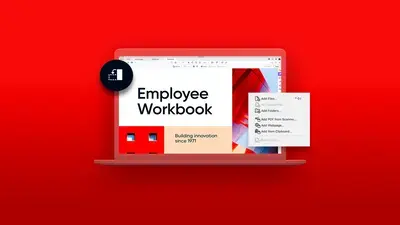
Get up-to-speed on how to create, edit, convert, protect, and more with PDF files

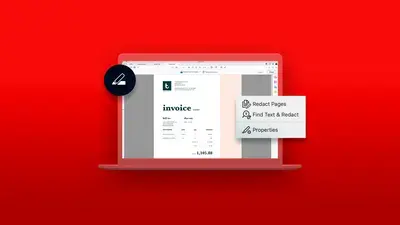

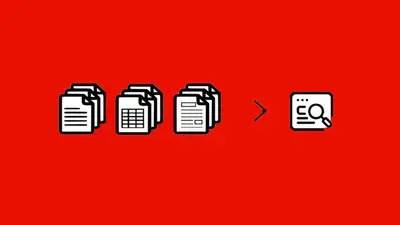
Learn how Analyzer in Acrobat Studio helps you pull structured, cited data out of large volumes of documents


Bite-sized tutorials to help you learn a new trick in Acrobat in one minute or less

Add Acrobat to your existing applications like Microsoft, Google Drive, Dropbox, and Box
recommendation-more-help
document-cloud-learn-help-acrobat