Acrobat for government
Explore our Acrobat tutorials specifically designed for federal, state, and local government.
5 tips for working anywhere with Acrobat
5 tips for working anywhere with Acrobat (complete 15:12)
Learn how to get and use the tools in Acrobat and its companion mobile apps to work from anywhere
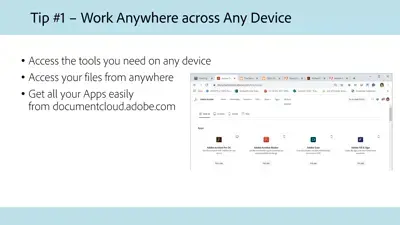
The first step to start working from anywhere is to get your Acrobat tools and companion mobile apps
Tip #2 - Collaborate on documents
Create simple and effortless workflows for collaborating on documents
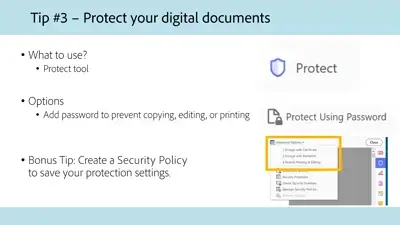
Tip #3 - Protect digital documents
Add a password to your PDF to prevent copying, editing, or printing
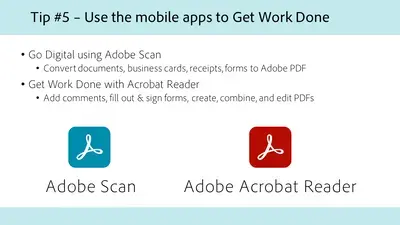
Tip #5 - Scan and edit on mobile
Learn how to work with Adobe Scan and Acrobat Reader mobile apps to get work done from anywhere
recommendation-more-help
b1fdbcf6-5f91-48b1-9f38-01388e7598b4