Analyzer in Acrobat Studio overview
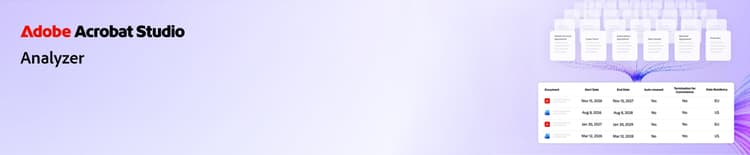
Learn how to use Analyzer in Acrobat Studio to turn complex documents into clear insights. These short tutorials help you get started, explore advanced capabilities, and see real-world use cases.
[Watch overview video]{class="badge informative"}
What’s new
Essentials
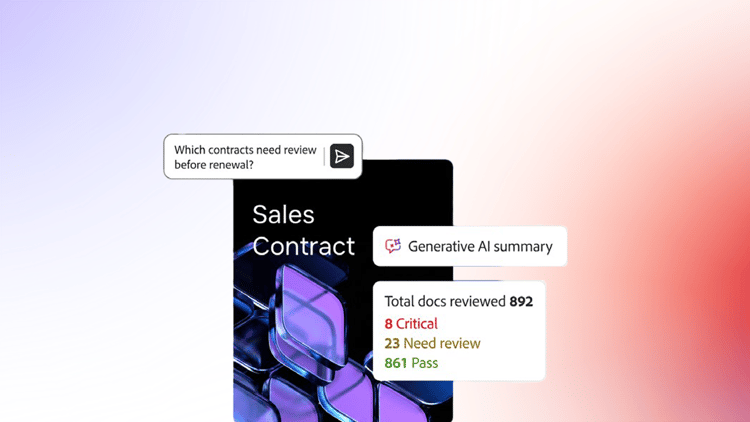
Get started with the basics. Learn how to use Analyzer in Acrobat Studio to quickly understand, summarize, and interact with your documents.
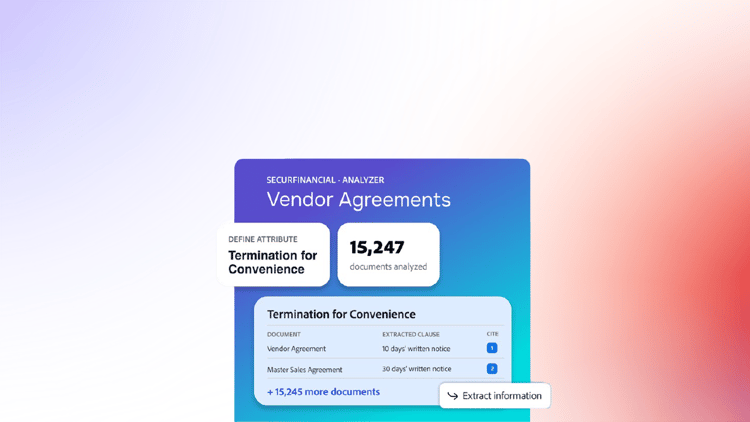
Learn how Analyzer in Acrobat Studio helps you pull structured, cited data out of large volumes of documents
Learn how to create manual and linked Collections, apply attributes, and keep documents organized as your content grows
Learn how to create, test, and refine attributes with Analyzer in Acrobat Studio
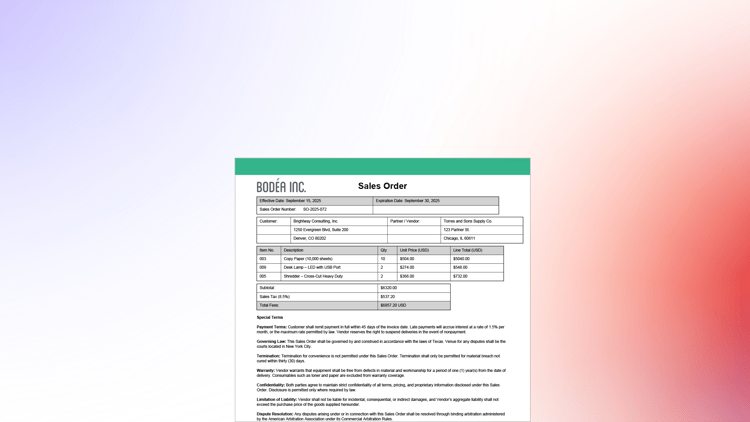
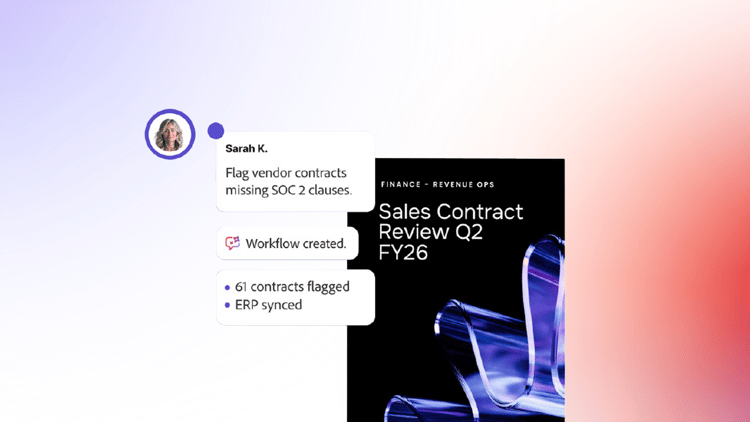
Learn how to export extracted data, share a collection, compare two documents, and use AI Assistant for quick, ad-hoc questions
Use cases in action
See real-world scenarios. Learn how different teams leverage Analyzer in Acrobat Studio to work smarter and faster.
M&A: Audit contracts after an acquisition
Learn how M&A teams can analyze large contract sets to identify key obligations, terms, and potential risks in minutes instead of weeks
Finance: Review contracts for revenue recognition & audits
Learn how finance teams can prepare for audits, support revenue recognition, and identify accounting risks faster
Privacy & information security: Review data privacy agreements
Learn how privacy and information security teams can identify compliance gaps and validate obligations with traceable results
Construction: Find margin risks in subcontracts
Learn how construction and project teams can find missed change orders, aging RFIs, and gaps in subcontract protections before they affect margins

Information security audit: Identifying vendor risk
Learn how to pro-actively identify information security risk from vendor contracts