Coworker for teams overview overview
Coworker for teams is designed for smaller organizations with more agile marketing teams needing content generation, journey building, and analytics in a single tool.
At this time, all interactions with the AI will direct you towards campaign generation. More functionality is coming soon.
How to access
-
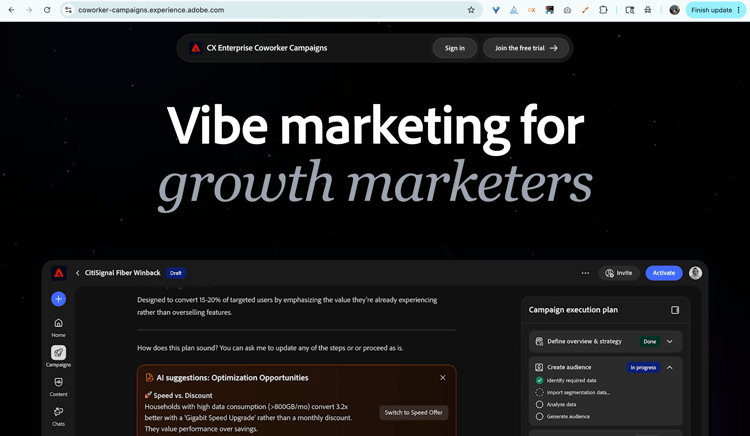
Go to coworker-campaigns.experience.adobe.com.
-
If you have an existing Adobe account, click Sign in. If you do not, click Join the free trial and create an account using your business email.
Existing Adobe customers are auto-approved and routed straight to the trial environment to accept the terms.
If you are not an existing customer, request access by selecting Create an account. Adobe reviews requests and approves business emails. You will receive an email when your request is approved (be sure to check your Spam folder).
-
Accept the trial terms.
-
Set up your brand under Your stuff > Brands. Coworker for teams uses this as the default for every campaign you generate.
-
(Optional) Upload an HTML email template under Email templates for Coworker for teams to apply your design when generating content.
You are ready to generate your first campaign.
A tour of the interface
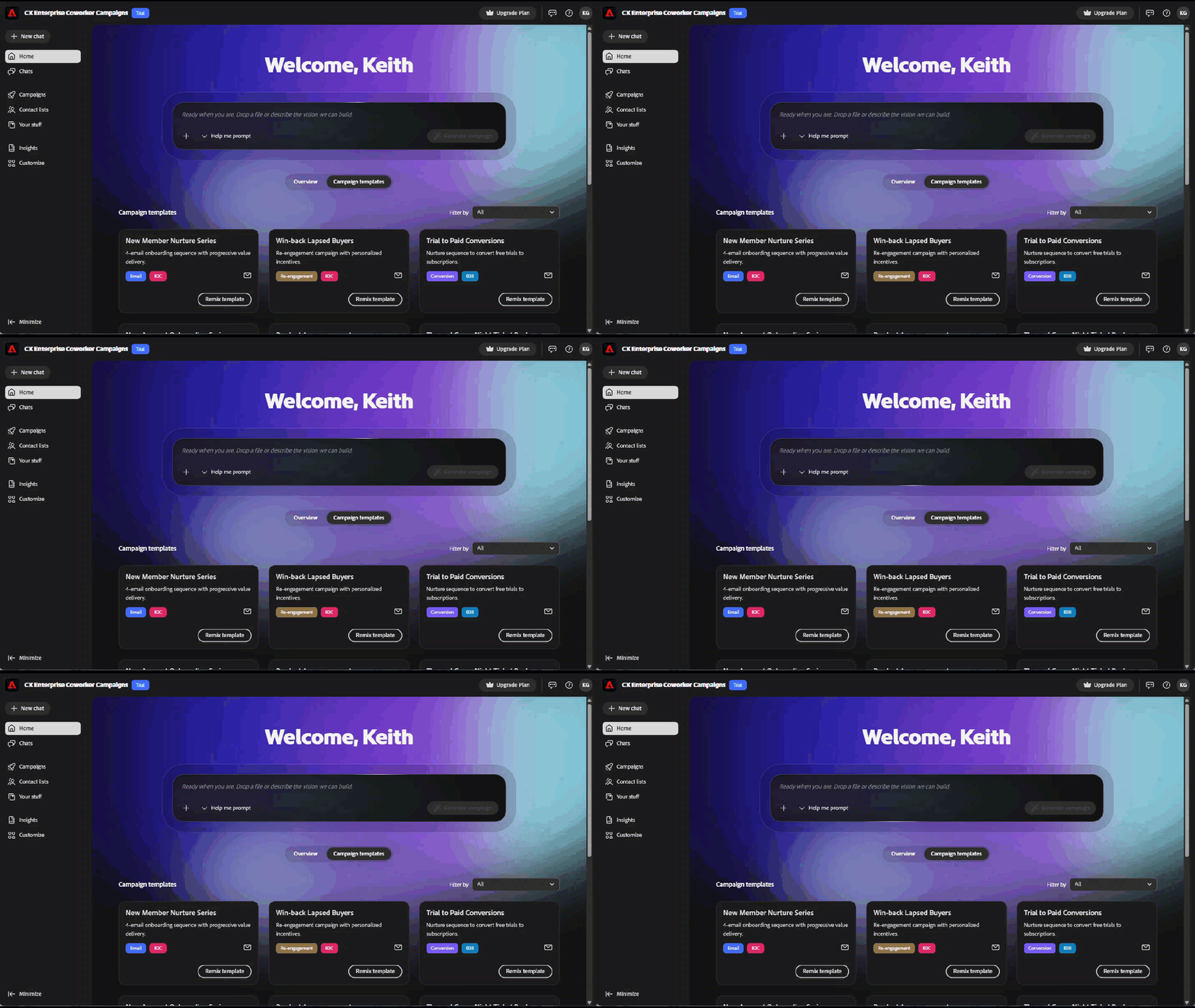
The Coworker for teams interface is organized around a left-hand navigation.
What you can do with Coworker for teams
Coworker for teams brings five workflows that usually span five different tools into one conversational experience:
- Turn a brief into a campaign plan. Drop in a prompt or upload a brief, and Coworker for teams returns a structured, end-to-end plan.
- Build and refine audiences. Upload a CSV or connect your data, then refine the segment in conversation.
- Generate on-brand content. Coworker for teams writes emails that match your brand voice, references, and templates.
- Design multi-step journeys. Coworker for teams assembles nurture sequences, not just one-off sends.
- Send proof emails. Preview every message in your own inbox before launch.
- Launch and analyze. (Coming soon) Send campaigns and get next-best-step insights without leaving Coworker for teams.
How the AI works
Coworker for teams follows a simple, multi-turn conversational loop:
Input. You provide a campaign goal, your audience (uploaded or connected), and optional brand context.
Processing. The Coworker for teams agentic AI generates a campaign plan, builds a journey, and drafts personalized content. All of which you can make updates to, conversationally.
Output. A draft campaign appears on your campaign board, ready for review, iteration, and eventual launch.
You can talk to Coworker for teams at any point (for example, “make the second email more urgent,” “shorten the subject lines,” or “swap the audience to lapsed customers from Q3”) and it will update the artifacts in place.
Tips for getting started
A few things early users have found that make a real difference:
- Start with a specific, real use case. “Create a win-back series for customers who have not ordered in 90 days” beats “make me a campaign.” See Use cases for specific examples.
- Clean your audience data. Coworker for teams can only personalize as well as your CSV allows. Exclude any contacts you should not be emailing before you upload.
- Invest in your brand setup. Coworker for teams extracts brand details when you sign up. A quick review of Your stuff > Brands benefits every campaign you generate.
- Send a proof email. Before you launch, send a proof and review it in your own inbox.
- Iterate, do not restart. Treat the Coworker for teams first output as a starting point. The fastest path to great is a few rounds of refinement, not a fresh prompt.
- Export when you need a paper trail. Export individual emails as HTML or the full campaign as a Word doc or PDF for team review.
- The escape key. Press the escape key any time you are in a Campaigns Coworker editor or dialogue (campaigns, journey, etc.) to quickly exit.
What to know about the trial
Coworker for teams is a product in active development. Here is what to know going in:
- Trial window: Now through December 31, 2026.
- Acceptance required: You will need to review and accept the trial terms before accessing the product.
- Region: The free trial is only available to users in North America at this time.
- Audiences: Audiences are uploaded via CSV. All audiences are specific to their respective campaigns (they are not stored anywhere else in your environment at this time).
- Data guidance: Do not upload sensitive or regulated data. Coworker for teams is not currently intended for HIPAA-regulated industries.
- Compliance: You are responsible for following email regulations (unsubscribe links, privacy policies, etc.).
- Send limit: (Coming soon) When Launch is available, you can send up to 5,000 emails per month.
Video overview
New capabilities will ship during the trial. Your feedback helps shape what comes next. Submit feedback via the in-product feedback icon in the header.