Accessing Control Panel accessing-control-panel
The Control Panel is available directly from the Experience Cloud, or from the product itself.
Prerequisites prerequisites
For Campaign v7/v8, note that your instance must be hosted on Amazon Web Services (AWS) and upgraded to the latest Campaign stable build or to build 9032 or higher. Learn how to check your version in this section. To check if your instance is hosted on AWS, follow the steps detailed in this page.
Campaign v8 instances hosted on Microsoft Azure also have access to a subset of Control Panel capabilities: IP allow listing for instance access, IP allow listing for SFTP servers, and customer-managed SSL certificate management.
Access from the Experience Cloud Platform access-experience-cloud-platform
To access the Control Panel from the Adobe Experience Cloud Platform, follow the steps below.
-
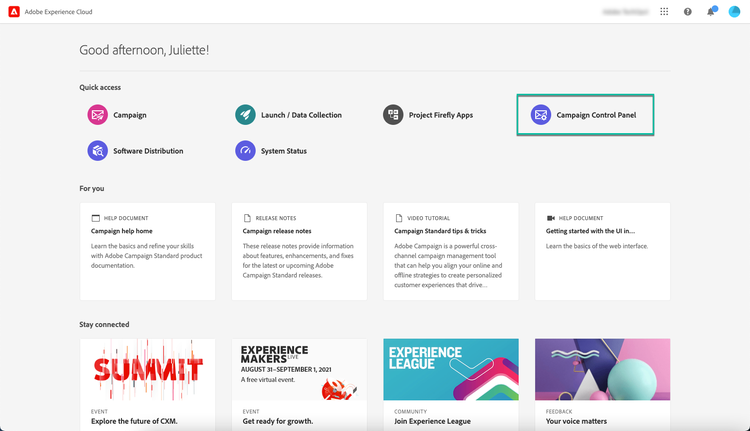
Navigate to the Experience Cloud homepage.
-
Click the dedicated link in the Quick Access section.
The Control Panel is also accessible from the Experience Cloud Platform solution picker:
-
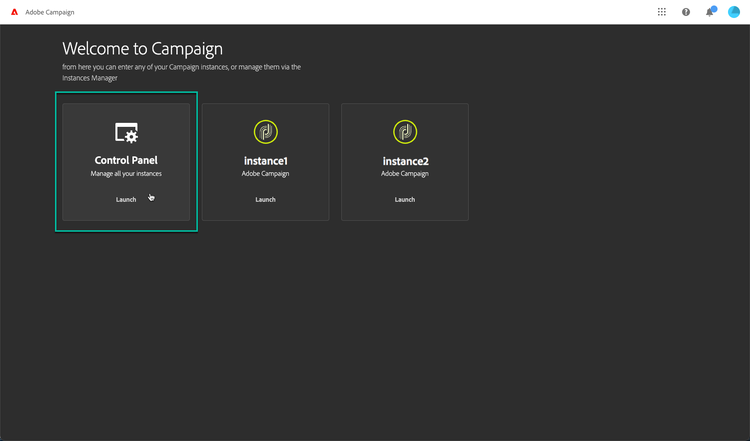
From the Adobe Experience Cloud homepage, select Campaign from the Quick Access section or the top menu on the right.

-
The list of your Campaign instances displays. Click the Control Panel card to launch it.
Access from the product access-product
-
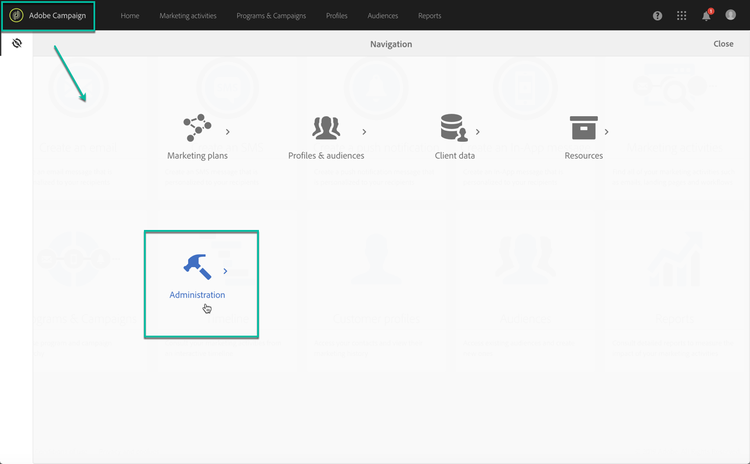
Open your Campaign Standard product.
-
Select the Administration menu from the Navigation pane.
-
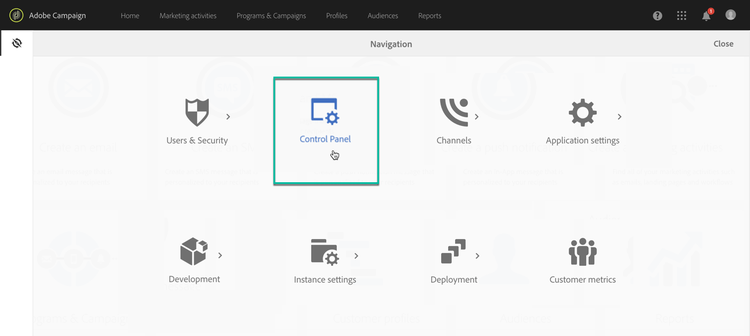
Click the Control Panel icon.