General > Bulk API
To access the store configuration settings, choose Stores > Settings > Configuration from the Admin sidebar.
General
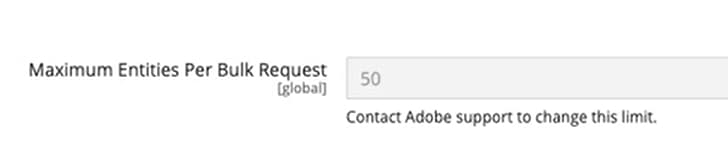
Maximum Entities Per Bulk Request
Global
Displays the maximum number of entities that can be processed in a single bulk request. Bulk APIs are recommended to combine multiple calls into a single request to reduce the number of requests and improve performance. Customers can request an increase to the Maximum Entities Per Bulk Request by contacting Adobe Commerce Support. Adobe will review your use case and determine if increasing your bulk request size is appropriate.
recommendation-more-help
commerce-admin-help-configuration-reference