Get started with LINE messages get-started-line
LINE is an application for free instant messaging, voice and video calls, available on all mobile devices and on PC. You can use Adobe Campaign to send LINE messages. Use LINE in standalone deliveries or in workflows, alongside your other channels.
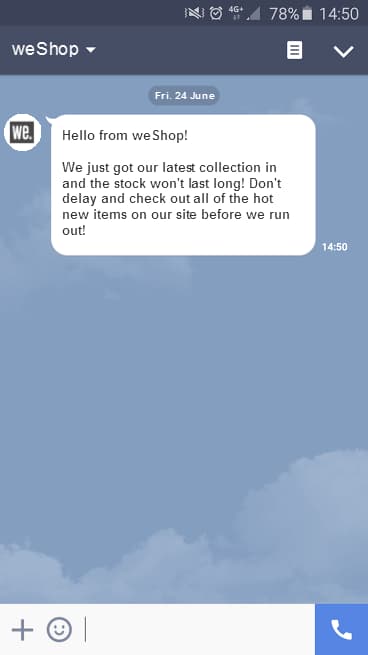
-
Deliveries: Create a standalone LINE delivery from the Deliveries menu on the left rail, similar to SMS or push. Learn more.
-
Workflows: In the workflow canvas, add a LINE channel activity, choose a delivery template, then define content and settings in the delivery dashboard. Learn more about channel activities in this section.
note NOTE In the Build audience activity that feeds your LINE channel activity, change the targeting dimension to Visitor subscriptions. Make sure you enable Show all schemas in the side panel. The delivery template selector only becomes available once this targeting dimension is set.
recommendation-more-help
campaign-web-help-v8