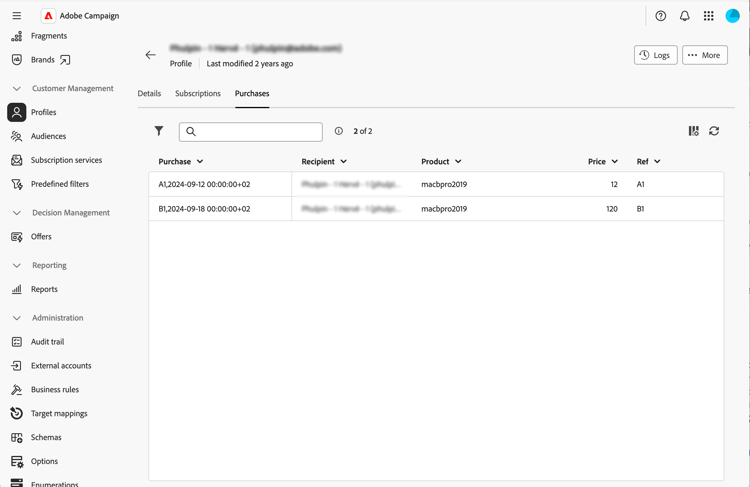
Add collection lists collection-lists
The List of custom lists section allows you to define collection links, such as purchases. The related data is then displayed in profile screens through a dedicated tab.
For more information on the screen definition screen and how to access it, refer to the Access the screen definition section.
To add collections lists:
-
Browse to the Schemas menu, and locate editable schemas using the filters.
-
Select the schema name in the list to open it and click the Screen edition button in the schema details view to access the screen definition.
-
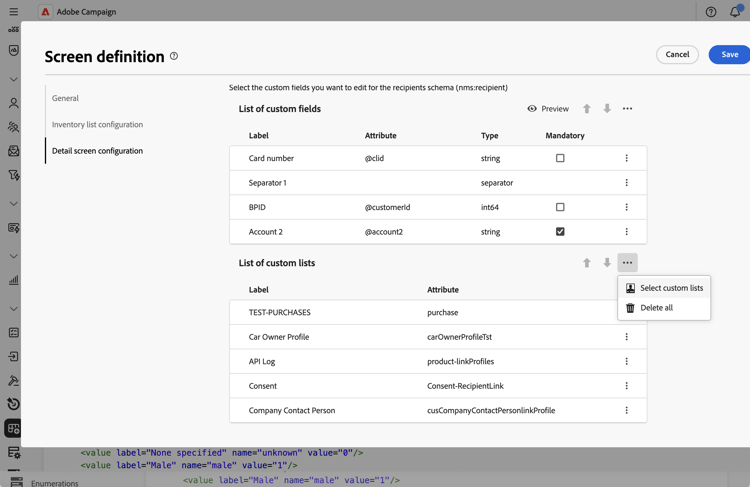
Click the ellipsis icon and choose Select custom lists.
-
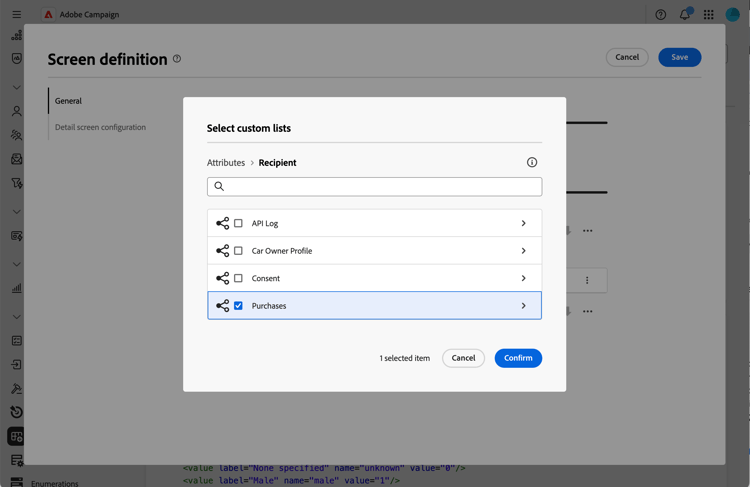
Select one of the available custom lists, for example purchases, then click Confirm.
-
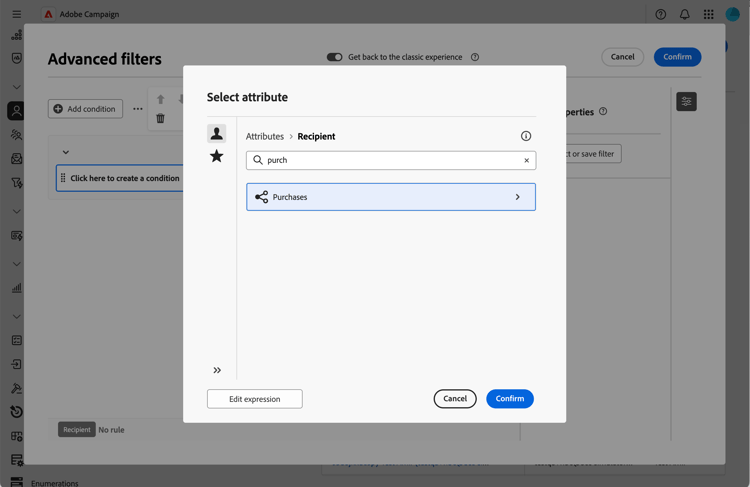
Browse to the Profiles menu and filter profiles that have made purchases.
-
Click on a profile. You notice that the new tab is displayed. You can add more columns if needed.