Interaction and offer management interaction-and-offer-management
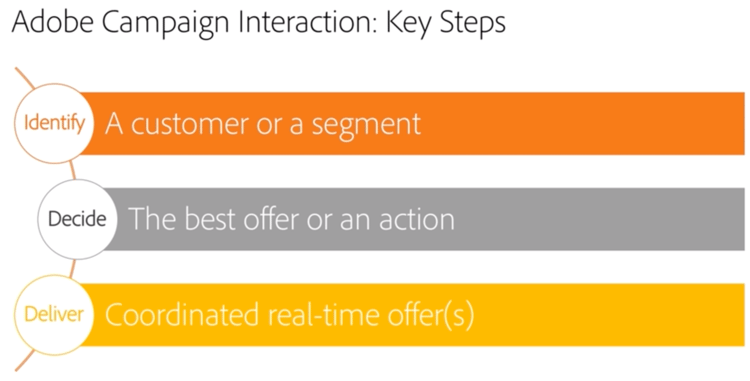
Interaction lets you respond in real time during an interaction with a given contact (a customer or target) by making them a single or several adapted offers. For example, these can be simple communication messages, special offers on one or several products or a service.
Offers are sent to contacts via an inbound (website or call center) or outbound (email delivery, direct mail or SMS within a marketing campaign) contact.
You can create an offer catalog that will interface with inbound and outbound channels to select the best offer to send to a contact in a given context. Offer relevance for a recipient is defined based on eligibility rules. The selection of an offer from a set of relevant offers is determined using priority rules. Offer presentation rules take into account the contact’s exchange history and help avoid having them receive the same offer several times.
Interaction lets you create and manage a catalog of offers, and configure the eligibility rules and application themes linked to them. Depending on the channel chosen, offer content can be personalized thanks to various rendering functions. Finally, you can use the simulation module to calculate the impact of an offer presentation.
As part of the transition from Campaign v7 to v8, the Campaign Classic documentation set has been streamlined and reorganized. Common features are now available exclusively in the Campaign v8 documentation set. To learn more about Interaction, refer to the Campaign v8 documentation.

This section only covers the Interaction capabilities that are not described in the Campaign v8 documentation: offer simulation, offer presentation, offer approval, offer templates and advanced settings.