Einrichten von AEM Agent-Kenntnissen
Erfahren Sie, wie Sie AEM Agent Skills für KI-unterstützte Entwicklung einrichten.
Wenn Sie einen Codierungsagenten über eine KI-gestützte IDE auffordern, AEM-Entwicklungsaufgaben zu bearbeiten, kann er AEM-Agentenkenntnisse Verfahrensanleitungen von Adobe verwenden, anstatt sich nur auf allgemeine Modellschulungen oder was immer er auch nur aus Ihrem Repository ableiten kann, zu verlassen.
Adobe stellt die Kenntnisse des AEM-Agenten über das Repository Adobe Skills zur Verfügung. Siehe auch KI-unterstützte Entwicklung , wie Adobe bei der KI-unterstützten Entwicklung hilft.
In diesem Tutorial installieren Sie die Kenntnisse in einem lokalen Klon des WKND Sites-Projekts. Sie können dieselben Schritte für Ihr eigenes AEM as a Cloud Service-Projekt verwenden.
Voraussetzungen
Für dieses Tutorial benötigen Sie Folgendes:
- Ein lokaler Klon des WKND Sites-Projekts oder Ihres eigenen AEM as a Cloud Service-Projekts.
- Eine KI-gestützte IDE wie Cursor oder Visual Studio Code mit GitHub Copilot.
AEM Agent-Kenntnisse installieren
Installieren Sie AEM Agent-Kenntnisse mit dem npx-Befehl (erfordert Node.js, damit npx verfügbar ist). Weitere Installationsoptionen, z. B. Claude-Code-Plug-ins oder die GitHub-CLI-Erweiterung, finden Sie im Abschnitt Installation im Repository für Adobe-Kenntnisse.
-
Klonen Sie das WKND Sites-Projekt lokal:
code language-shell $ git clone https://github.com/adobe/aem-guides-wknd.git -
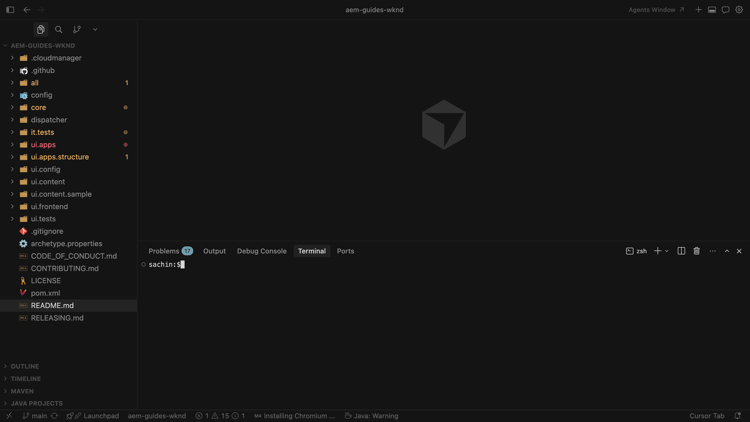
Öffnen Sie das geklonte Projekt in Ihrer KI-gestützten IDE (z. B. Cursor) und öffnen Sie das integrierte Terminal.
-
Führen Sie den folgenden Befehl aus, um AEM Agent-Kenntnisse für Cursor hinzuzufügen:
code language-shell $ npx skills add https://github.com/adobe/skills/tree/main/plugins/aem/cloud-service --agent cursorInformationen zu anderen Agententypen finden Sie im Installation im Adobe Skills Repository.
-
Wählen Sie nach Aufforderung aus, welche AEM Agent-Kenntnisse installiert werden sollen.
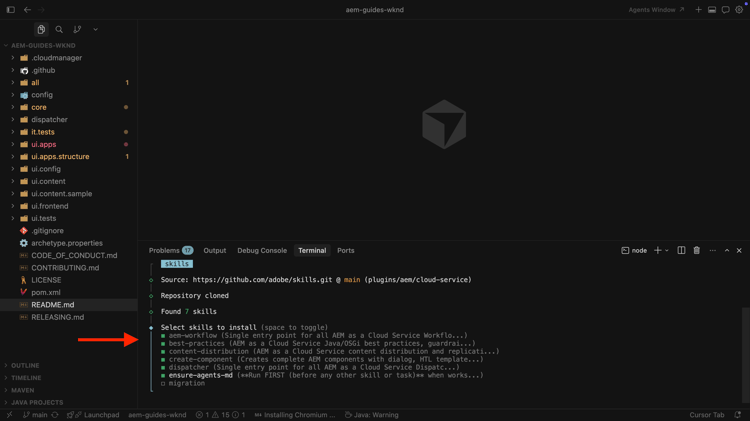
Wählen Sie die Qualifikation Ensure-agents-md aus, damit das Installationsprogramm AGENTS.md- und CLAUDE.md-Dateien im Repository-Stamm erstellen kann. Diese Bootstrap-Kenntnisse untersuchen Ihr Projekt, z. B. die
pom.xmlund Module, und generieren eine maßgeschneiderte Agentenführung.Wenn AGENTS.md bereits vorhanden ist, wird nicht.
-
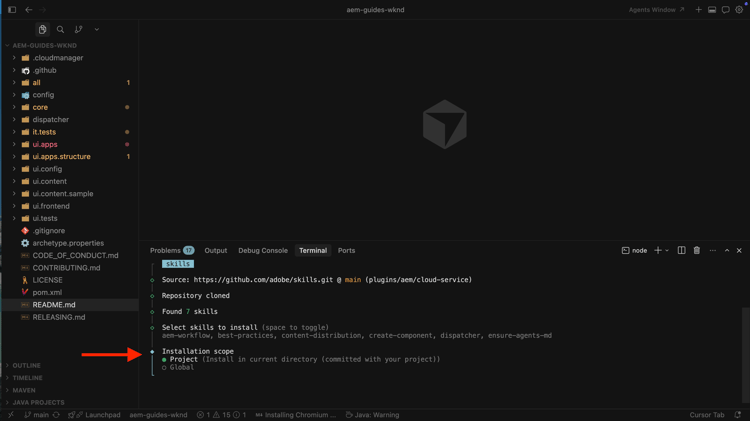
Wählen Sie den Installationsumfang aus. In dieser exemplarischen Vorgehensweise ist der Umfang Projekt typisch, damit Dateien mit Kenntnissen im Repository live sind.
-
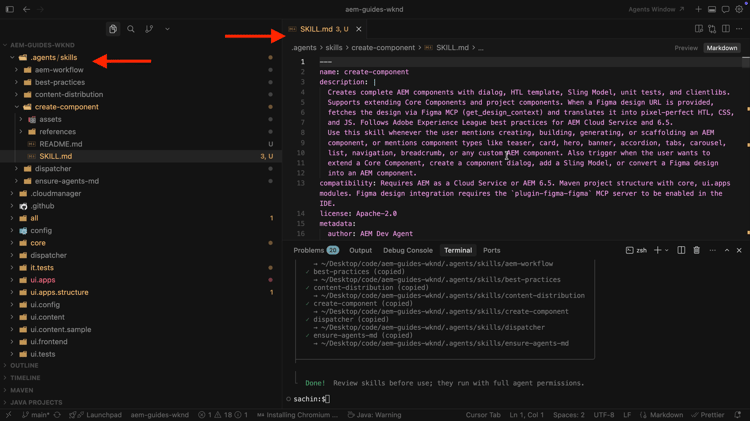
Bestätigen Sie die Installation unter
.agents/skills. Sie sollten SKILLS.md und die zugehörigen Referenz- und Asset-Ordner sehen.
-
Wenn Adobe Kenntnisse hinzufügt oder aktualisiert, verwenden Sie die CLI, um diese hinzuzufügen, zu aktualisieren, zu entfernen oder aufzulisten. So zeigen Sie alle Befehle an:
code language-shell $ npx skills --help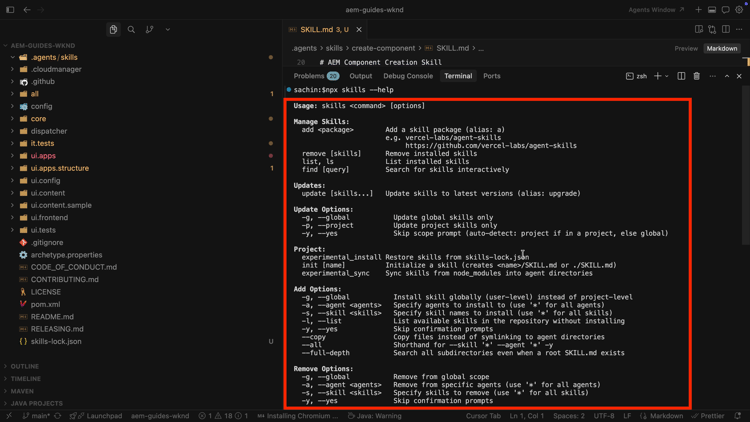
Anwendungsszenarien
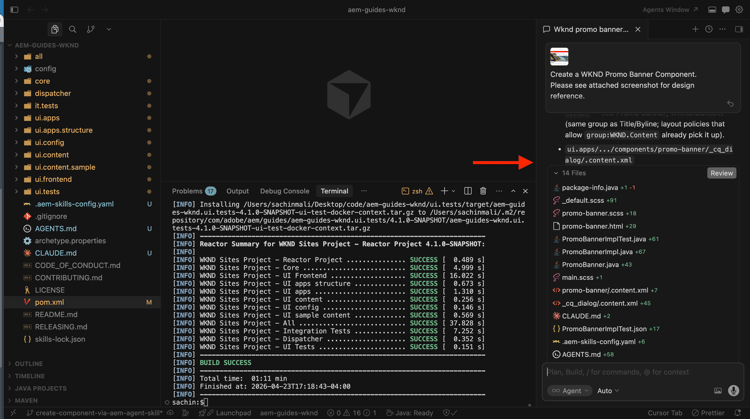
Erstellen der AEM-Komponente mit KI-unterstützter Entwicklung
Erfahren Sie, wie Sie mit KI-unterstützter Entwicklung AEM-Komponenten entwickeln können.