刪除已上傳的影像或檔案 delete-an-uploaded-image-or-file
刪除影像或檔案既快速又簡單。
CAUTION
刪除後,影像/檔案會從Marketo Engage中完全移除,且無法復原。
-
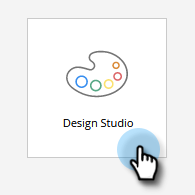
移至 Design Studio。
-
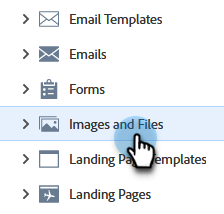
選取 Images and Files
-
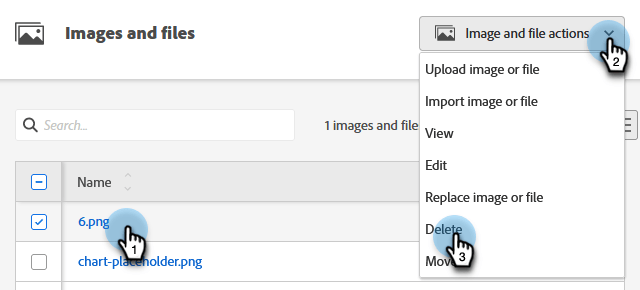
尋找並選取所需的影像/檔案。 按一下「Image and file actions」下拉式選單,選取「Delete」。
-
確認您已選取正確的檔案,然後按一下 Delete。
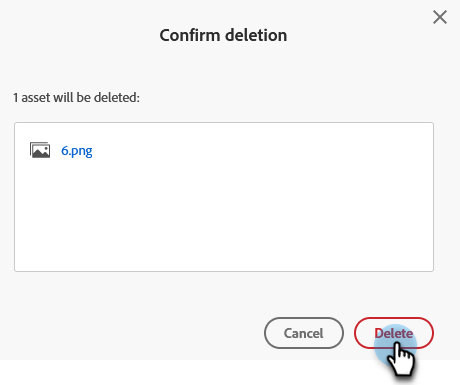
note note NOTE Assets不會刪除目前是否有人使用。
recommendation-more-help
94ec3174-1d6c-4f51-822d-5424bedeecac