設定 ON24 與 Marketo 的整合 set-up-the-on24-integration-with-marketo
以下說明如何設定您的ON24事件整合。
建立僅限API的角色 create-an-api-only-role
-
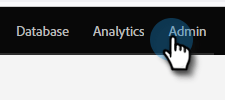
從「我的Marketo」,按一下「Admin」。
-
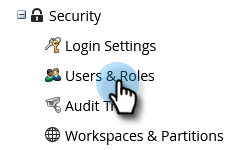
在Security底下,按一下 Users & Roles。
-
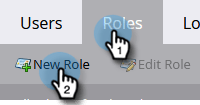
按一下「Roles」標籤,然後按 New Role。
-
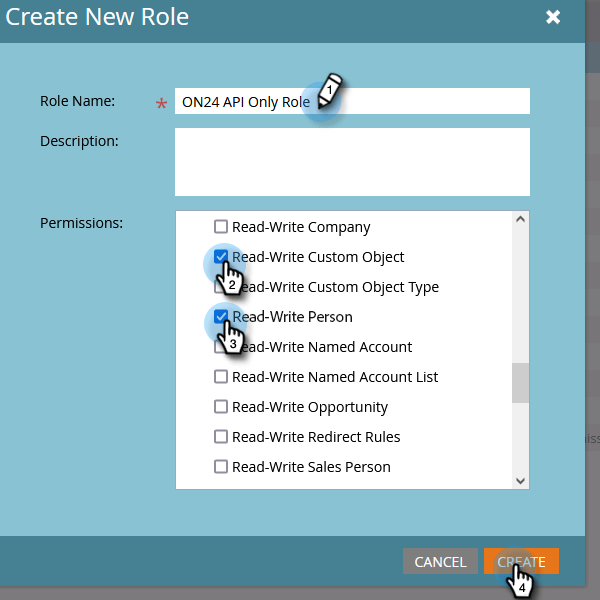
輸入Role Name。 開啟 Access API 功能表並選取"Read-Write Custom Object"和"Read-Write Person"。 按一下「Create」。
建立新使用者 create-a-new-user
-
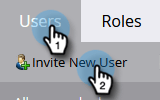
仍然在Users & Roles中,按一下 Users 索引標籤,然後按一下 Invite New User。
-
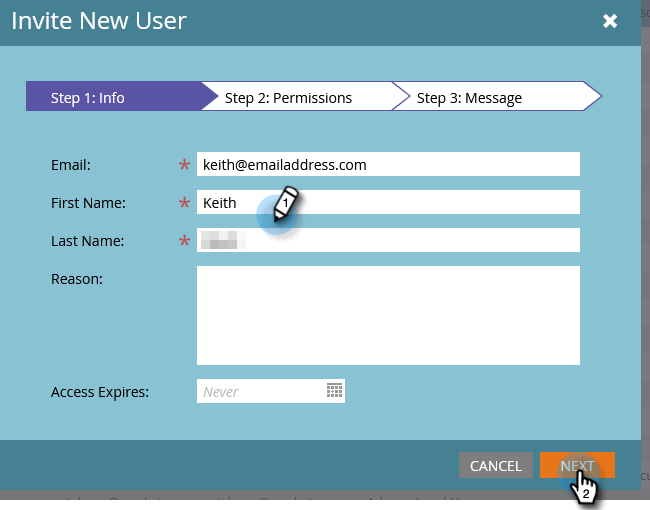
輸入新使用者的資訊並按一下 Next。
-
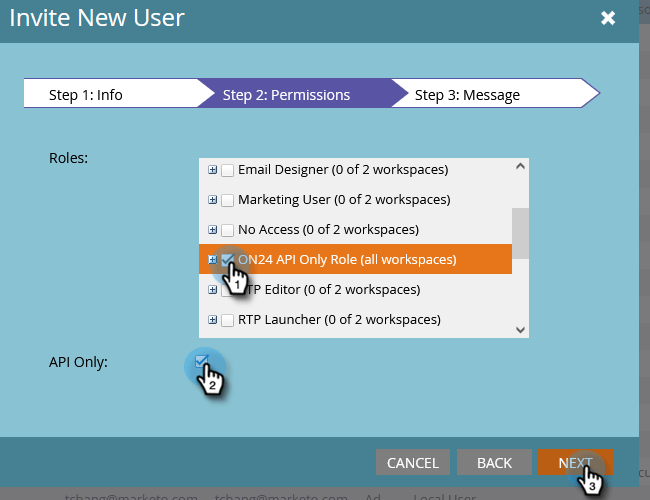
選取您剛建立的ON24 API Only Role (all workspaces)。 選取 API Only 核取方塊。 按一下「Next」。
-
按一下「Send」。

設定ON24連線 set-up-on24-connection
-
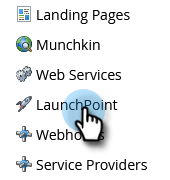
仍然在Admin區段中,按一下 LaunchPoint。
-
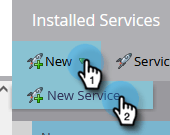
按一下 New,然後再按 New Service。
-
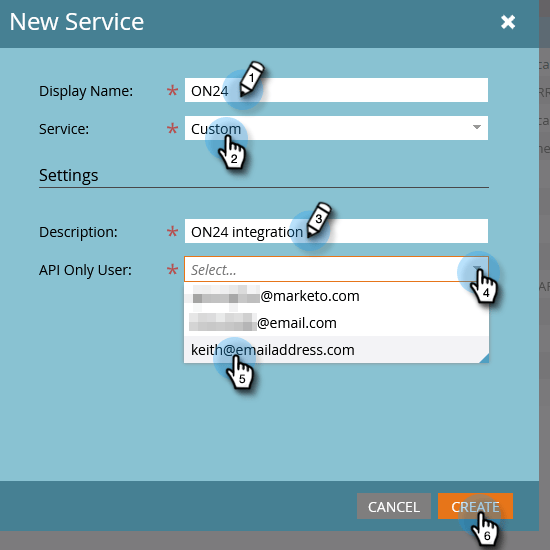
選擇display name。 按一下 Service 下拉式清單,然後選取 Custom。 輸入description。 按一下API Only User下拉式清單,並選取您在上面的步驟中建立的使用者。 按一下「Create」。
-
尋找您剛建立的自訂LaunchPoint服務,然後按一下View Details。

-
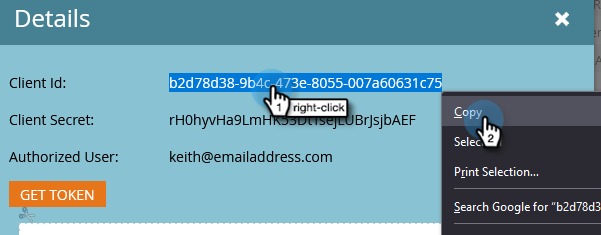
反白顯示、按一下滑鼠右鍵、複製並儲存Client ID (您稍後會需要)。 重複Client Secret。
-
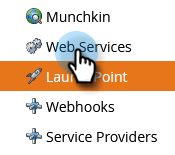
在左側的樹狀結構中,按一下 Web Services。
-
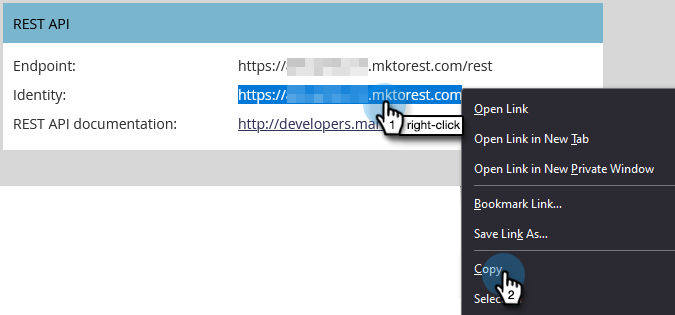
在「REST API」下方,反白顯示、按一下滑鼠右鍵、複製並儲存Identity的第一部分(直到.com中的'm')。
-
使用您儲存的使用者端ID、使用者端密碼和身分識別,導覽至您的ON24帳戶。 其餘步驟均在此執行,可在ON24檔案中找到。