使用者透過 Adobe ID 登入 user-sign-in-with-adobe-id
Adobe Identity 的使用者需要登入 Marketo Engage 應用程式時,必須透過 AdobeID 登入連結登入,而不是使用 Marketo Engage 登入頁面上的一般登入方式。按一下連結後,系統即會將使用者導向至 Marketo Engage 應用程式。
-
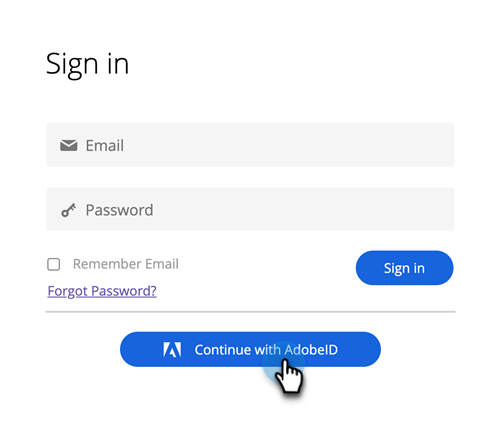
按一下 Marketo Engage 登入頁面上的 Continue with AdobeID。
-
輸入您的 Adobe 認證,然後按一下 Continue。
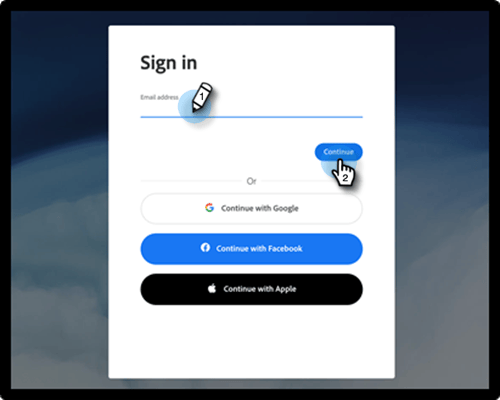
成功登入後,系統即會將您導向至 Marketo Engage 應用程式。
recommendation-more-help
94ec3174-1d6c-4f51-822d-5424bedeecac