在Adobe Learning Manager中建立試用帳戶
您可以在Adobe Learning Manager中輕鬆設定免費的30天試用帳戶,以探索功能並測試學習工作流程。 本指南說明從何處開始、如何註冊,以及如何在設定後尋找您的帳戶詳細資料。
若要建立試用帳戶:
-
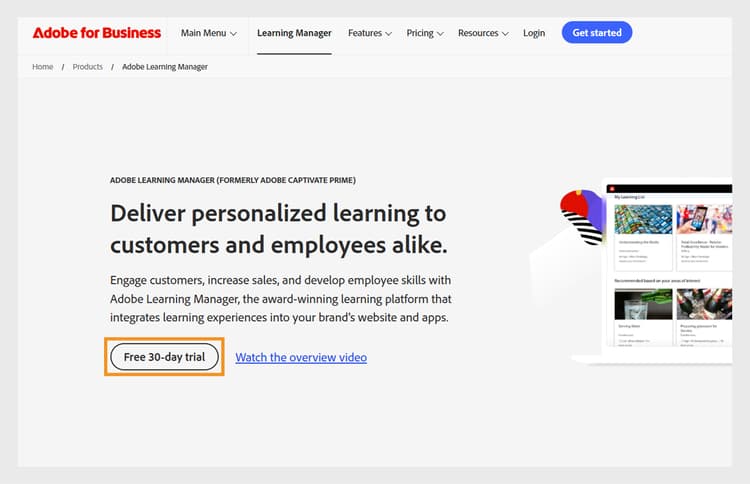
選取Free 30-day trial。
-
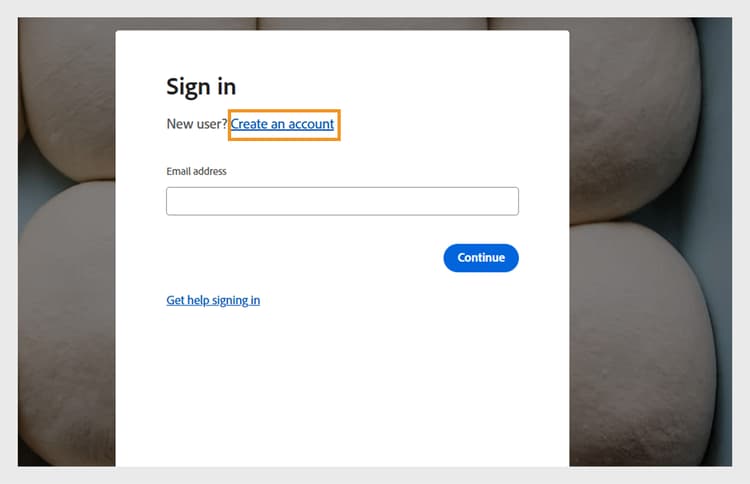
在登入頁面上選取Create an account。
-
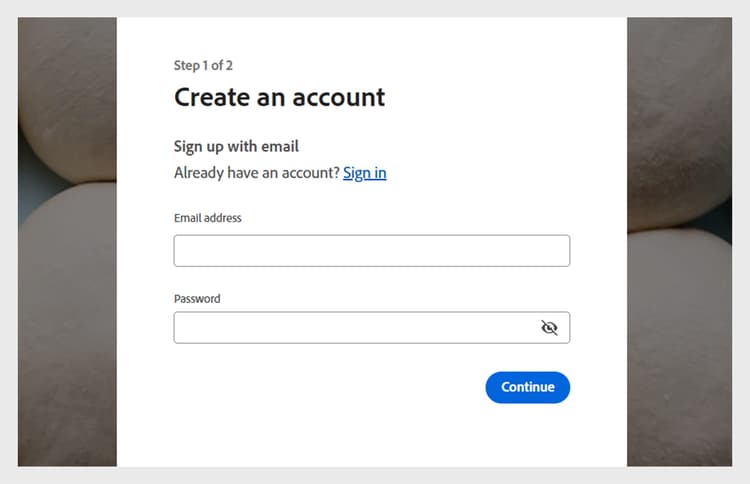
輸入您的 Email address 和Password。
-
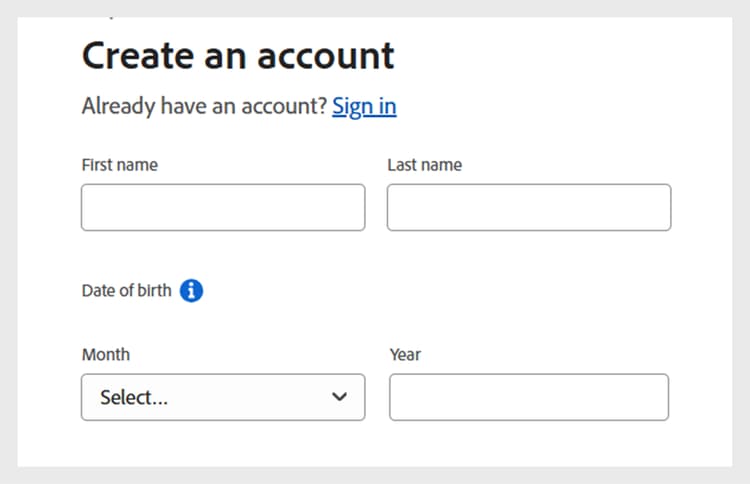
輸入下列詳細資料,並選取Create account:
- 名字
- 姓氏
- 出生日期
-
輸入並完成表單,其中包含設定試用帳戶所需的詳細資料。
-
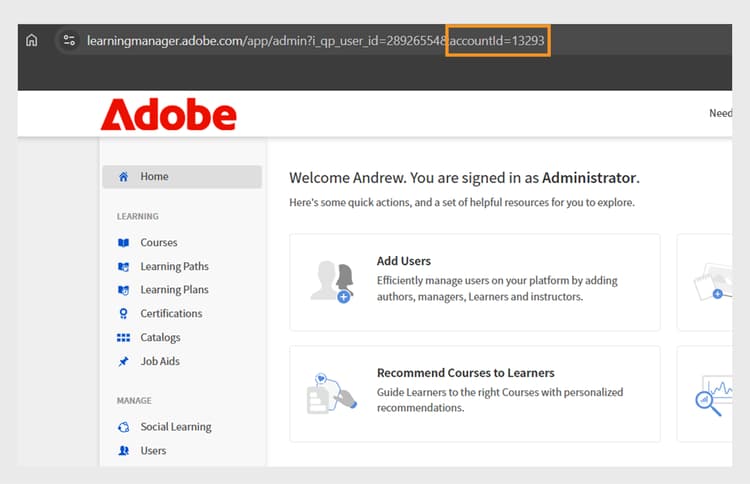
設定完成後,請在Adobe Learning Manager URL的URL中找到您的帳戶ID。