指定Marketo Sales Insight插件管理员 specify-marketo-sales-insight-plugin-admins
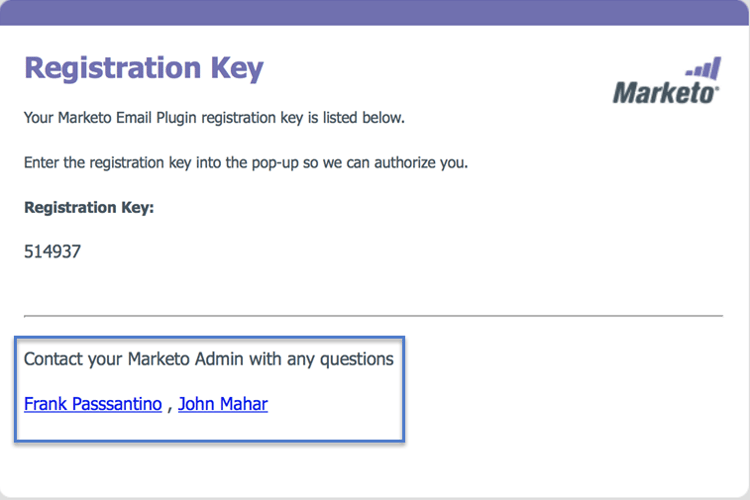
当邀请用户在Outlook上设置MSI时,您可以指定希望在发送给用户的电子邮件通知中显示的联系人。
-
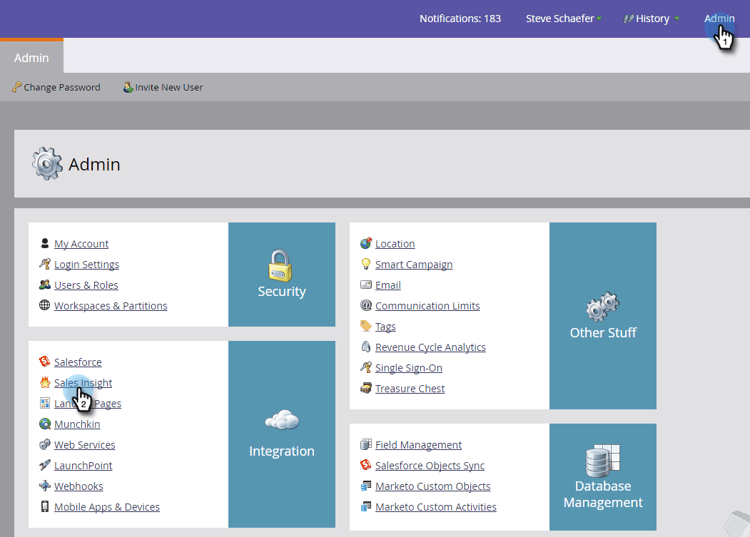
在“我的Marketo”中,单击Admin,然后单击Sales Insight。
-
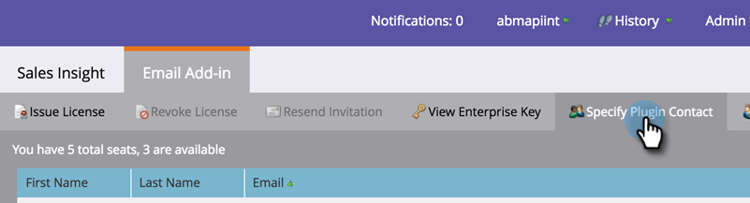
单击 Email Add-In 选项卡。

-
单击 Specify Plugin Contact。
-
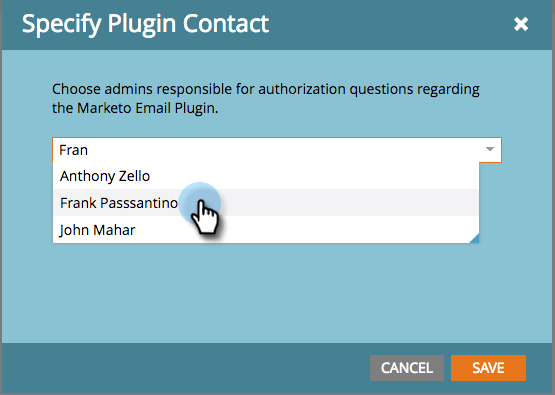
单击以指定插件联系人。
-
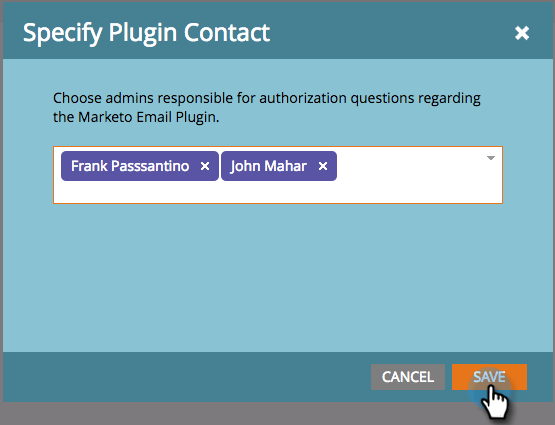
单击 Save。
-
您选择的联系人将列在销售代表在授权过程中收到的电子邮件中。
完美!