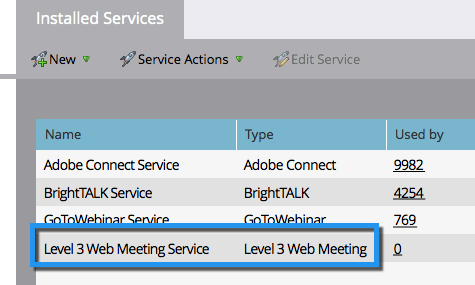
Ajouter Level 3 Web Meeting en tant que service LaunchPoint add-level-three-web-meeting-as-a-launchpoint-service
Marketo gère votre inscription et votre participation Level 3 Web Meeting.
-
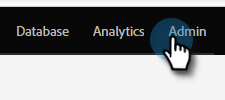
Accédez à la zone Admin.
-
Cliquez sur LaunchPoint.

-
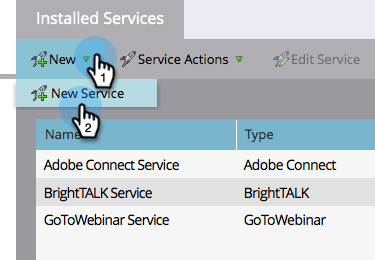
Sélectionnez New, puis New Service.
-
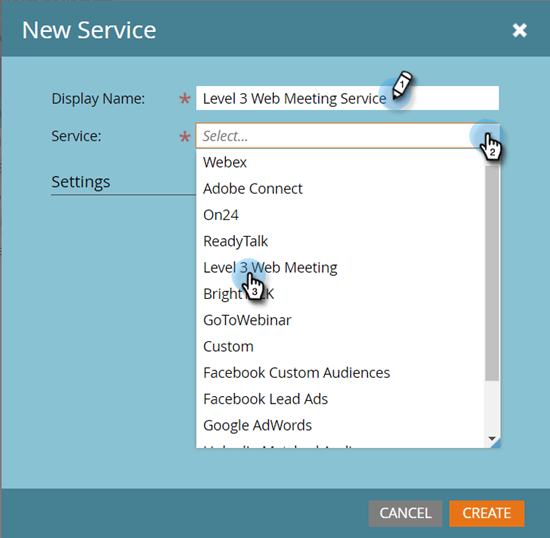
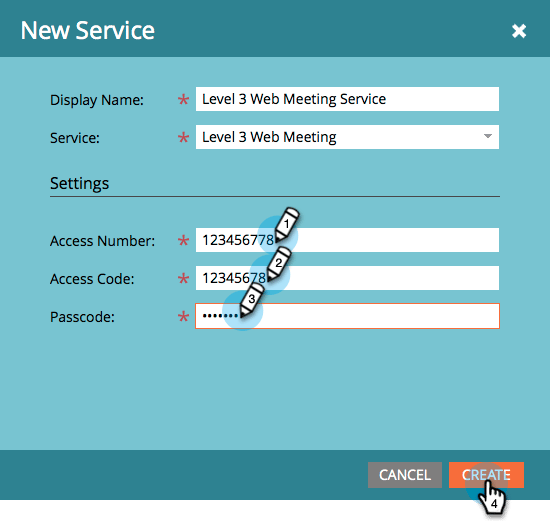
Saisissez un Nom d’affichage. Sous Service, sélectionnez Level 3 Web Meeting.
-
Saisissez votre numéro d'accès, code d'accès et code de passe, puis cliquez sur Créer.
Votre compte Level 3 Web Meeting est maintenant synchronisé avec Marketo !