USDz (Apple AR) predefined template
The USDz (Apple AR) predefined output template exports your asset configured for use with Apple AR applications.
To use the USDz (Apple AR) template:
- Open the Export window with File > Export textures or with keyboard shortcut Ctrl + Shift + E.
- In the Settings tab, open the Output template dropdown, and select USDz (Apple AR).
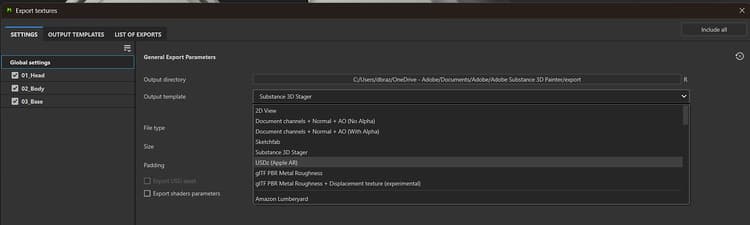
Five texture files are created and saved (base color, metallic, normal, occlusion and roughness). All files are saved as JPGs except the normal map which is saved as a PNG to avoid artefacts due to lossy compression.
In addition, two other files are created with the extension usdc and usdz:
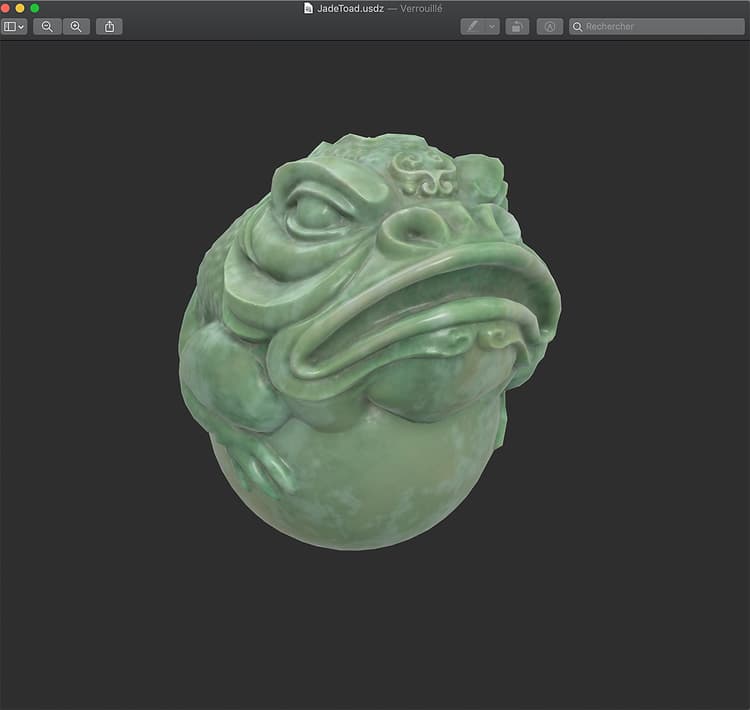
Here’s an example of the JadeToad opened directly in MacOS from Finder:
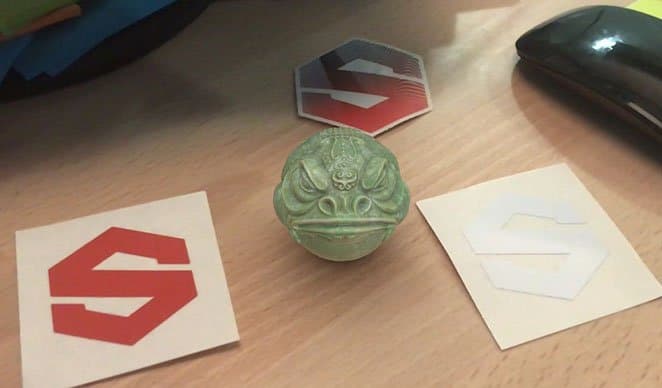
Here’s an example of the USDZ file sent to an iPhone, using the AR mode to place the JadeToad model into a real environment: