Color Output Integer
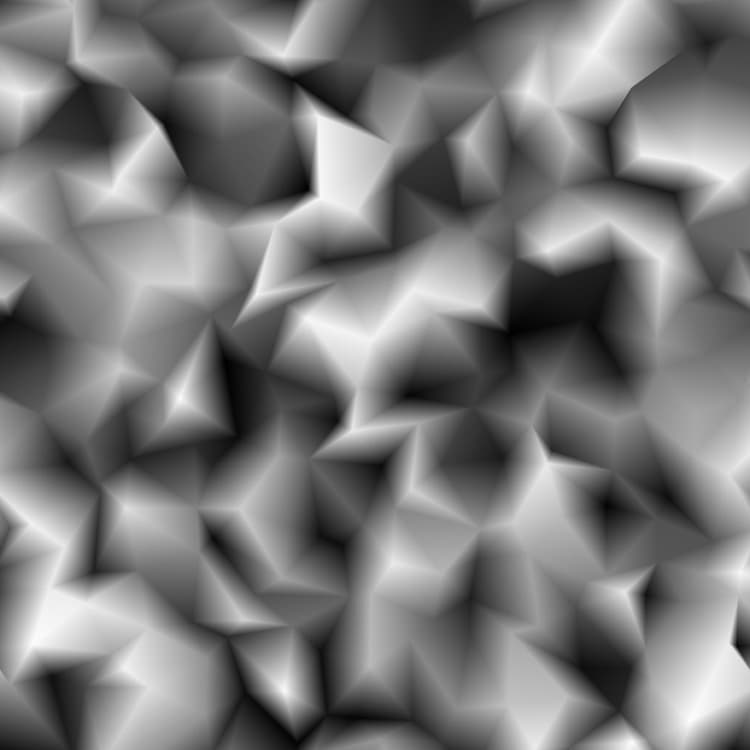
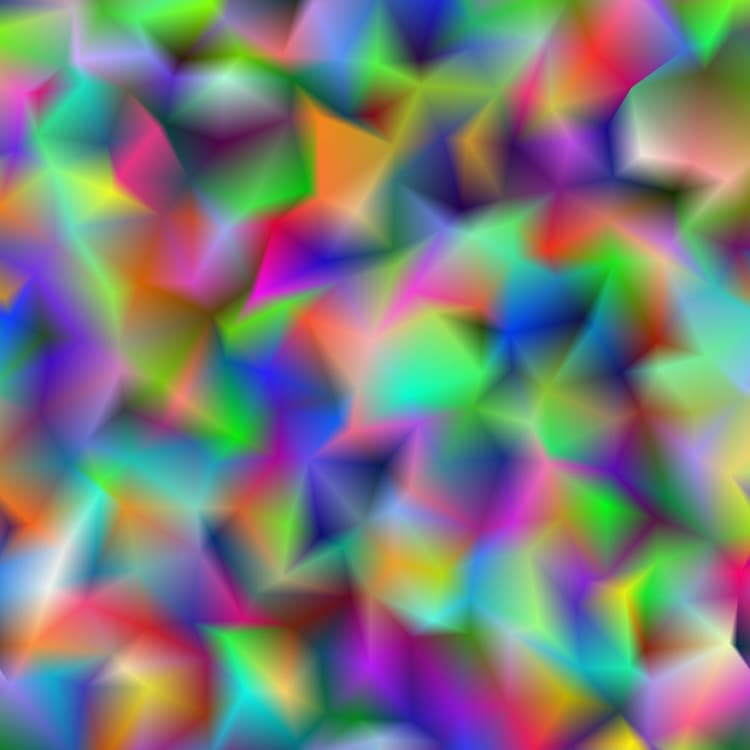
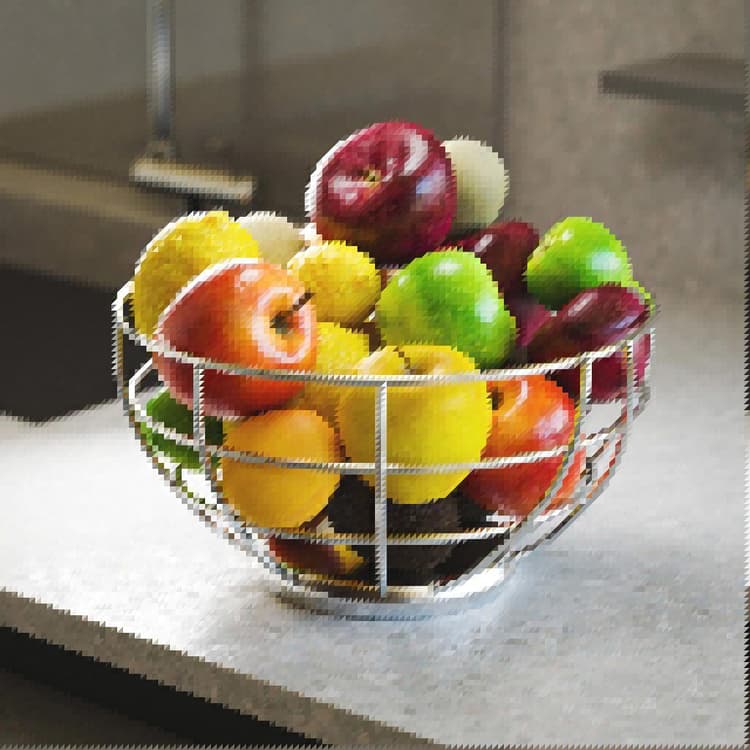
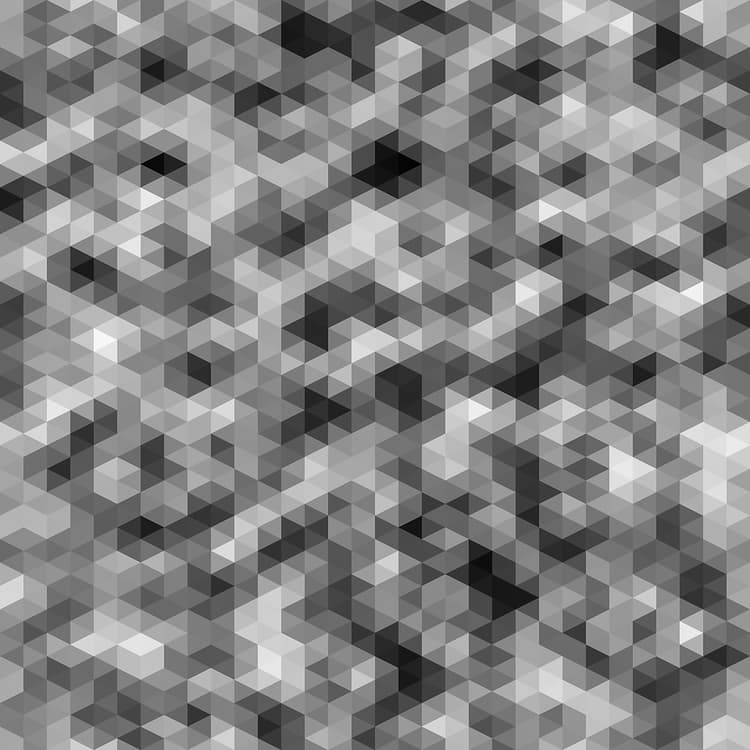
The method of representing the triangulated surface:
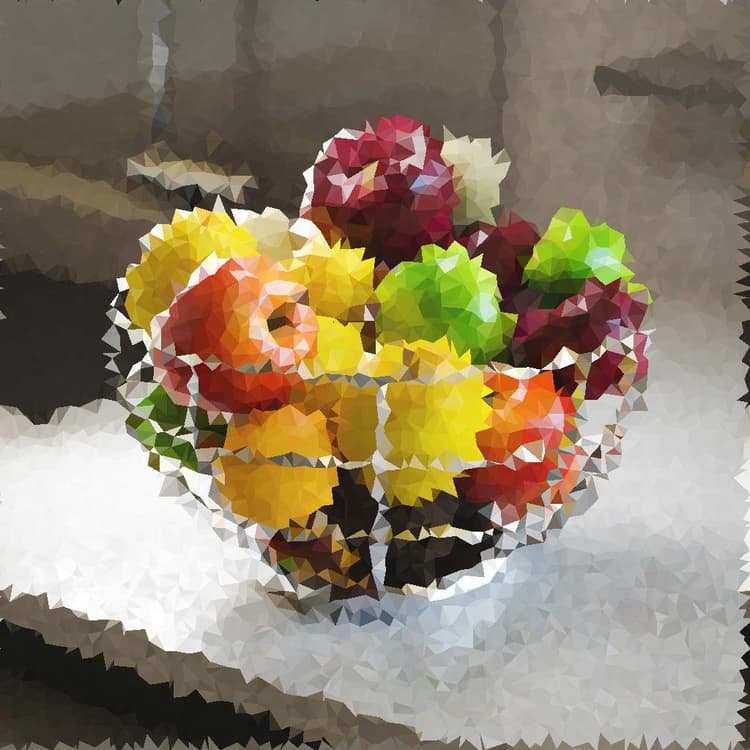
- Per Vertex: a color is assigned to each vertex and interpolated across the triangle’s surface
- Per Triangle: a flat color is assigned to each triangle
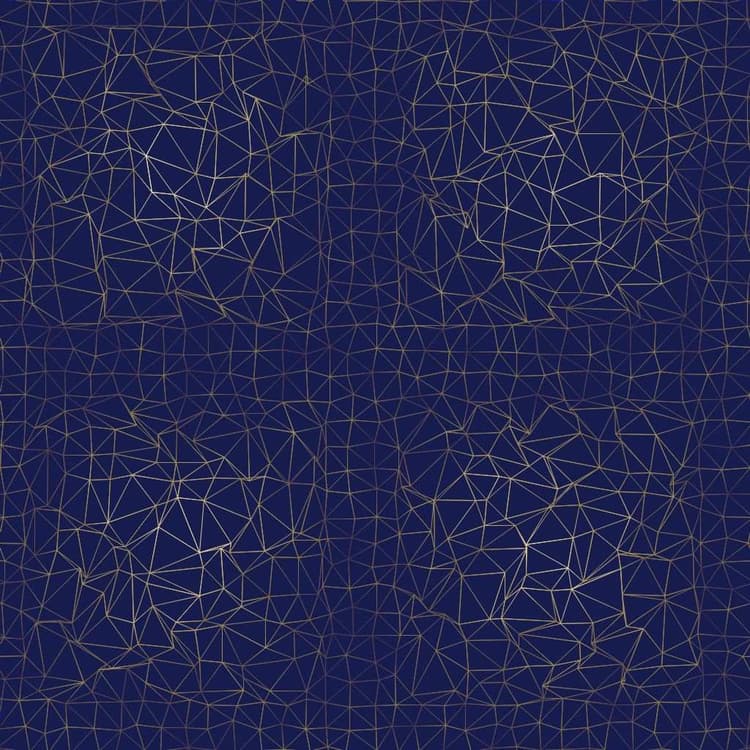
- Thin Line: applies an outline to the segments between vertices
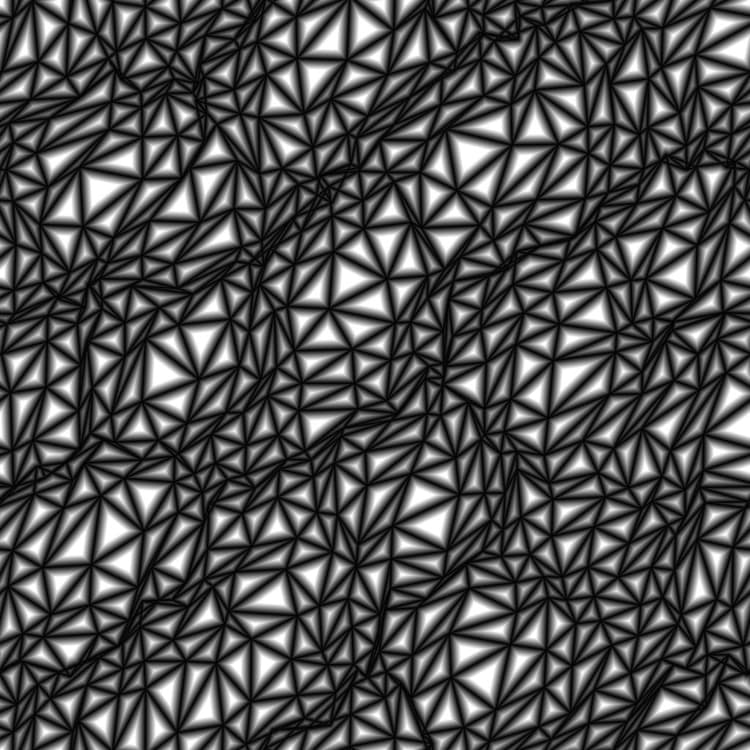
- Distance to Edge: renders the distance to the closest segment on each triangle
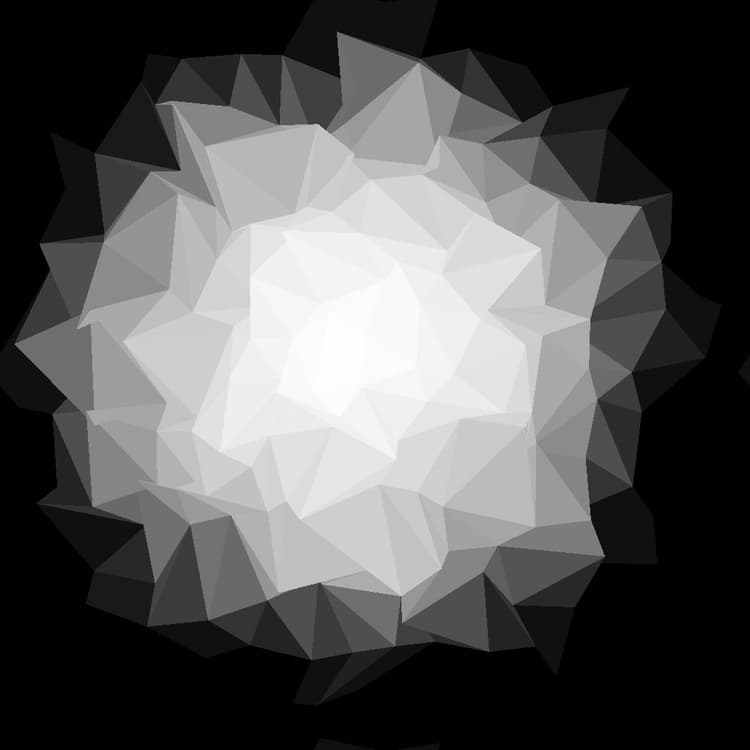
- Center: renders the normalized distance to each triangle’s barycenter
Triangulation Integer
Sets the triangulation method for the surface, i.e. which pair of opposing vertices in a quad should be connected:
- Auto: automatically selects the pair of vertices resulting in triangles facing the least away from the camera
45°: connect opposing vertices resulting in a line turned 45 degrees relative to the X-right axis
- -45°: connect opposing vertices resulting in a line turned -45 degrees relative to the X-right axis
- Quincux horizontal: alternate the triangulation orientation every other row of vertices
- Quincux vertical: alternate the triangulation orientation every other column of vertices
X Amount Integer
The amount of vertices generated on the X axis.
Y Amount Integer
The amount of vertices generated on the Y axis.
Random Position Multiplier Float
Adjusts the intensity of the main warping effect.
Random Position Float2
Adjusts the intensity of the random offset applied to the X and Y positions of each vertex, relatively to the size of their cell in the grid. This offset stacks with the Quincux Offset and Vector Map Displacement parameters.
Vector Map Displacement Float
Adjusts the global amount of displacement applied to each vertex using the values sampled from the Vector Map input. This offset stacks with the Random Position and Quincux Offset parameters.
Quincux Offset X Float
Applies the specified amount of offset to every other row of vertices, relatively to the size of their cell in the grid. This offset stacks with the Random Position and Vector Map Displacement parameters.
Quincux Offset Y Float
Applies the specified amount of offset to every other column of vertices, relatively to the size of their cell in the grid. This offset stacks with the Random Position and Vector Map Displacement parameters.
Rotation Float
Applies the specified amount of rotation to each vertex around its base position – i.e. its position before random offset and displacement is applied. This rotation stacks with the Rotation Disorder parameter.
Rotation Disorder Float
Applies a random amount of rotation to each vertex around its base position – i.e. its position before random offset and displacement is applied. This rotation stacks with the Rotation parameter.
Height Input Multiplier Float
Adjusts the Z position of each vertex using the values sampled from the Height input. This offset stacks with the Height Random parameter.
Height Random Float
Applies a random offset to the Z position of each vertex. This offset stacks with the Height Input Multiplier parameter.
Blend Mode Integer
Sets the method of blending the values of overlapping triangles. The mode lets you effectively select which of the triangles should be visible:
- Min: Text
- Max: Text
- Depth Test: Text
- Alpha Blend: Text
Note: The available blending modes depend on the value of the Color Output parameter.
Color Source Integer Available when the ‘Color Output’ parameter is set to ‘Per Vertex’, ‘Per Triangle’ or ‘Thin Line’.
Sets the method of acquiring the color – i.e., luminance – which should be assigned to the vertex, triangle or segment, depending on the selected Color Output mode:
- Height: use the height of the vertex as luminance
- Random: use a random luminance value
- Color Input: use the value sampled from the Color Input input
Color Source Opacity Float Available when the ‘Color Output’ parameter is set to ‘Thin Line’.
Controls the override of the Line Color value with the values resulting from the selected Color Source. Note: When this value is set to 1, the Line Color parameter has no impact.
Distance to Edge Thickness Float Available when the ‘Color Output’ parameter is set to ‘Distance to Edge’.
Sets the thickness of the distance gradient. A lower value results in a shorter gradient.
Line Color Float/Float4 Available when the ‘Color Output’ parameter is set to ‘Thin Line’.
The luminance value of the segments. Note: When the Color Source Opacity value is set to 1, this parameter has no impact.
Background Color Float/Float4 Available when the ‘Color Output’ parameter is set to ‘Thin Line’.
The luminance value of the background visible between the segments. Note: When the Blend Mode is set to Max, the background will override the segments where it is brighter, as expected.
Random Color Seed Mode Integer Available when the ‘Color Output’ parameter is set to ‘Per Vertex’, ‘Per Triangle’ or ‘Thin Line’ and the ‘Color Source’ parameter is set to ‘Random’.
The method of acquiring the seed used in the pseudo-random color distribution:
- Global Random Seed: inherit the seed from the node’s graph
- Manual Seed: use a custom discrete seed
Random Color Seed Integer Available when the ‘Random Color Seed Mode’ parameter is set to ‘Manual Seed’ and the ‘Color Source’ parameter is set to ‘Random’.
The discrete seed value used in the pseudo-random color distribution.
Non Square Expansion Boolean
Enables compensation of squash and stretch with non-square ratios.