Tile Random 2
In: Texture Generators > Patterns
Description
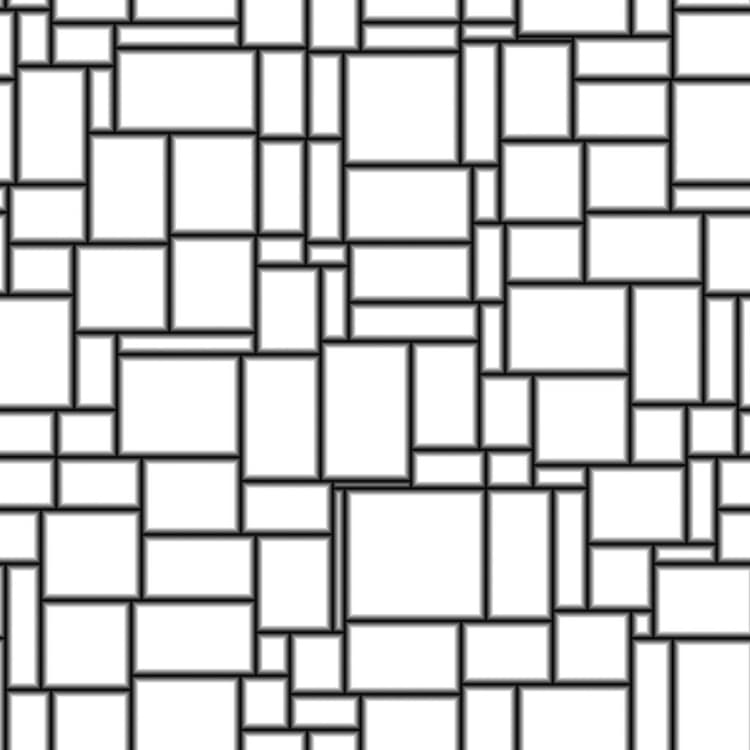
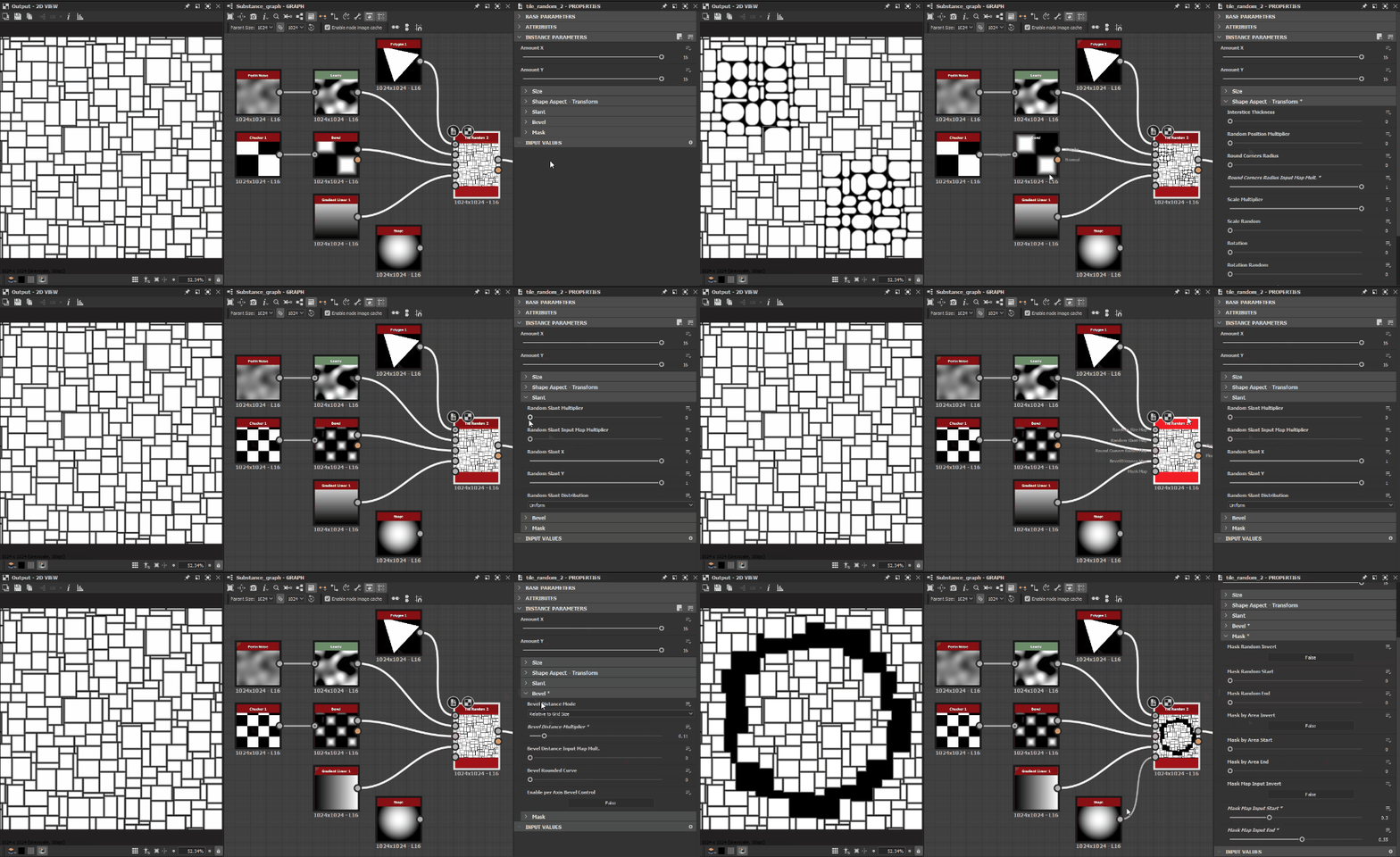
The Tile Random 2 node generates adjacent tiles of random sizes and height-to-width ratios.
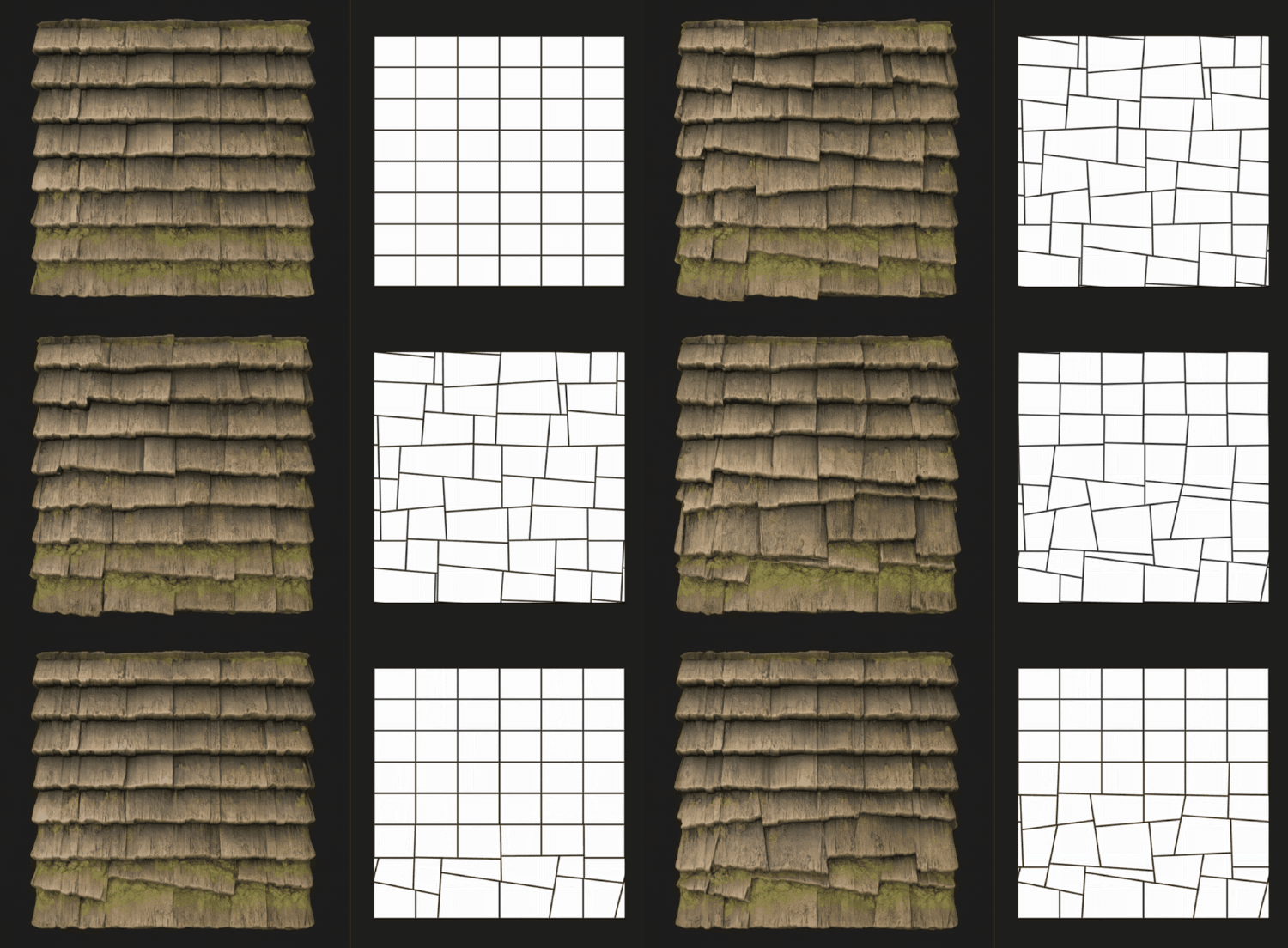
The grid may be tweaked by randomly slanting the sides of the shapes to break up the angles.
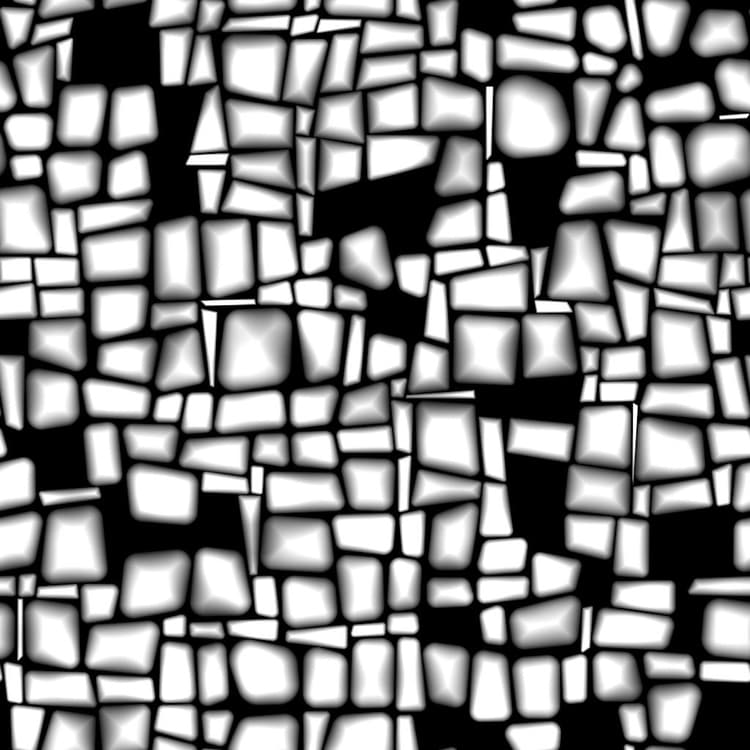
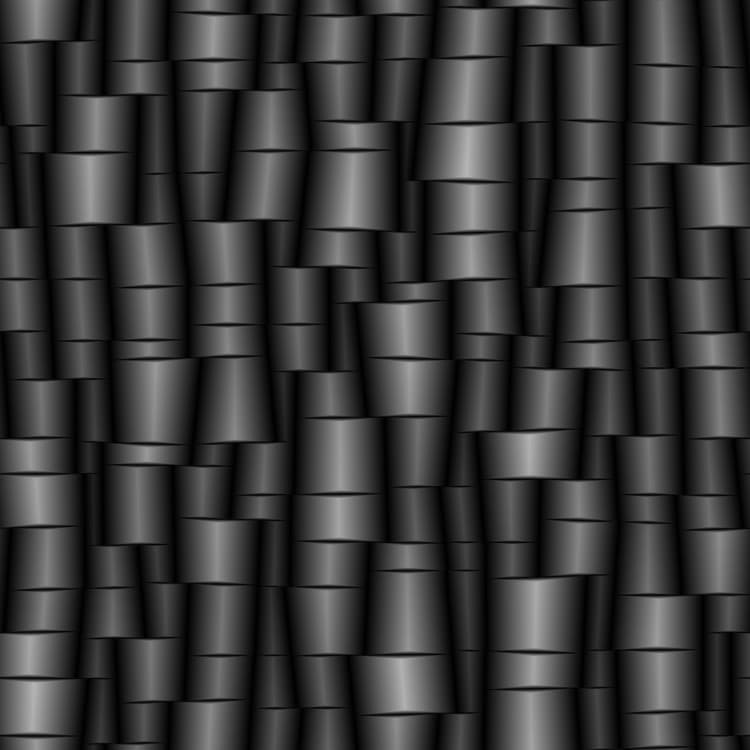
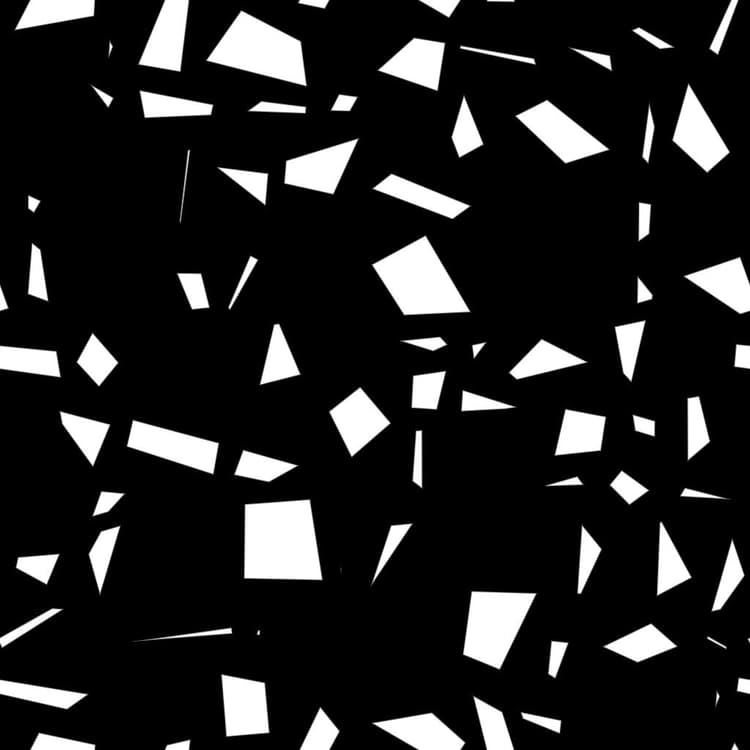
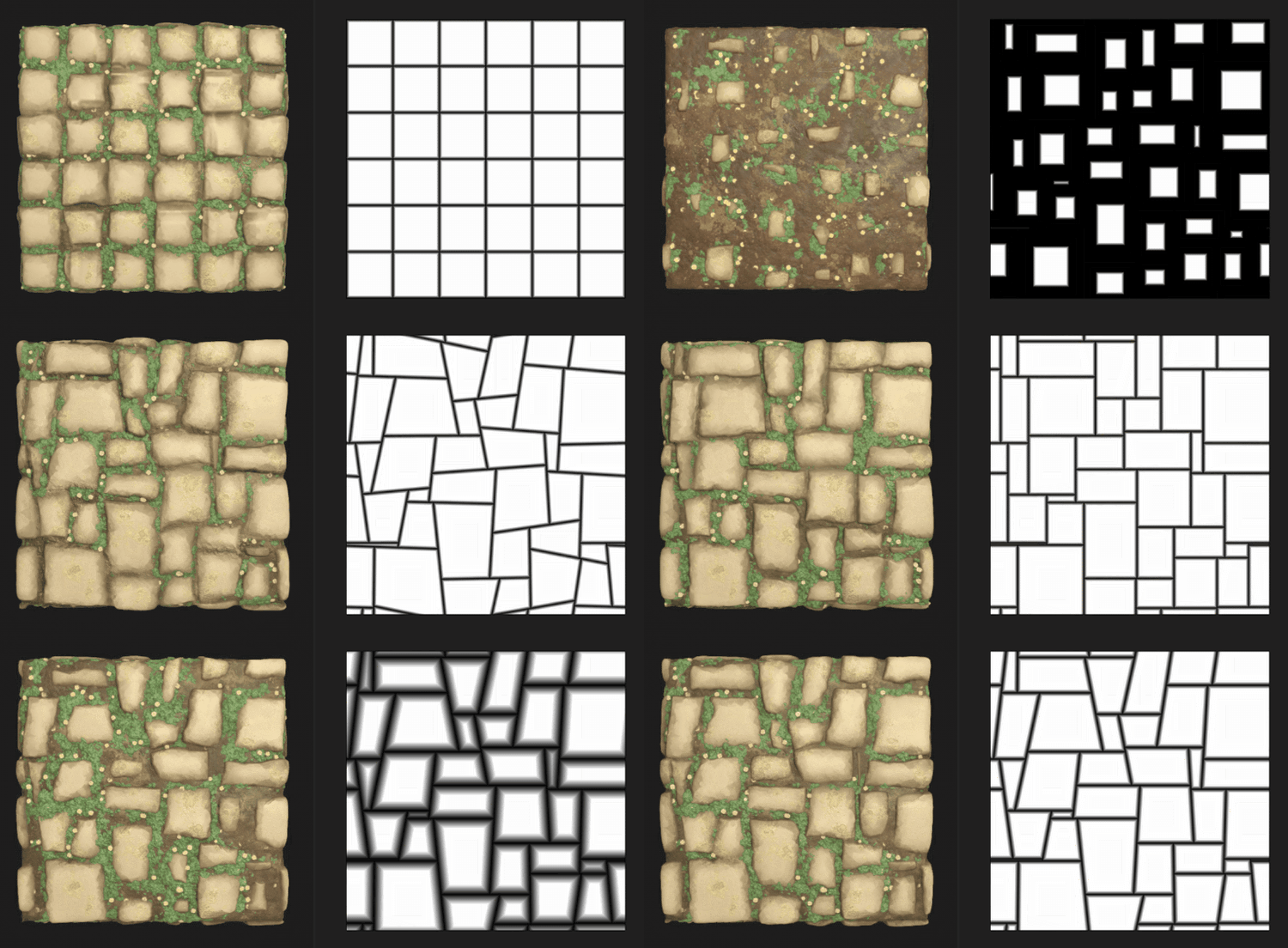
Shapes may be adjusted with options for scaling, bevelling, rounding of the corners as well as disorted rotation.
These adjustments may be controlled by input maps.
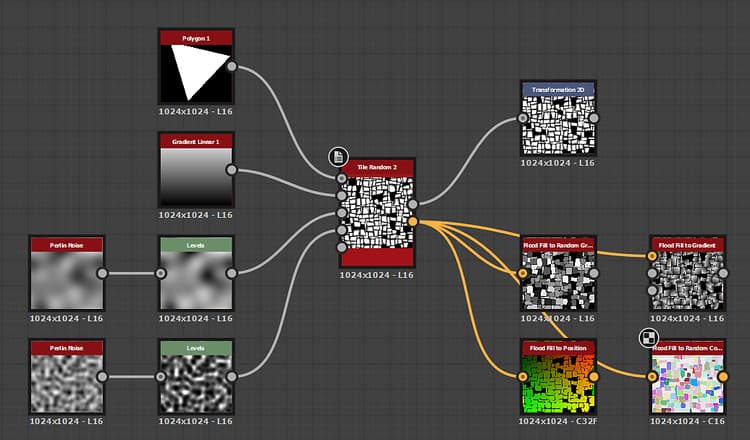
A dedicated output lets you input the shape’s UVs into Flood Fill to (…) nodes for applying additional variation.
Inputs
Random Size Map Grayscale
The grayscale input image which controls the random scale of the shapes.
Its impact is controlled by the Random Size Input Map Multiplier parameter.
Its impact is controlled by the Random Size Input Map Multiplier parameter.
Random Slant Map Grayscale
The grayscale input image which controls the random slanting of the shapes.
Its impact is controlled by the Random Slant Input Map Multiplier parameter.
Its impact is controlled by the Random Slant Input Map Multiplier parameter.
Round Corners Radius Map Grayscale
The grayscale input image which controls the radius of the shapes’ rounded corners.
Its impact is controlled by the Round Corners Radius Input Map Mult. parameter.
Its impact is controlled by the Round Corners Radius Input Map Mult. parameter.
Bevel Distance Map Grayscale
The grayscale input image which controls the bevelling of the shapes.
Its impact is controlled by the Bevel Distance Input Map Mult. parameter.
Its impact is controlled by the Bevel Distance Input Map Mult. parameter.
Mask Map Grayscale
The grayscale input image which controls the masking of the shapes.
Its impact is controlled by the Mask Map Input Start and Mask Map Input End parameters.
Its impact is controlled by the Mask Map Input Start and Mask Map Input End parameters.
Parameters
Amount X Integer
The number of cells on the X axis.
Amount Y Integer
The number of cells on the Y axis.
Size
Random Size Multiplier Float
Applies a global adjustment to the intensity of the random scaling.
Random Size Input Map Multiplier Float
Adjusts the intensity of the random scaling using the values sampled from the Random Size Map input.
Random Size X Float
Adjusts the intensity of the random scaling on the X axis only.
Random Size Y Float
Adjusts the intensity of the random scaling on the Y axis only.
Random Size Distribution Integer
Controls the method of distributing random scaling values:
- Uniform: the random scale is applied the same way on all cells
- Blue Noise: the random scale is adjusted using a blue noise pattern
- Uniform: the random scale is applied the same way on all cells
- Blue Noise: the random scale is adjusted using a blue noise pattern
Shape Aspect - Transform
Interstice Thickness Float
Adjusts the thickness of the gap between shapes. It is equal for all shapes.
Random Position Multiplier Float
Applies a random position offset to the shape up to it meeting its cell’s border.
Round Corners Radius Float
Adjusts the radius of the rounded corners of the shapes. A value of 0 means no rounding is applied.
Note: This effect cannot be applied when the Enable per Axis Bevel Control parameter is set to True.
Note: This effect cannot be applied when the Enable per Axis Bevel Control parameter is set to True.
Round Corners Radius Input Map Mult. Float
Adjusts the intensity by which the Round Corners Radius Map input map impacts the radius of the rounded corners.
The map acts as a per-pixel multiplier for the Round Corners Radius parameter.
Note: This effect cannot be applied when the Enable per Axis Bevel Control parameter is set to True.
The map acts as a per-pixel multiplier for the Round Corners Radius parameter.
Note: This effect cannot be applied when the Enable per Axis Bevel Control parameter is set to True.
Scale Multiplier Float
Adjusts the size of each shape, as a proportion of the area of its cell.
Scale Random Float
Adjusts the intensity by which a random scale is applied to each shape.
Rotation Float
Rotates shapes in their cells by moving each corner to its neighbour along the cell’s border.
This method results in some amount of distortion and scaling being applied to the shape at is rotates.
This method results in some amount of distortion and scaling being applied to the shape at is rotates.
Rotation Random Float
Adjusts the intensity by which a random amount of rotation is applied to each shape.
The method of rotation is described in the Rotation parameter.
The method of rotation is described in the Rotation parameter.
Corners Position Random Float
Distorts the shapes by applying a random amount of offset to each of their corners along their cell’s border.
Slant
Random Slant Multiplier Float
Applies a global adjustment to the intensity of the random slanting.
Random Slant Input Map Multiplier Float
Adjusts the intensity of the random slanting using the values sampled from the Random Slant Map input.
Random Slant X Float
Adjusts the intensity of the random slanting on the X axis only.
Random Slant Y Float
Adjusts the intensity of the random slanting on the Y axis only.
Random Slant Distribution Integer
Controls the method of distributing random slanting values:
- Uniform: the random slant is applied the same way on all cells
- Blue Noise: the random slant is adjusted using a blue noise pattern
- Uniform: the random slant is applied the same way on all cells
- Blue Noise: the random slant is adjusted using a blue noise pattern
Bevel
Bevel Distance Mode Integer
Sets the method of acquiring the distance by which shapes should be beveled:
- Relative to Grid Size: Shapes are beveled by the specified proportion of their grid size
- Relative to Shape Size: Shapes are beveled by the specified proportion of their size
- Relative to Image Size: Shapes are beveled by the specified proportion of the image
- Relative to Grid Size: Shapes are beveled by the specified proportion of their grid size
- Relative to Shape Size: Shapes are beveled by the specified proportion of their size
- Relative to Image Size: Shapes are beveled by the specified proportion of the image
Bevel Distance Multiplier Float
Applies a global adjustment to the distance of the bevelling.
Bevel Distance Input Map Mult. Float
Adjusts the distance of the bevelling using the Bevel Distance Map input map as a per-pixel multiplier.
Bevel Rounded Curve Float
Adjusts the intensity of the rounding applied to the bevelling angle to make it more convex.
Enable per Axis Bevel Control Boolean
When True, bevelling can be applied and adjusted separately on the X and Y axes.
Note: This cancels the Round Corners effect.
Note: This cancels the Round Corners effect.
Bevel Distance X Float
Adjusts the distance of the bevelling on the X axis only. This distance depends on the value of the Bevel Distance Mode parameter.
Note: This parameter is only available when the Enable per Axis Bevel Control parameter is set to True.
Note: This parameter is only available when the Enable per Axis Bevel Control parameter is set to True.
Bevel Distance Y Float
Adjusts the distance of the bevelling on the Y axis only. This distance depends on the value of the Bevel Distance Mode parameter.
Note: This parameter is only available when the Enable per Axis Bevel Control parameter is set to True.
Note: This parameter is only available when the Enable per Axis Bevel Control parameter is set to True.
Mask
Mask Random Invert Boolean
Inverts the random masking of shapes.
Mask Random Start Float
For a given Random Seed, pseudo-random masking is applied following a specific order from a start shape to an end shape. This parameter lets you offset the index of the start shape.
Note: This determines one limit of a value range for masking. The value may therefore be greater than the Mask Random End value.
Note: This determines one limit of a value range for masking. The value may therefore be greater than the Mask Random End value.
Mask Random End Float
For a given Random Seed, pseudo-random masking is applied following a specific order from a start shape to an end shape. This parameter lets you offset the index of the end shape.
Note: This determines one limit of a value range for masking. The value may therefore be greater than the Mask Random Start value.
Note: This determines one limit of a value range for masking. The value may therefore be greater than the Mask Random Start value.
Mask by Cell Area Invert Boolean
Inverts the masking of shapes by the area of their cells.
Mask by Cell Area Start Float
Adjusts the minimum cell’s area threshold for masking shapes.
Note: This determines one limit of a value range for masking. The value may therefore be greater than the Mask by Cell Area End value.
Note: This determines one limit of a value range for masking. The value may therefore be greater than the Mask by Cell Area End value.
Mask by Cell Area End Float
Adjusts the maximum cell’s area threshold for masking shapes.
Note: This determines one limit of a value range for masking. The value may therefore be lower than the Mask by Cell Area Start value.
Note: This determines one limit of a value range for masking. The value may therefore be lower than the Mask by Cell Area Start value.
Mask Map Input Invert Boolean
Inverts the masking of shapes by the Mask Map input map.
Mask Map Input Start Float
Adjusts the minimum grayscale value threshold in the Mask Map input map for masking shapes.
Note: This determines one limit of a value range for masking. The value may therefore be greater than the Mask Map Input End value.
Note: This determines one limit of a value range for masking. The value may therefore be greater than the Mask Map Input End value.
Mask Map Input End Float
Adjusts the maximum grayscale value threshold in the Mask Map input map for masking shapes.
Note: This determines one limit of a value range for masking. The value may therefore be lower than the Mask Map Input Start value.
Note: This determines one limit of a value range for masking. The value may therefore be lower than the Mask Map Input Start value.
Examples
recommendation-more-help
substance-3d-designer-help-guide