Panorama Shape
In: Texture Generators > Patterns
Description
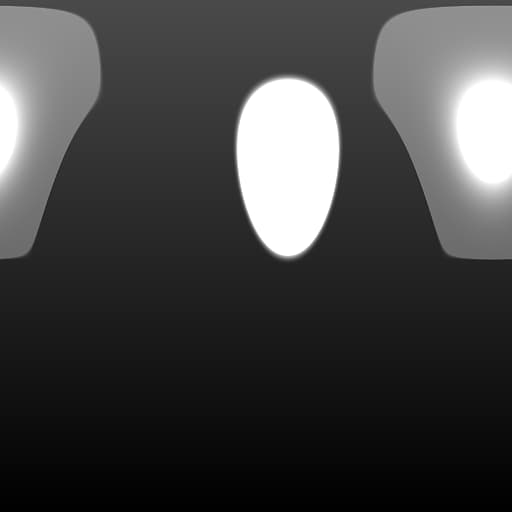
This is a helpful node for generating procedural “Studio”-type panorama maps. Allows you to place and modify spotlight images, as well as set their HDR properties. It can be chained together for multiple shapes.
Parameters
Shape Matrix
Moves or translates the result, can be modified by directly interacting with the canvas.
Shape square, disc
Sets Shape type.
Shape Color (Color value)
Sets Shape color.
Shape Intensity 0.0 - 100.0
Sets HDR-intensity of the shape.
Shape Soft Border 0.0 - 1.0
Changes the shape’s border softness.
Hotspot Intensity 0.0 - 100.0
Sets HDR-intensity of the shape’s hotspot.
Hotspot Size 0.0 - 1.0
Changes the size of the hotspot within the shape.
Hotspot Falloff 0.0 - 1.0
Changes the falloff, edge blending of the hotspot.
Hotspot Position 0.0 - 1.0
Moves the hotspot in relation to the shape.
Enable Backgound False/True
Enables filling of the background with a solid color. Note that this means you can no longer chain them together by blending.
Background Color (Color value)
Sets background solid color.
Enable Texture Input False/True
Allows for a custom input instead of a predefined shape type.
recommendation-more-help
substance-3d-designer-help-guide