Waveform 1
In: Texture generators > Noises
Description
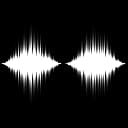
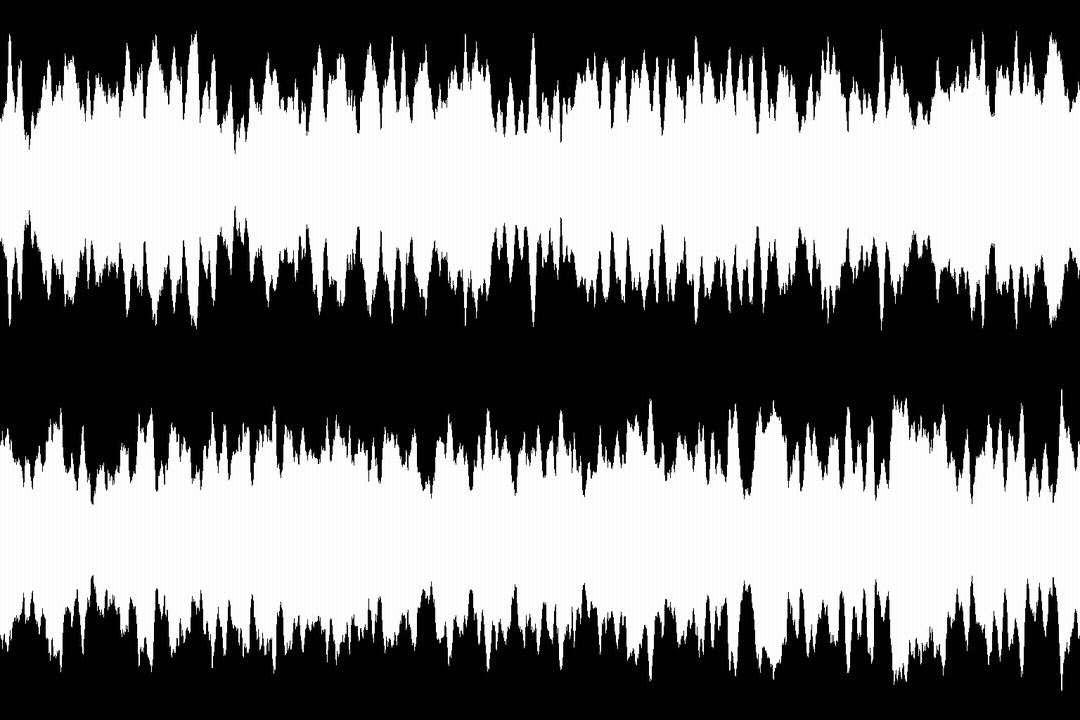
A horizontal arrangement of user-selected patterns stacked into a shape akin to a waveform.
Outputs
Output Grayscale
The generated noise as a grayscale bitmap.
Parameters
Samples Integer
The amount of patterns placed along the X axis to draw the waveform, where a lower value results in a more stepped look.
Function Integer
The function used to draw the waveform. This controls the vertical size of the pattern placed at each sample:
- Value noise: A random distribution of values
- Cosine: Values follow the progression of a cosine function
- Custom function: Use a user-authored function to drive the values
Custom function Float Available when ‘Function’ is set to ‘Custom function’
Computes the vertical size of the pattern placed at each sample. Available variables:
- pos (float) The position of the pattern on the X axis. This may be used to select patterns.
Roughness Float
Interpolates between a clean and smooth waveform with one that is more rough and evenly distributed. This can be thought of as clean signal vs. white noise.
Scale Integer
The horizontal span of the waveform visible in the image.
Amplitude min. Float
The minimum value (or thickness) of the waveform.
Amplitude max. Float
The maximum value (or thickness) of the waveform.
Noise Float
Applies noise to the waveform which randomly subtracts from its vertical span.
Position Integer
The position of the waveform in the image:
- Centered: The origin is at the vertical center of the image
- Bottom: The origin is a the bottom of the image
Pattern Integer
The pattern placed at each sample of the waveform.
Pattern variation Float
An additional adjustment available for some patterns.
Disorder Float
Displaces the values of the waveform. This can be used to animate it.
Disorder speed Float
Adjusts the distance of displacement applied by the Disorder parameter. This can be used to control the speed of displacement when animating the waveform.
Examples
recommendation-more-help
substance-3d-designer-help-guide