Grunge Scratches Rough
In: Texture Generators /Noises
Simple
Description
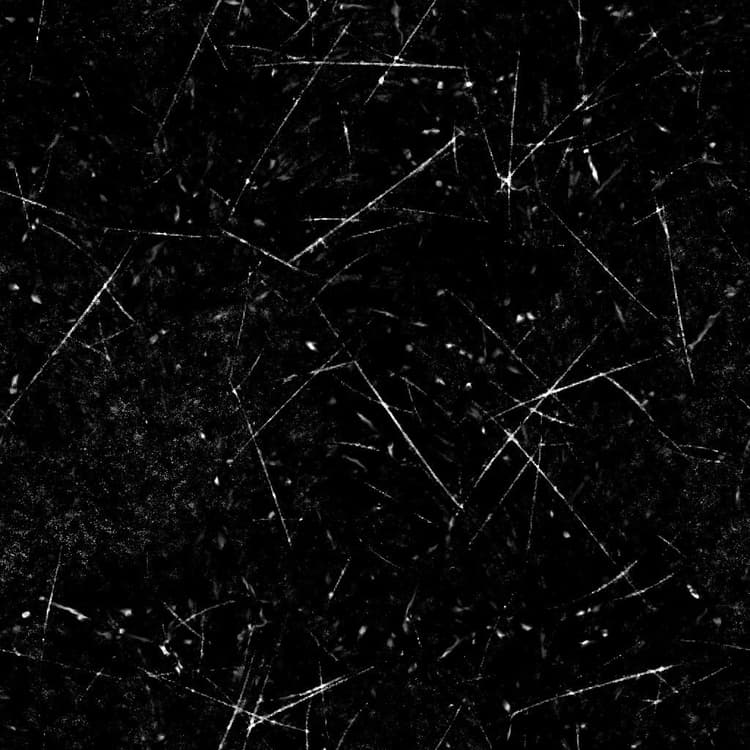
The Grunge Scratches Rough node generates a grunge map akin to a roughly scratched dusty surface.
Parameters
-
Balance FloatAdjusts the balance between dark and bright values.
-
Contrast FloatAdjusts the contrast of the image.
-
Invert BooleanInverts the output of the image, using a
1-xoperation. -
Non Square Expansion BooleanEnables compensation of squash and stretch with non-square ratios.
-
Advanced
- Scratch Quantity FloatAdjusts the amout of scratches on the surface.
- Scratch Tiling IntegerAdjusts the amount of tiling applied to the scratches.
- Scratch Blur FloatAdjusts the blurring of the scratches.
- Scratch Width FloatAdjusts the width of the scratches.
- Scratch Length FloatAdjusts the length of the scratches.
- Scratch Masking FloatAdjusts the intensity of the masking applied on parts of the scratches.
- Scratch Dirtiness FloatAdjusts the dirtiness of the scratches, which breaks up their sharpness and continuity.
- Double Scratch FloatAdjusts the opacity of a second scratch applied alongside each scratch with a slight warping effect.
- Scratch Spots Intensity FloatAdjusts the intensity of the damaged spots applied alongside the scratches.
- Scratch Spots Tiling IntegerAdjusts the tiling of the damaged spots.
- Dust Intensity FloatAdjusts the intensity of the dust overlay.
- Dust Tiling IntegerAdjusts the tiling of the dust overlay.
- Sharpen Intensity FloatAdjusts the intensity of the global sharpening effect.
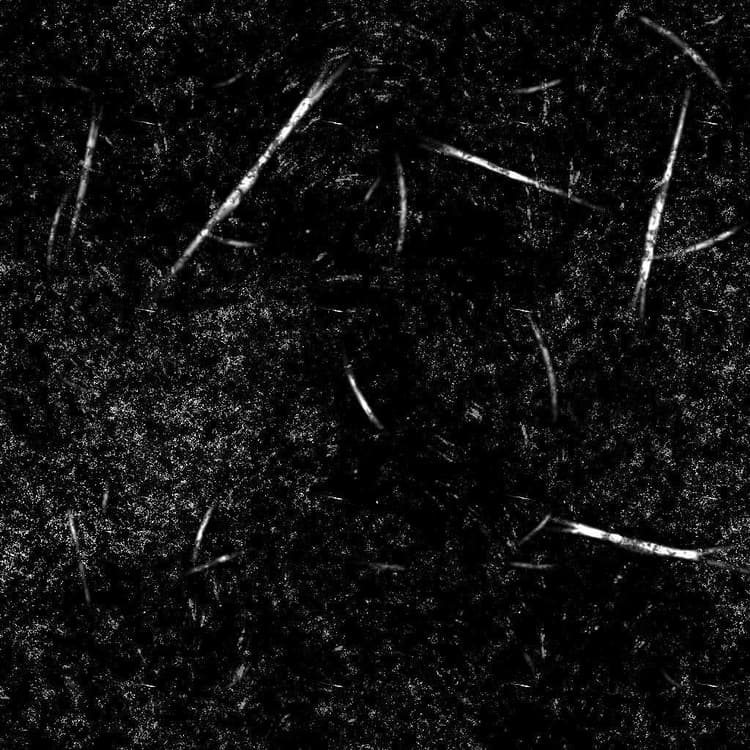
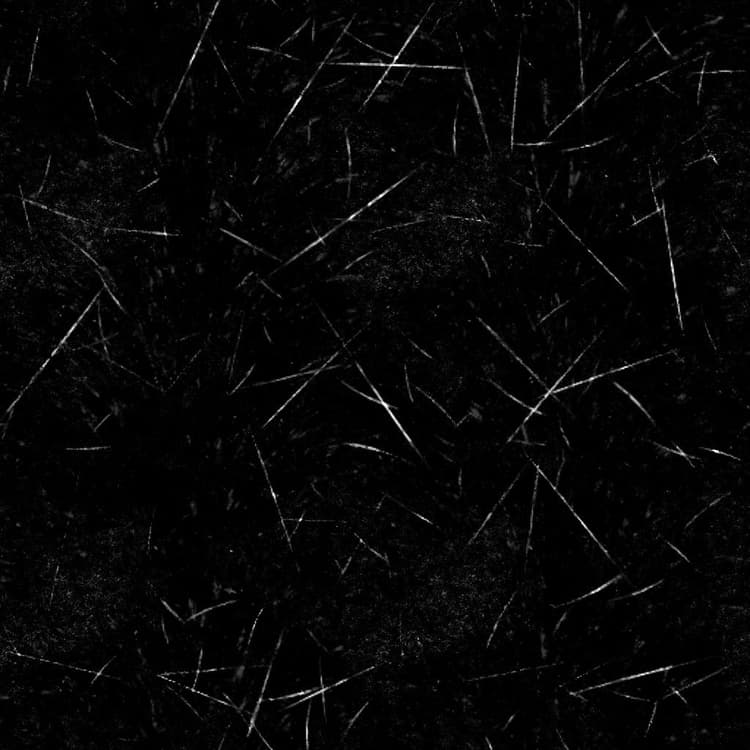
Example Images
recommendation-more-help
substance-3d-designer-help-guide