Anisotropic noise
In: Texture generators > Noises
Description
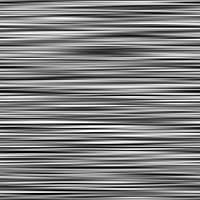
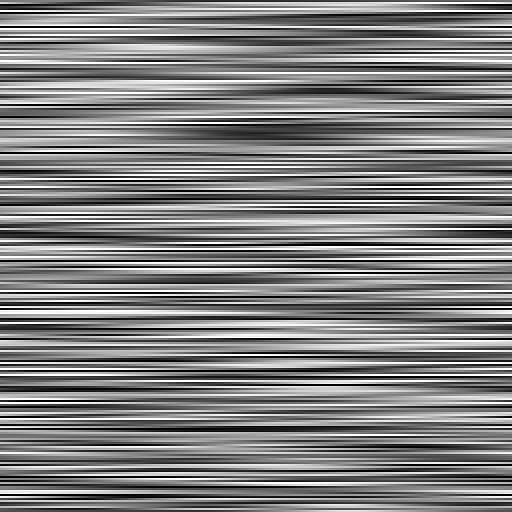
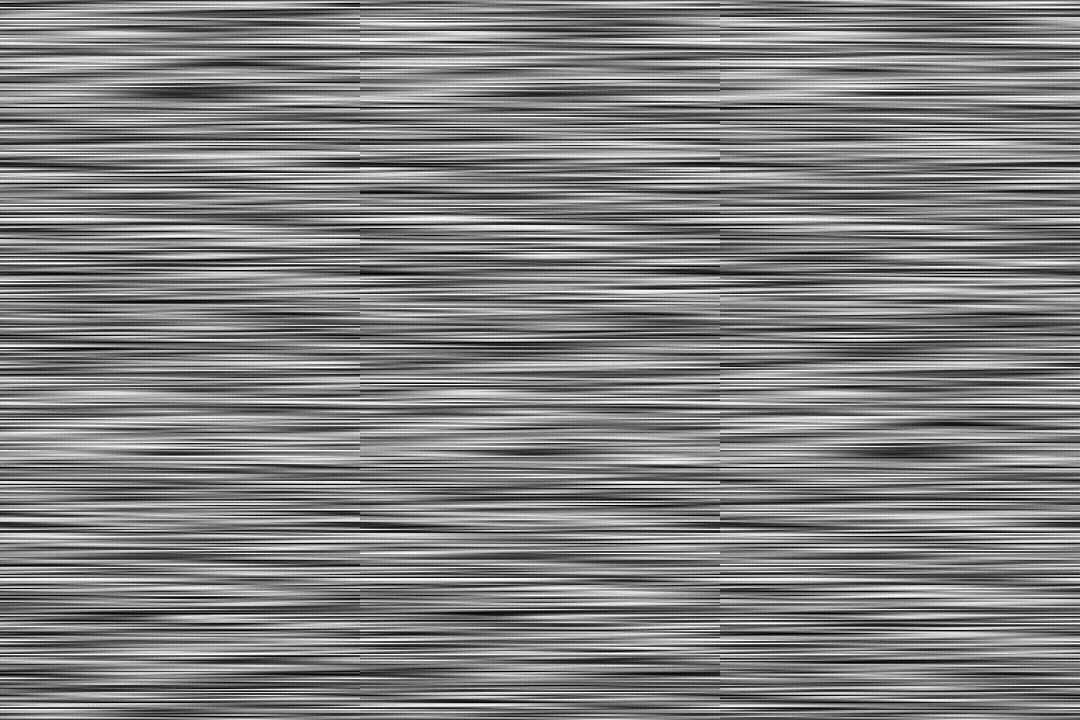
A horizontal or vertical stack of randomly colored strips fading into one another.
The amount of strips is adjustable, as is the smoothness of their transitions.
Outputs
Output Grayscale
The generated noise as a grayscale bitmap.
Parameters
X amount Integer
The amount of strips on the X axis.
Y amount Integer
The amount of strips on the Y axis.
Y amount by resolution Boolean
If True, the number of strips on the Y axis will be equal to the image size on that axis.
Rotate Boolean
Rotates the noise 90 degrees.
Smoothness Float
The amount of fading between the strips, where 0 is no fading and 1 is fading over their entire length.
Smoothness interpolation Float
The weighting of the two methods of interpolation applied to fade the strips, where 0 is linear and 1 is Gaussian.
Disorder Float
Displaces the ingredients of the noise. This can be used to animate the noise.
Disorder speed Float
Adjusts the distance of displacement applied by the Disorder parameter. This can be used to control the speed of displacement when animating the noise.
Non-square expansion Boolean
In non-square images, keeps the generated tile square and expands the noise generation to the image’s bounds.
Examples
recommendation-more-help
substance-3d-designer-help-guide