3D Voronoi Fractal
In: Texture Generators /Noises
Intermediate
Description
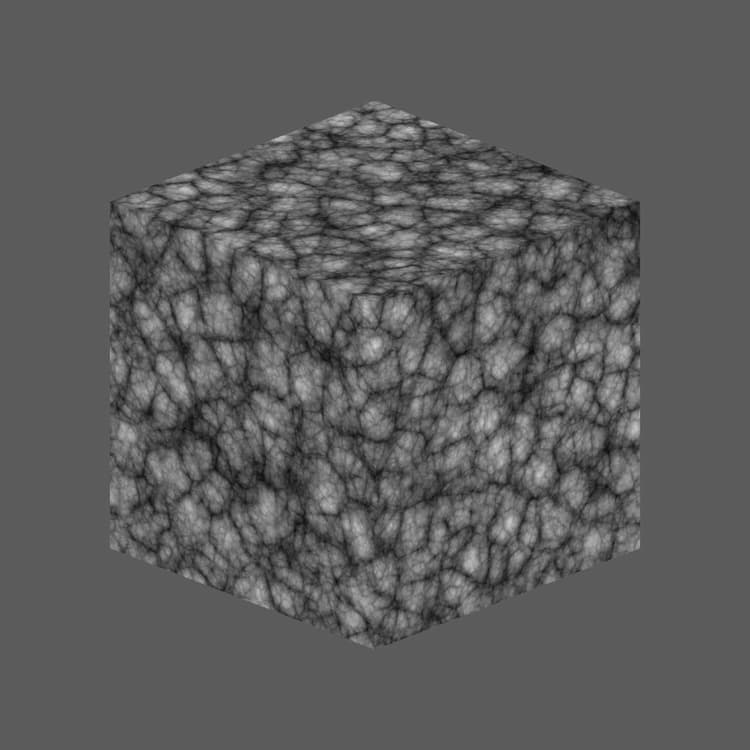
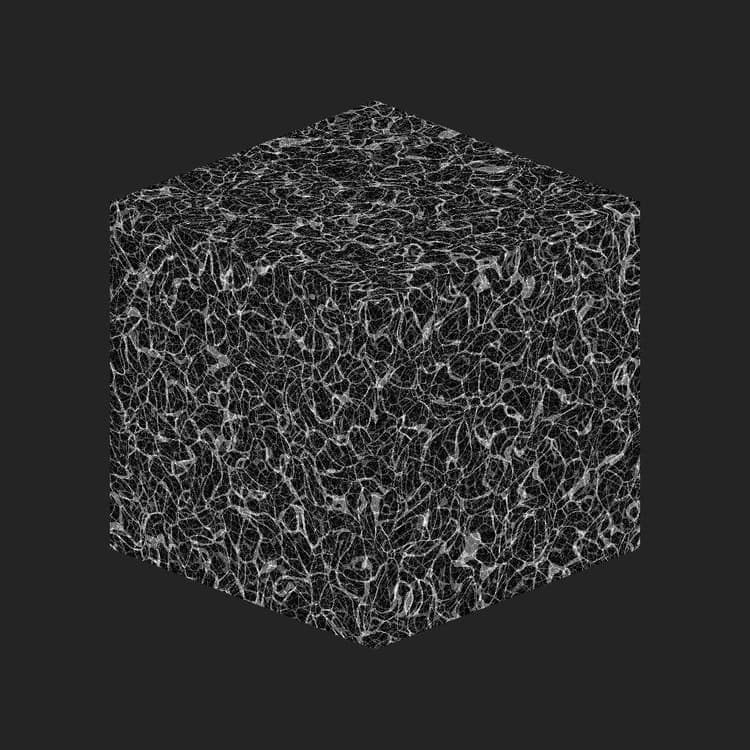
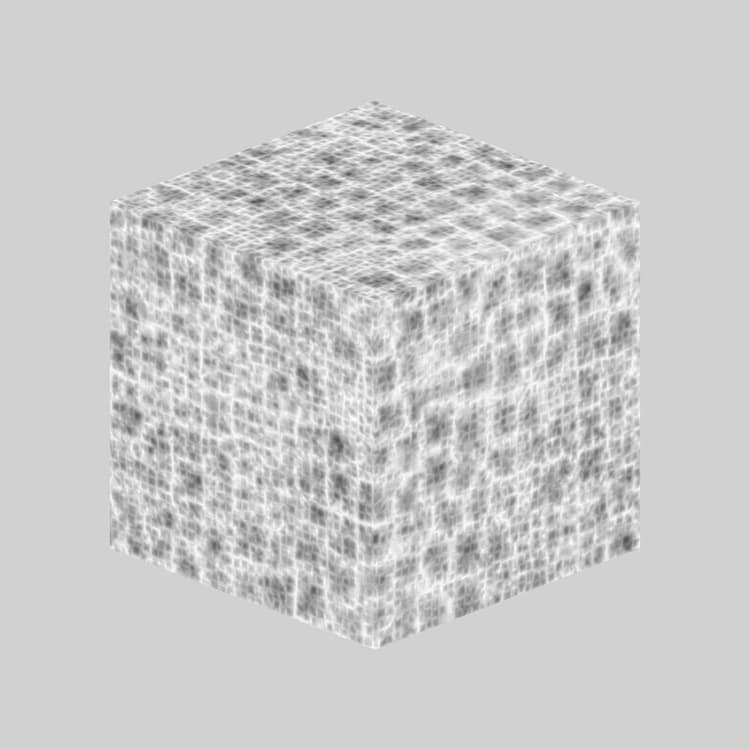
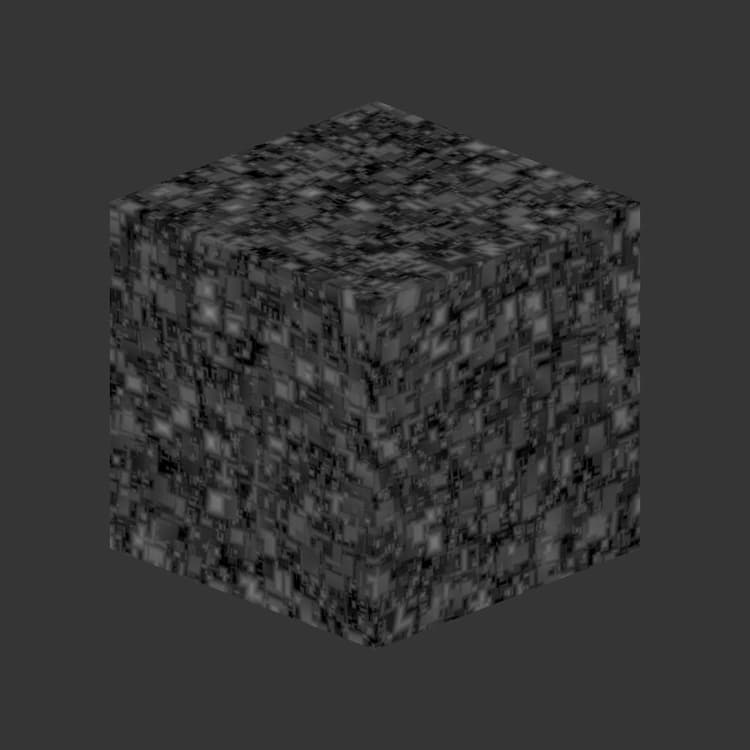
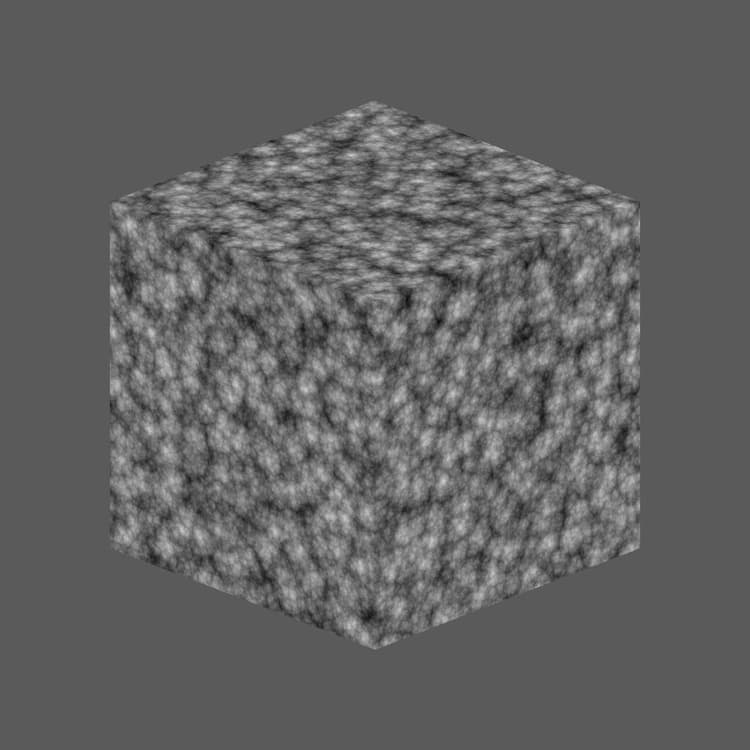
The 3D Voronoi Fractal node generates a fractal Voronoi noise in 3D space based on the Position Map input.
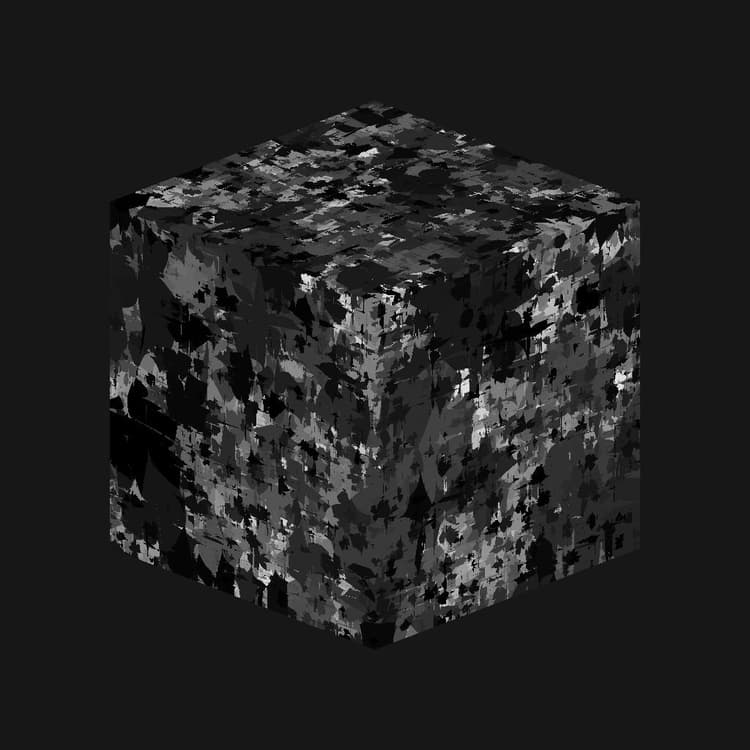
This node can be tested with Cube 3D GBuffers as input instead of an actual baked map (as seen in the Example Image below).
| note warning |
|---|
| WARNING |
| This noise is meant to be used with the GPU engine only (i.e., Direct3D or OpenGL). Go to Tools > Switch engine… or press the F9 key to select the desired engine. |
Parameters
-
Invert Boolean
Inverts the output image. -
Scale Float
Controls the scale of the fractal 3D Voronoi noise.
Note: When Tiling is enabled on any axis, the scale adjustement is stepped. This is expected. -
Size Float3
Controls the size of the fractal 3D Voronoi noise in the X, Y and Z axes. Non-uniform values result in a stretching or squashing effect.
Note: When Tiling is enabled on any axis, the size adjustment is stepped. This is expected. -
Offset Float3
Applies an offset to the position of the fractal 3D Voronoi noise in the X, Y and Z axes. -
Disorder Float3
The intensity of the random offset applied to each point of the noise in the X, Y and Z axes. -
Distortion Intensity Float
Controls the intensity of a warping effect applied on the fractal 3D Voronoi noise. -
Distortion Scale Multiplier Float
Controls the scale of the deforming pattern used in the warping effect controlled by the Distortion Intensity. -
Min Level Integer
The minimum level of of repetition used in the fractal pattern. A wider minimum/maximum range results in a richer pattern with variation on more frequency ranges. -
Max Level Integer
The maximum level of of repetition used in the fractal pattern. A wider minimum/maximum range results in a richer pattern with variation on more frequency ranges. -
Roughness Float
Controls the balance between low and high levels of repetition in the fractal pattern.
Note: A value of 0 results in an output which is not in line with other low values following it. This is expected.
Note 2: This parameter is only available when the Blend Mode parameter is set to Add. -
Lacunarity Float
Controls how the applied fractal pattern fills space. A higher value results in less gaps in the pattern and a denser noise. -
Global Opacity Float
Controls the range of the fractal 3D Perlin noise values from 0. -
Rounded Curve Float
Rounds the slope around each point of the noise to make it convex.
Note: This parameter is not available when the Style parameter is set to Edge. -
Distance Scale Float
Adjusts the distance of the gradient around each point of the noise. -
Distance Mode Integer
Sets the method to compute the distance gradient around each point of the noise:- Euclidean
- Manhattan
- Chebyshev
- Minkowski
-
Minkowski Number Float
The order p of the Minkowski distance. If we divide the distance gradient into quadrants, this number impacts these quadrants as follows:- p is exactly 1: Straight
- p is lower than 1: Concave
- p is greater than 1: Convex
Interesting values:
- 1.0: Manhattan distance
- 2.0: Euclidean distance
- Infinity: Chebyshev distance
Note: This parameter is only available when the Distance Mode parameter is set to Minkowski.
-
Blend Mode Integer
Sets the method of blending together the values of overlapping cells in 3D space:- Add: Add the values
- Max: Retain the highest value
- Min: Retain the lowest value
-
Style IntegerSets the method rendering the data of the fractal 3D Voronoi noise, considering the noise is based on a set of points in 3D space:
- F1: the distance to the closest point in 3D space
- F2: the distance to the second closest point in 3D space
- F2-F1- F1*F2- F1/F2- Edge: the edge between each cell of the noise in 3D space
- Random color: assign a random flat color to each cell of the noise in 3D space
-
Edge Thickness FloatAdjusts the thickness of the edges detected between cells of the fractal 3D Voronoi noise. Edges are detected in the X, Y and Z axes, thus some thicknesses may increase quicker than other depending on the cells’ depth.
Note: This parameter is only available when the Style parameter is set to Edge. -
Enable Tiling Boolean
Adjusts the fractal 3D Voronoi noise so its resulting pattern repeats in the X, Y and Z axes.
Example Images