Spline Select
In: Spline & Path Tools > Spline Tools
Description
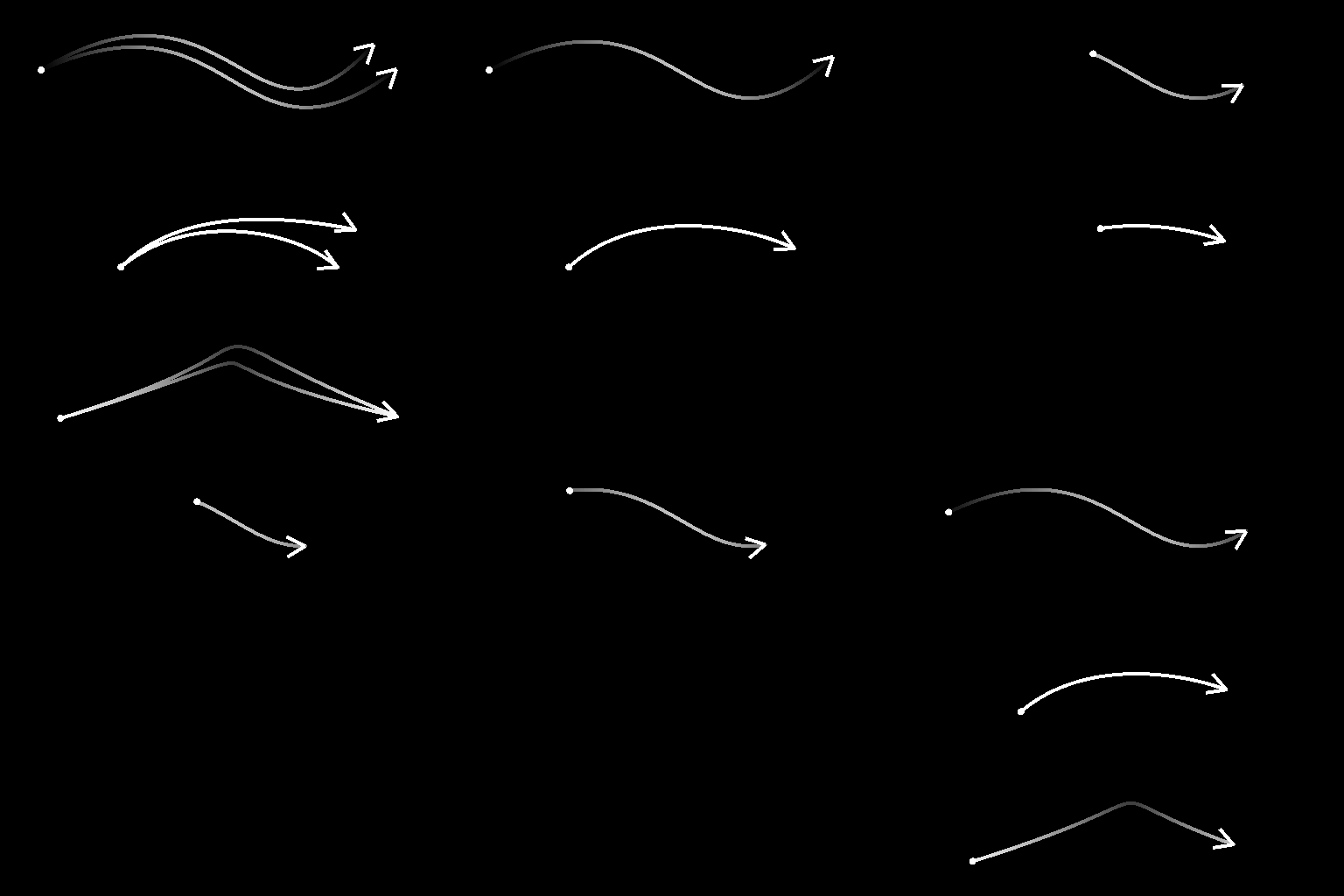
Selects splines in the input list according to the specified criteria, and outputs a new list including the selected splines only.
Selected splines can also be trimmed.
Inputs
Preview Grayscale
The preview of the input splines as a grayscale image.
Spline Coords Color
The coordinates of the input splines’ points encoded in the RGBA channels of a color image:
R - X position
G - Y position
B - Height
A - Packed data:
- Sign: Spline is closed (negative) or open (positive);
- Absolute value: Thickness + 1.
R - X position
G - Y position
B - Height
A - Packed data:
- Sign: Spline is closed (negative) or open (positive);
- Absolute value: Thickness + 1.
Spline Data Color
Additional data of the input splines encoded in the RGBA channels of a color image.
R - Tangents X
G - Tangents Y
B - Unused
A - Unused
R - Tangents X
G - Tangents Y
B - Unused
A - Unused
Spline Amount Integer
The number of input splines.
Outputs
Preview Grayscale
The preview of the output splines as a grayscale image.
Spline Coords Color
The coordinates of the output splines’ points encoded in the RGBA channels of a color image.
R - X position
G - Y position
B - Height
A - Packed data:
- Sign: Spline is closed (negative) or open (positive);
- Absolute value: Thickness + 1.
R - X position
G - Y position
B - Height
A - Packed data:
- Sign: Spline is closed (negative) or open (positive);
- Absolute value: Thickness + 1.
Spline Data Color
Additional data of the output splines encoded in the RGBA channels of a color image.
R - Tangents X
G - Tangents Y
B - Unused
A - Unused
R - Tangents X
G - Tangents Y
B - Unused
A - Unused
Spline Amount Integer
The number of output splines.
Parameters
Selection Mode Integer
The method of selecting the splines in the input list:
- First: Selects the first spline in the list;
- Last: Selects the last spline in the list;
- Index: Selects the spline with specified index;
- Range: Selects the splines which indexes are included in the specified range.
- First: Selects the first spline in the list;
- Last: Selects the last spline in the list;
- Index: Selects the spline with specified index;
- Range: Selects the splines which indexes are included in the specified range.
Spline Index Integer
(Available when ‘Selection Mode’ is set to ‘Index’) The index of the spline which should be selected.
Range Start Integer
(Available when ‘Selection Mode’ is set to ‘Range’) The lowest index in the range of selected splines.
Range End Integer
(Available when ‘Selection Mode’ is set to ‘Range’) The highest index in the range of selected splines.
Start Float
Offsets the start of the portion of the spline which should be selected. This effectively trims the spline.
The value represents the normalized length of the spline.
The value represents the normalized length of the spline.
End Float
Offsets the end of the portion of the spline which should be selected. This effectively trims the spline.
The value represents the normalized length of the spline.
The value represents the normalized length of the spline.
Preview
Segments Amount Integer
Adjusts the number of segments used to draw the spline visualization in the Preview output.
A higher value results in a smoother line.
A higher value results in a smoother line.
Show Direction Helper Boolean
Displays a dot at the start of the spline and an arrowhead at its end in the Preview output.
Show Thickness Envelope Boolean
Displays additional lines at the edges of the spline’s thickness.
Thickness (px) Float
Adjusts the thickness of the spline visualization in pixels in the Preview output.
Examples
| table 0-row-2 html-authored no-header | |
|---|---|
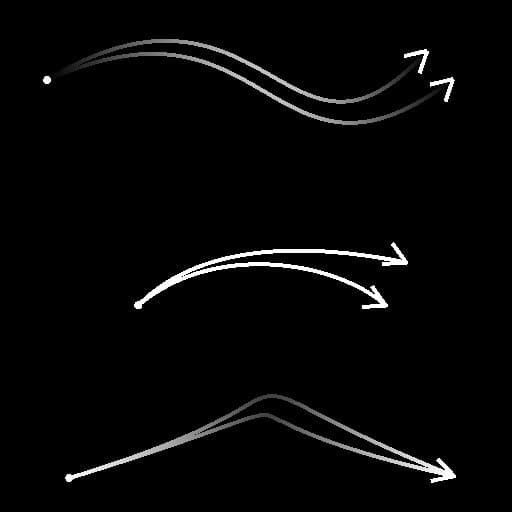
Before |
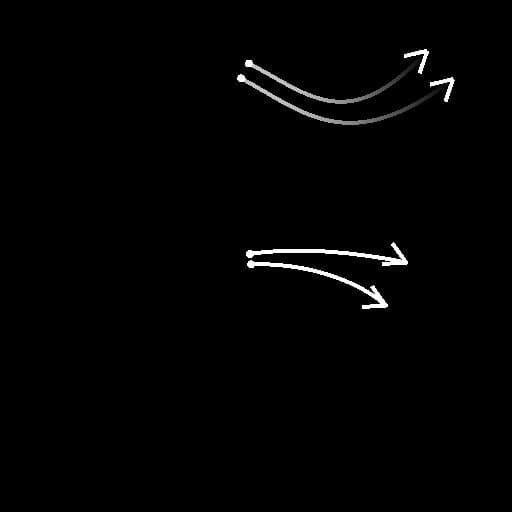
After |
| table 0-row-2 html-authored no-header | |
|---|---|
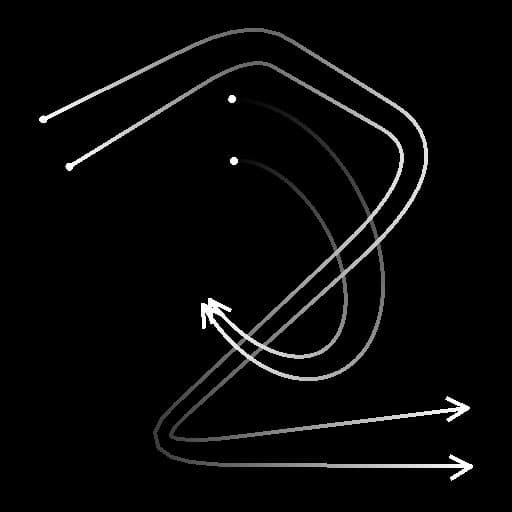
Before |

After |
recommendation-more-help
substance-3d-designer-help-guide