Spline (Quadratic)
In: Spline & Path Tools > Spline Tools
Description
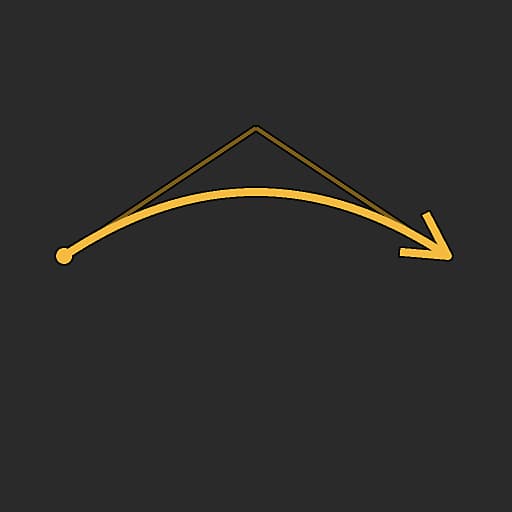
Generates a single spline between two points p1 and p3 at arbitrary locations.
The trajectory of the spline is controlled by the ‘out’ tangent of p1 and the ‘in’ tangent of p3, both controlled by a single point p3.
The span of the arc formed by the spline is adjustable, so that some of its trajectory from its extremities can remain straight.
Inputs
Preview Grayscale
The preview of the input splines as a grayscale image.
Spline Coords Color
The coordinates of the input splines’ points encoded in the RGBA channels of a color image:
R - X position
G - Y position
B - Height
A - Packed data:
- Sign: Spline is closed (negative) or open (positive);
- Absolute value: Thickness + 1.
R - X position
G - Y position
B - Height
A - Packed data:
- Sign: Spline is closed (negative) or open (positive);
- Absolute value: Thickness + 1.
Spline Data Color
Additional data of the input splines encoded in the RGBA channels of a color image:
R - Tangents X
G - Tangents Y
B - Tangents Z
A - Unused
R - Tangents X
G - Tangents Y
B - Tangents Z
A - Unused
Spline Amount Integer
The number of input splines.
Outputs
Preview Grayscale
The preview of the output splines as a grayscale image.
Spline Coords Color
The coordinates of the output splines’ points encoded in the RGBA channels of a color image:
R - X position
G - Y position
B - Height
A - Packed data:
- Sign: Spline is closed (negative) or open (positive);
- Absolute value: Thickness + 1.
R - X position
G - Y position
B - Height
A - Packed data:
- Sign: Spline is closed (negative) or open (positive);
- Absolute value: Thickness + 1.
Spline Data Color
Additional data of the output splines encoded in the RGBA channels of a color image:
R - Tangents X
G - Tangents Y
B - Tangents Z
A - Unused
R - Tangents X
G - Tangents Y
B - Tangents Z
A - Unused
Spline Amount Integer
The number of output splines.
Parameters
Flip direction Boolean
Inverts the direction of the spline.
Uniform distribution Boolean
When True, the points of the spline are evenly spaced from start to end…
Append input spline Boolean
Adds the generated spline to the end of the list of splines connected to the Spline inputs…
Non-square correction Boolean
Adjust the points’ positions and thickness to retain the spline shape in non-square resolutions. This also impacts uniform distribution.
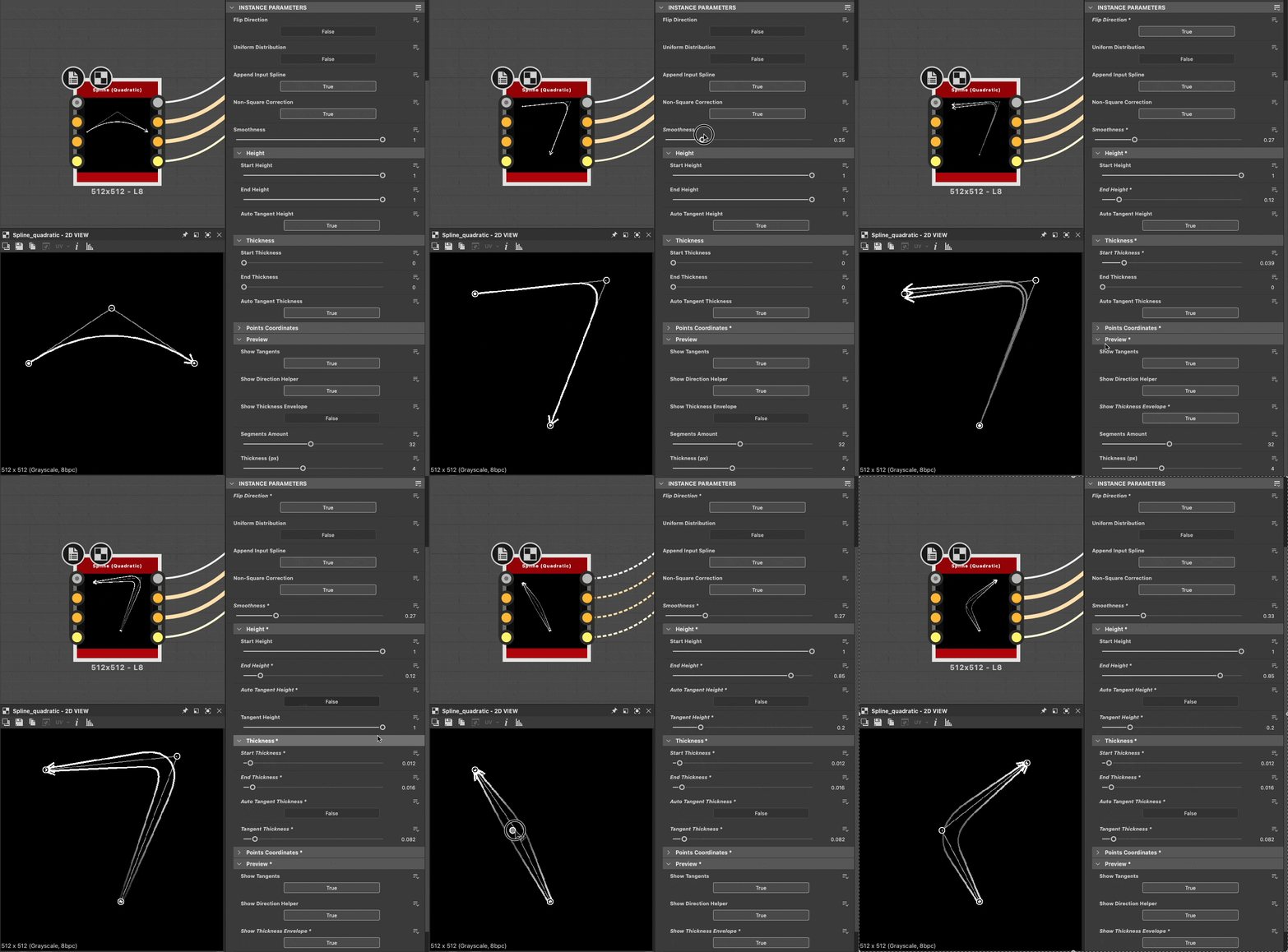
Smoothness Float
Adjusts the span of the arc formed by the spline, where 1 means the full length of the spline is arched and 0 means the spline is entirely straight. The arc progresses from point p3 along the spline up to its extremities.
Height
Start height Float
Adjusts the height of the p1 point where a lower value means a lower or deeper location.
This impacts the height of the spline at p1.
This impacts the height of the spline at p1.
End height Float
Adjusts the height of the p3 point where a lower value means a lower or deeper location.
This impacts the thickness of the spline at p3.
This impacts the thickness of the spline at p3.
Auto tangent height Boolean
Adjusts the height of the p3 point where a lower value means a lower or deeper location.
This impacts the thickness of the spline at p3.
This impacts the thickness of the spline at p3.
Tangent height Float
Adjusts the height driven by the tangents controlled by the p2 point.
This impacts the height along the spline as it draws away from p1 and goes into p3.
Note: This parameter is only available when Auto tangent height is set to ‘False’.
This impacts the height along the spline as it draws away from p1 and goes into p3.
Note: This parameter is only available when Auto tangent height is set to ‘False’.
Thickness
Start thickness Float
Adjusts the thickness of the p1 point. This impacts the thickness of the spline at p1.
Note: Thickness is used by specific Spline nodes.
Note: Thickness is used by specific Spline nodes.
End thickness Float
Adjusts the thickness of the p3 point. This impacts the thickness of the spline at p3.
Note: Thickness is used by specific Spline nodes.
Note: Thickness is used by specific Spline nodes.
Auto tangent thickness Boolean
Automatically sets the thickness of the spline tangents to interpolate linearly from the Start Thickness to the End Thickness.
Note: Thickness is used by specific Spline nodes.
Note: Thickness is used by specific Spline nodes.
Tangent thickness Float
Adjusts the thickness driven by the tangents controlled by the p2 point.
This impacts the thickness along the spline as it draws away from p1 and goes into p3.
Note: Thickness is used by specific Spline nodes.
Note 2: This parameter is only available when Auto tangent thickness is set to ‘False’.
This impacts the thickness along the spline as it draws away from p1 and goes into p3.
Note: Thickness is used by specific Spline nodes.
Note 2: This parameter is only available when Auto tangent thickness is set to ‘False’.
Points coordinates
p1 Float2
Sets the position of the p1 point in texture space.
p2 Float2
Sets the position of the p2 point in texture space.
The p2 point controls the tangents of both p1 and p3 points.
The p2 point controls the tangents of both p1 and p3 points.
p3 Float2
Sets the position of the p3 point in texture space.
Preview
Show tangents Boolean
Displays the p1 point ‘out’ tangent and p3 point ‘in’ tangent in the Preview output. Inverts the direction of the spline.
Show direction helper Boolean
Displays a dot at the start of the spline and an arrowhead at its end in the Preview output.
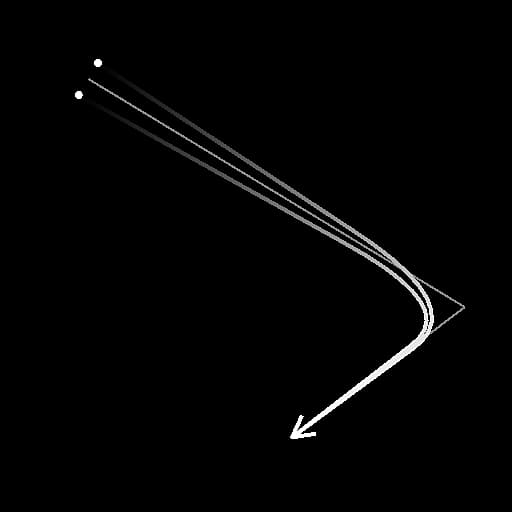
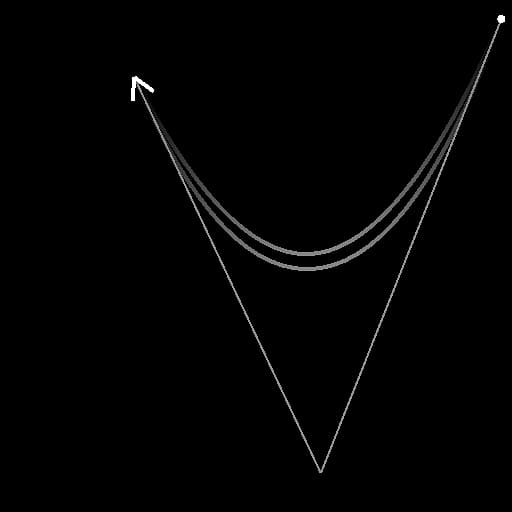
Show thickness envelope Boolean
Displays additional lines at the edges of the spline’s thickness.
Segments amount Integer
Adjusts the number of segments used to draw the spline visualization in the Preview output.
A higher value results in a smoother line.
A higher value results in a smoother line.
Thickness (px) Float
Adjusts the thickness in pixels of the spline visualization in the Preview output.
Examples
recommendation-more-help
substance-3d-designer-help-guide