Spline Fill
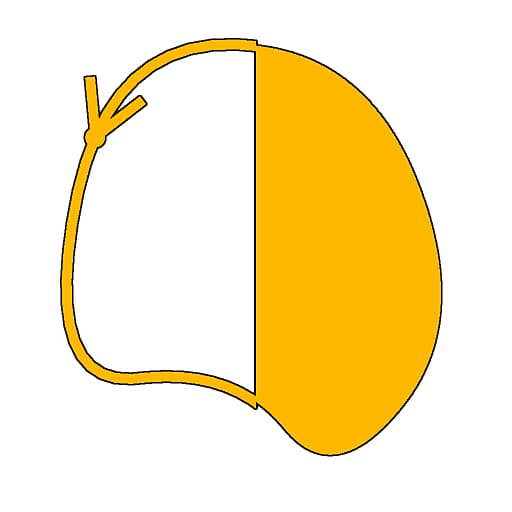
In: Spline & Path Tools > Spline Tools
Description
Fills the interior of input Splines with solid white. The exterior is filled with solid black.
Open splines are closed with a straight line from start to end. Intersections where the spline crosses itself are resolved by inverting the interior and exterior sides of the lines at those junctions.
IMPORTANT
It is not recommended to use this node on splines that are out of the [0 ,1] tile. The filling process is unreliable in that case.
Inputs
Spline Coords Color
The coordinates of the input splines’ points encoded in the RGBA channels of a color image:
R - X position
G - Y position
B - Height
A - Packed data:
- Sign: Spline is closed (negative) or open (positive);
- Absolute value: Thickness + 1.
R - X position
G - Y position
B - Height
A - Packed data:
- Sign: Spline is closed (negative) or open (positive);
- Absolute value: Thickness + 1.
Spline Data Color
Additional data of the input splines encoded in the RGBA channels of a color image.
R - Tangents X
G - Tangents Y
B - Unused
A - Unused
R - Tangents X
G - Tangents Y
B - Unused
A - Unused
Spline Amount Integer
The number of input splines.
Outputs
Output Grayscale
The result image of filling the input Splines with flat white against a flat black background.
Examples
| table 0-row-2 html-authored no-header | |
|---|---|

Before |

After |

recommendation-more-help
substance-3d-designer-help-guide