Spline Bridge Mapper Grayscale
In: Spline & Path Tools > Spline Tools
Description
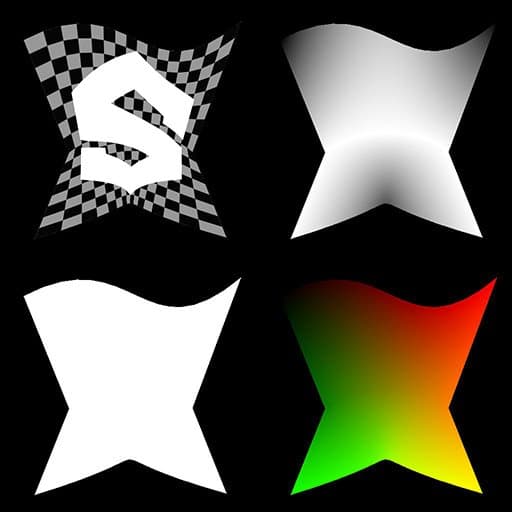
Maps a grayscale image across a list of input splines so the image traverses the splines in order.
TIP
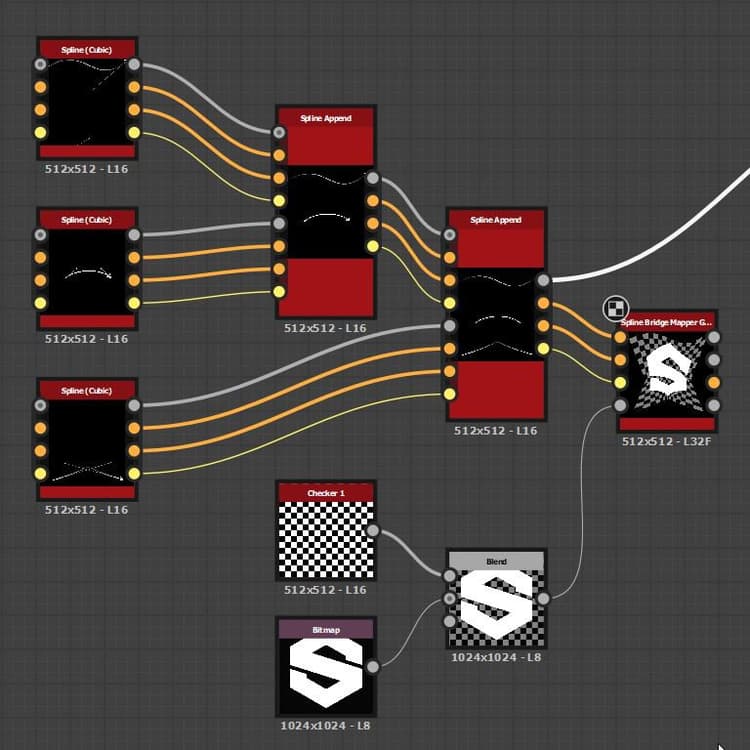
The mapping goes from the first spline in the list to the last and traverses the intermediary splines by strictly following the order of these splines in the list.
Therefore, you should be mindful about the order in which you append splines together beforehand.
NOTE
See also Spline Bridge Mapper Color.
Inputs
Spline Coords Color
The coordinates of the input splines’ points encoded in the RGBA channels of a color image:
R - X position
G - Y position
B - Height
A - Packed data:
- Sign: Spline is closed (negative) or open (positive);
- Absolute value: Thickness + 1.
R - X position
G - Y position
B - Height
A - Packed data:
- Sign: Spline is closed (negative) or open (positive);
- Absolute value: Thickness + 1.
Spline Data Color
Additional data of the input splines encoded in the RGBA channels of a color image.
R - Tangents X
G - Tangents Y
B - Unused
A - Unused
R - Tangents X
G - Tangents Y
B - Unused
A - Unused
Spline Amount Integer
The number of input splines.
Color Map Grayscale
The input grayscale image that should be mapped across the input splines.
Outputs
Color Grayscale
The result of mapping the input Color image across the splines, as a grayscale image.
Height Grayscale
The height of the splines mapped across the splines, as a grayscale image.
UV Color
The UVs (I.e., coordinates) of the mapped image, encoded in the red (U) and green (V) channels of a color image.
Mask Grayscale
A mask of the mapping across the splines.
Parameters
Segments Amount Integer
Splines are simplified into segments before image coordinates traverse them. A higher amount of segments results in a smoother mapping along curves.
Reduce UVs Stretching Boolean
Adjusts the method used to interpolate the image coordinates from one spline to the next to minimize stretching when the distance between splines is uneven.
UV Scale Float2
Adjusts the scale of the image coordinates. Higher values result in more a densely tiled image.
UV Rotation Float
Rotates the image coordinates around their center.
Examples
| table 0-row-2 html-authored no-header | |
|---|---|
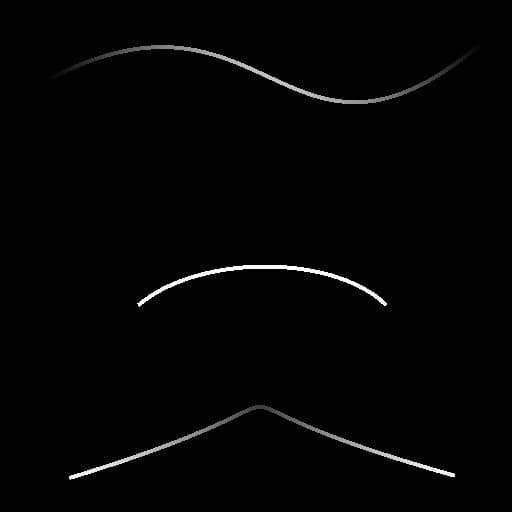
Before |

After |

recommendation-more-help
substance-3d-designer-help-guide