Spline Bridge (List)
In: Spline & Path Tools > Spline Tools
Description
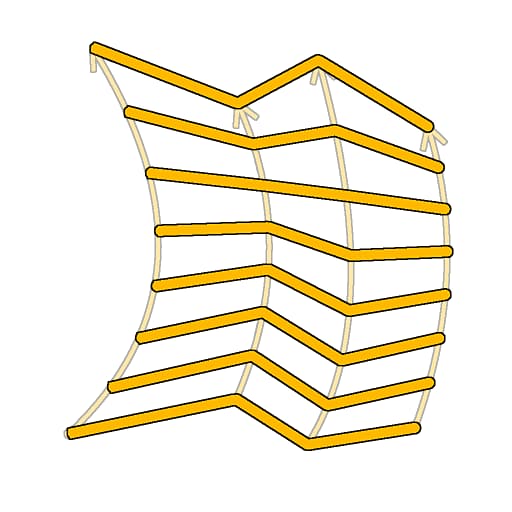
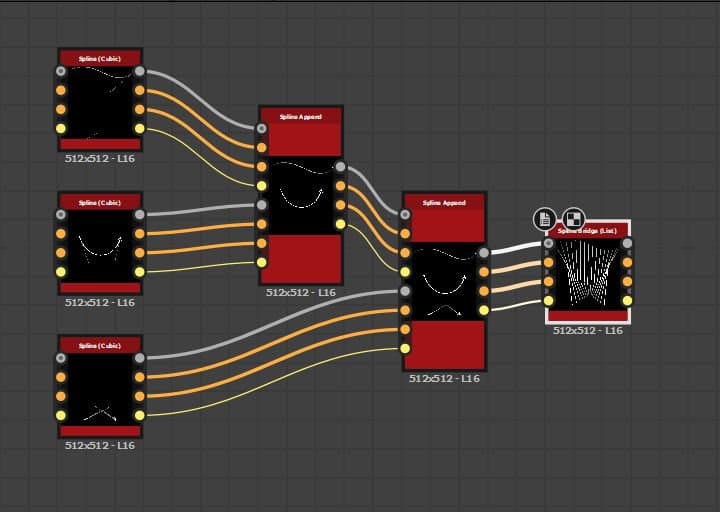
Generates splines traversing all splines in the input list, along these splines.
The generated splines can be Linear (straight) or Quadratic Bezier (curved).
TIP
The generated splines go from the first spline in the list to the last and traverse the intermediary splines by strictly following the order of these splines in the list.
Therefore, you should be mindful about the order in which you append splines together beforehand.
Inputs
Preview Grayscale
The preview of the input splines as a grayscale image.
Spline Coords Color
The coordinates of the input splines’ points encoded in the RGBA channels of a color image:
R - X position
G - Y position
B - Height
A - Packed data:
- Sign: Spline is closed (negative) or open (positive);
- Absolute value: Thickness + 1.
R - X position
G - Y position
B - Height
A - Packed data:
- Sign: Spline is closed (negative) or open (positive);
- Absolute value: Thickness + 1.
Spline Data Color
Additional data of the input splines encoded in the RGBA channels of a color image.
R - Tangents X
G - Tangents Y
B - Unused
A - Unused
R - Tangents X
G - Tangents Y
B - Unused
A - Unused
Spline Amount Integer
The number of input splines.
Outputs
Preview Grayscale
The preview of the output splines as a grayscale image.
Spline Coords Color
The coordinates of the output splines’ points encoded in the RGBA channels of a color image.
R - X position
G - Y position
B - Height
A - Packed data:
- Sign: Spline is closed (negative) or open (positive);
- Absolute value: Thickness + 1.
R - X position
G - Y position
B - Height
A - Packed data:
- Sign: Spline is closed (negative) or open (positive);
- Absolute value: Thickness + 1.
Spline Data Color
Additional data of the output splines encoded in the RGBA channels of a color image.
R - Tangents X
G - Tangents Y
B - Unused
A - Unused
R - Tangents X
G - Tangents Y
B - Unused
A - Unused
Spline Amount Integer
The number of output splines.
Parameters
Bridge Spline Amount Integer
The number of splines generated across the input splines.
Bridge Splines Type Integer
The type of spline that is generated:
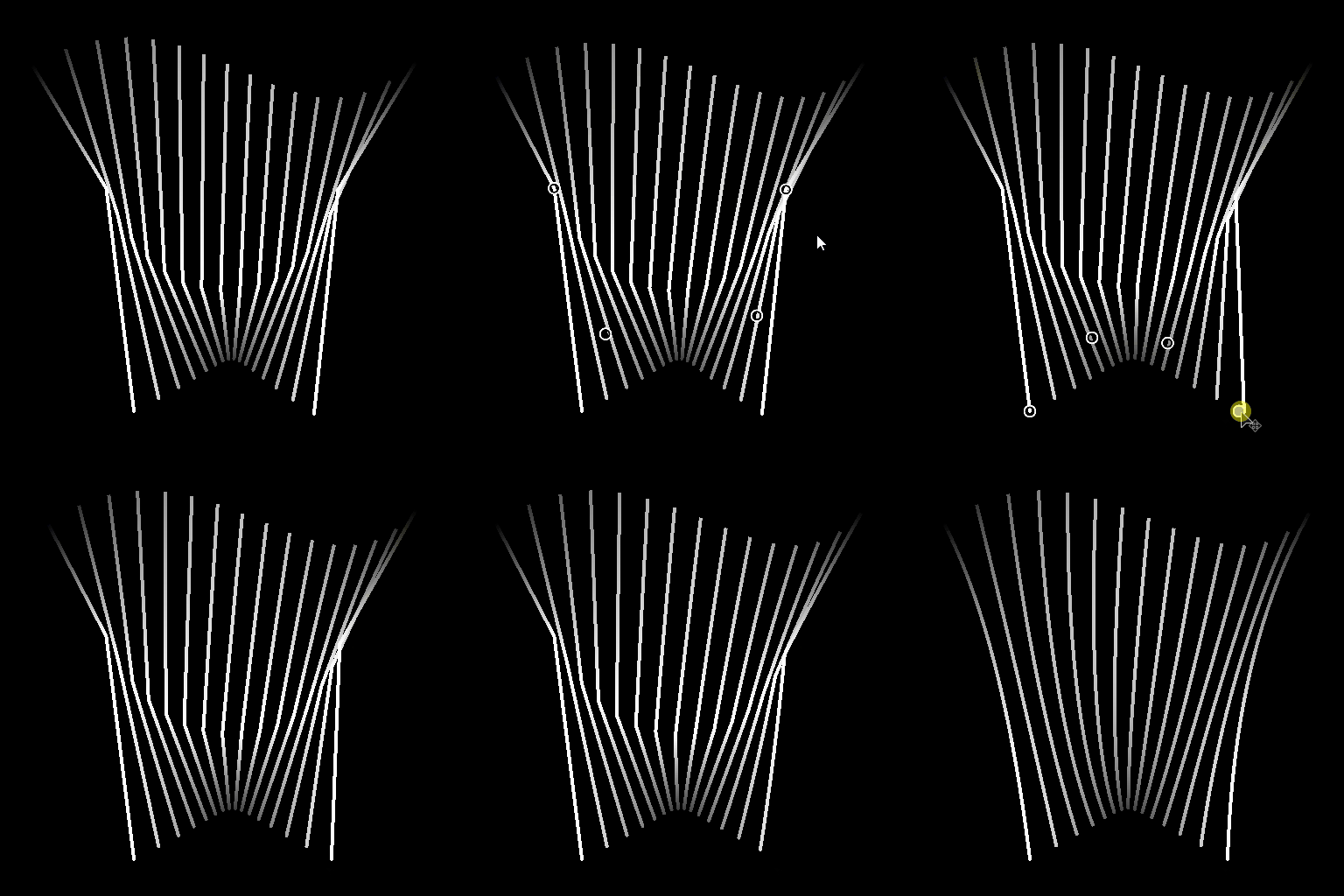
- Linear: a sharp spline connecting intermediary splines with straight trajectories from Start to End;
- Quadratic Bezier: a curved spline connecting intermediary splines with smooth trajectories from Start to End.
Note: At least 3 input splines are requires to compute a Quadratic Bezier spline.
- Linear: a sharp spline connecting intermediary splines with straight trajectories from Start to End;
- Quadratic Bezier: a curved spline connecting intermediary splines with smooth trajectories from Start to End.
Note: At least 3 input splines are requires to compute a Quadratic Bezier spline.
Input Splines are Closed Boolean
Controls whether the first and last points of input splines should be processed as a single point. This prevent duplicating the first and last traversing splines.
Flip Direction Boolean
Inverts the direction of the spline.
Close Bridge Spline Boolean
Extends the traversing splines to connect back to the first spline in the input list.
First Bridge Spline Offset Float2
Applies an offset to the start of all traversed splines. The value is the normalized length of the input splines.
Generated splines that meet the start or end of the traversed splines are left there.
Generated splines that meet the start or end of the traversed splines are left there.
Last Bridge Spline Offset Float2
Applies an offset to the end of all traversed splines. The value is the normalized length of the input splines.
Generated splines that meet the start or end of the traversed splines are left there.
Generated splines that meet the start or end of the traversed splines are left there.
Random Offset Range Integer
The maximum distance used for the random offset applied on splines.
- Parent spline: The full length of the parent splines is used. May cause overlaps.
- Interval: The interval between bridge splines is used. This mitigates overlaps. This distance decreases as the amount of bridge splines increases.
- Parent spline: The full length of the parent splines is used. May cause overlaps.
- Interval: The interval between bridge splines is used. This mitigates overlaps. This distance decreases as the amount of bridge splines increases.
Start Random Offset Float
A multiplier for the random offset applied on the start position of bridge splines, where the maximum distance is specified by the Random offset range parameter.
End Random Offset Float
A multiplier for the random offset applied on the end position of bridge splines, where the maximum distance is specified by the Random offset range parameter.
Global Random Offset Float
A multiplier for the equal amount of random offset applied on the both the start and end position of bridge splines, where the maximum distance is specified by the Random offset range parameter.
Uniform Distribution Boolean
When True, the points of the generated splines are evenly spaced from start to end.
Thickness
Thickness Mode Integer
The method of acquiring the thickness value for the bridge splines.
- Inherit from parent splines: The thickness of the parent splines at the start and end positions of the bridge splines is used
- Override: The arbitrary value you specify in the Thickness parameter is used
- Inherit from parent splines: The thickness of the parent splines at the start and end positions of the bridge splines is used
- Override: The arbitrary value you specify in the Thickness parameter is used
Thickness Float
The absolute thickness value applied to the bridge splines.
Thickness Random Float
A random multiplier for the thickness of the bridge splines, where the initial thickness that this multiplier is applied to is specified by the Thickness mode parameter.
Height
Height Mode Integer
The method of acquiring the height value for the bridge splines.
- Inherit from parent splines: The height of the parent splines at the start and end positions of the bridge splines is used
- Override: The arbitrary value you specify in the Height parameter is used
- Inherit from parent splines: The height of the parent splines at the start and end positions of the bridge splines is used
- Override: The arbitrary value you specify in the Height parameter is used
Height Offset Float
The amount of offset applied to the height inherited from the parent splines, before that height is applied to the bridge splines.
Height Float
The absolute height value applied to the bridge splines.
Height Random Float
A random amount of adjustment to the height of the bridge splines, where that adjustment depends on the selected Height mode parameter:
- Inherit from parent splines: The value is a multiplier for the inherited height.
- Override: The value is an offset added to the height.
- Inherit from parent splines: The value is a multiplier for the inherited height.
- Override: The value is an offset added to the height.
Non-Square Correction Boolean
Adjust the points’ positions and thickness to retain the spline shape in non-square resolutions. This also impacts uniform distribution.
Preview
Show Direction Helper Boolean
Displays a dot at the start of the spline and an arrowhead at its end in the Preview output.
Show Thickness Envelope Boolean
Displays additional lines at the edges of the spline’s thickness.
Segments Amount Integer
Adjusts the number of segments used to draw the spline visualization in the Preview output. A higher value results in a smoother line.
Thickness (px) Float
Adjusts the thickness of the spline visualization in pixels in the Preview output.
Background Preview Intensity Float
The intensity of the Preview visualization.
Examples
| table 0-row-2 html-authored no-header | |
|---|---|
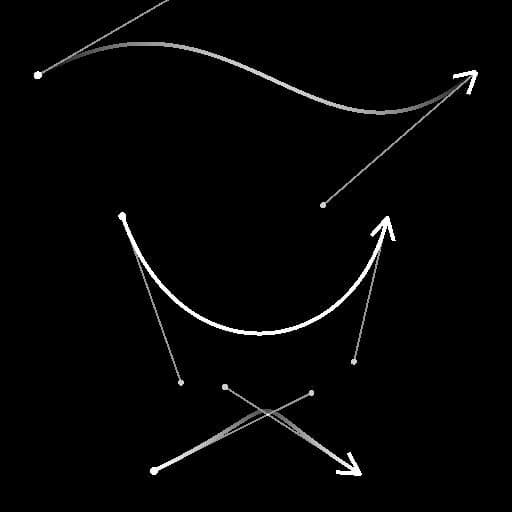
Before |
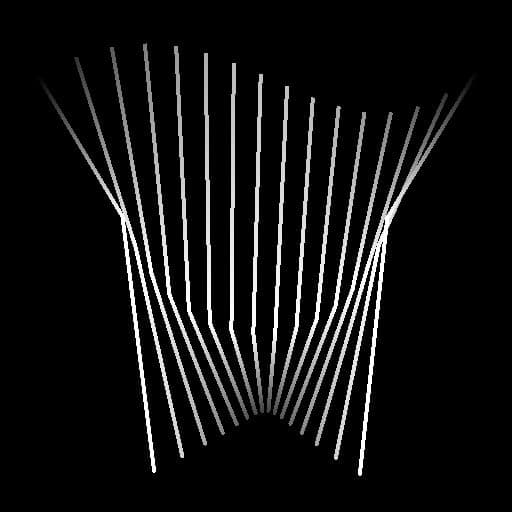
After |
recommendation-more-help
substance-3d-designer-help-guide