Spline 2D Transform
In: Spline & Path Tools > Spline Tools
Description
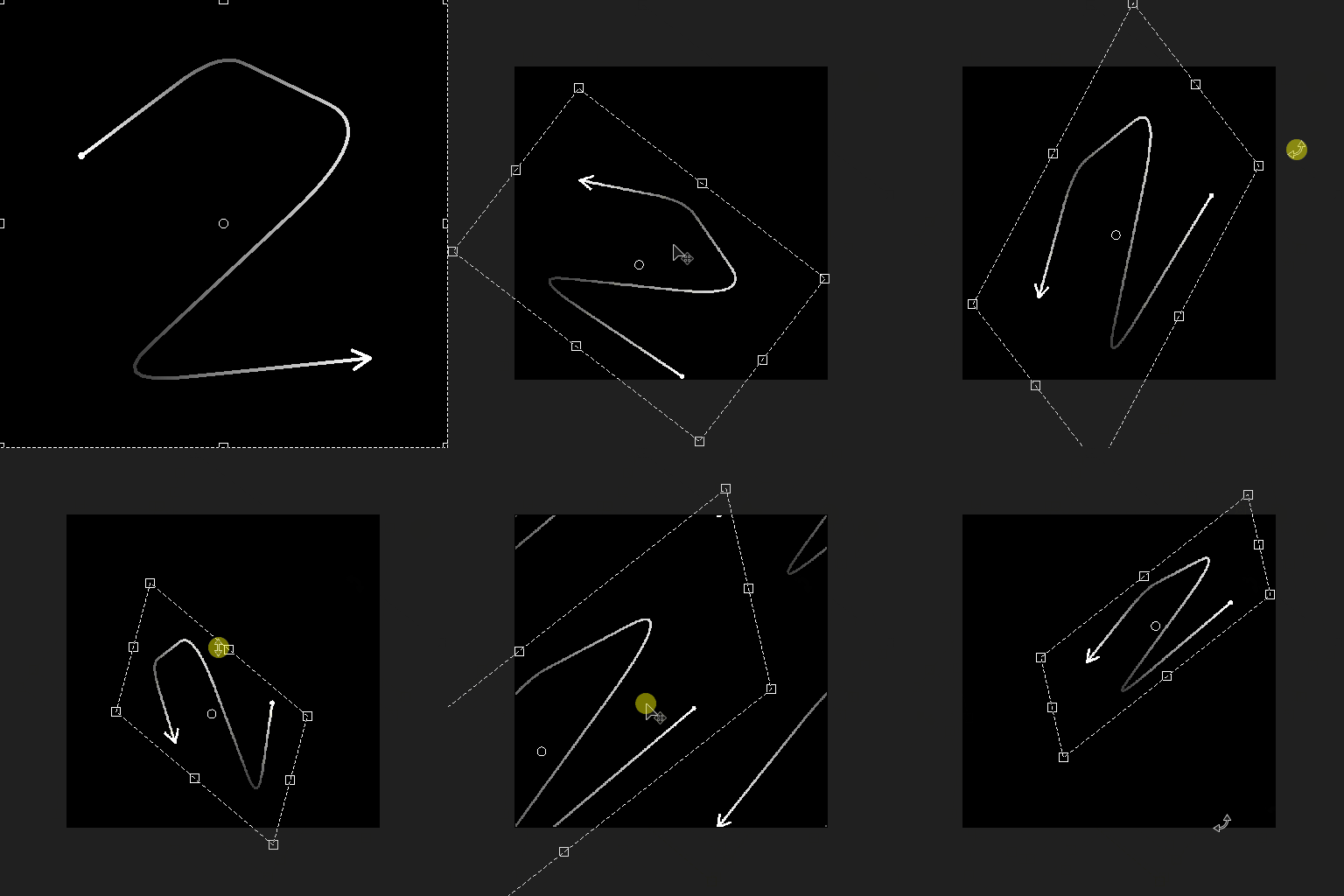
Applies a global transformation to all input splines, including inverting their direction.
Inputs
Preview Grayscale
The preview of the input splines as a grayscale image.
Spline Coords Color
The coordinates of the input splines’ points encoded in the RGBA channels of a color image:
R - X position
G - Y position
B - Height
A - Packed data:
- Sign: Spline is closed (negative) or open (positive);
- Absolute value: Thickness + 1.
R - X position
G - Y position
B - Height
A - Packed data:
- Sign: Spline is closed (negative) or open (positive);
- Absolute value: Thickness + 1.
Spline Data Color
Additional data of the input splines encoded in the RGBA channels of a color image.
R - Tangents X
G - Tangents Y
B - Unused
A - Unused
R - Tangents X
G - Tangents Y
B - Unused
A - Unused
Spline Amount Integer
The number of input splines.
Outputs
Preview Grayscale
The preview of the output splines as a grayscale image.
Spline Coords Color
The coordinates of the output splines’ points encoded in the RGBA channels of a color image.
R - X position
G - Y position
B - Height
A - Packed data:
- Sign: Spline is closed (negative) or open (positive);
- Absolute value: Thickness + 1.
R - X position
G - Y position
B - Height
A - Packed data:
- Sign: Spline is closed (negative) or open (positive);
- Absolute value: Thickness + 1.
Spline Data Color
Additional data of the output splines encoded in the RGBA channels of a color image.
R - Tangents X
G - Tangents Y
B - Unused
A - Unused
R - Tangents X
G - Tangents Y
B - Unused
A - Unused
Spline Amount Integer
The number of output splines.
Parameters
Flip Direction Boolean
Inverts the direction of the spline.
Transform Matrix Float4
The transformation matrix applied to the splines.
Three modes of editing the matrix parameters are available:
- Transformation gizmo: tweak the handles of the gizmo displayed in the 2D View when the Spline 2D Transform node is selected;
- Rotation/Stretch: Individually control the rotation and stretching of the splines. Note that values are always applied relatively to the current transformation. E.g., applying 50% width twice results in a 25% width;
- Matrix values: Click the Edit Matrix Values button to input the raw numerical values of the matrix directly.
Three modes of editing the matrix parameters are available:
- Transformation gizmo: tweak the handles of the gizmo displayed in the 2D View when the Spline 2D Transform node is selected;
- Rotation/Stretch: Individually control the rotation and stretching of the splines. Note that values are always applied relatively to the current transformation. E.g., applying 50% width twice results in a 25% width;
- Matrix values: Click the Edit Matrix Values button to input the raw numerical values of the matrix directly.
Offset Float2
Applies a position offset to the splines in X (horizontal) and Y (vertical).
Preview
Show Direction Helper Boolean
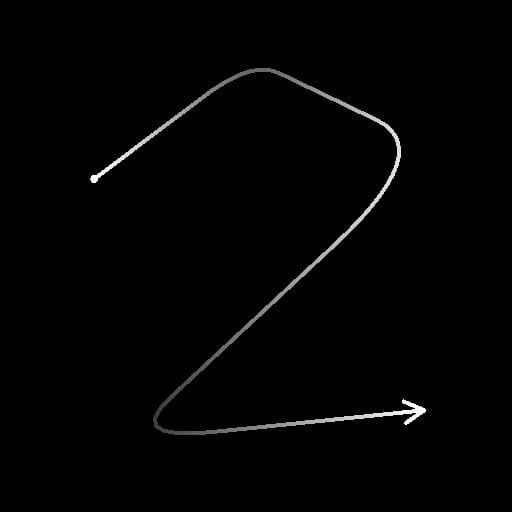
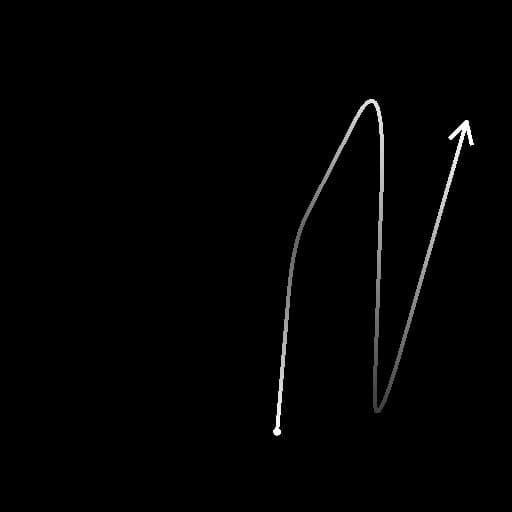
Displays a dot at the start of the spline and an arrowhead at its end in the Preview output.
Show Thickness Envelope Boolean
Displays additional lines at the edges of the spline’s thickness.
Segments Amount Integer
Adjusts the number of segments used to draw the spline visualization in the Preview output. A higher value results in a smoother line.
Thickness (px) Float
Adjusts the thickness of the spline visualization in pixels in the Preview output.
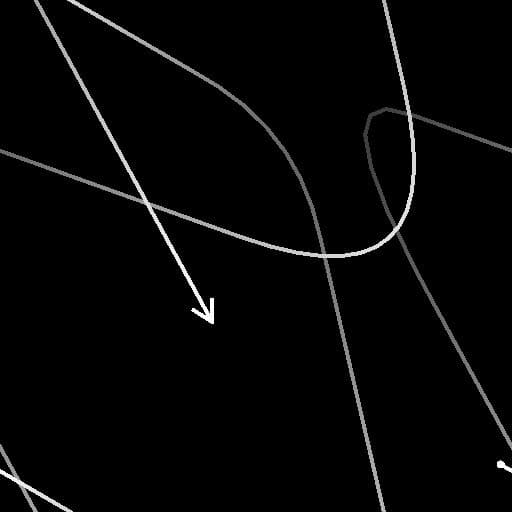
Examples
| table 0-row-2 html-authored no-header | |
|---|---|
Before |
After |
| table 0-row-2 html-authored no-header | |
|---|---|
|
Before |
After |
recommendation-more-help
substance-3d-designer-help-guide