Scatter Splines on Splines
Scatter Splines on Splines: Icon

In: Spline & Path Tools > Spline Tools

Description

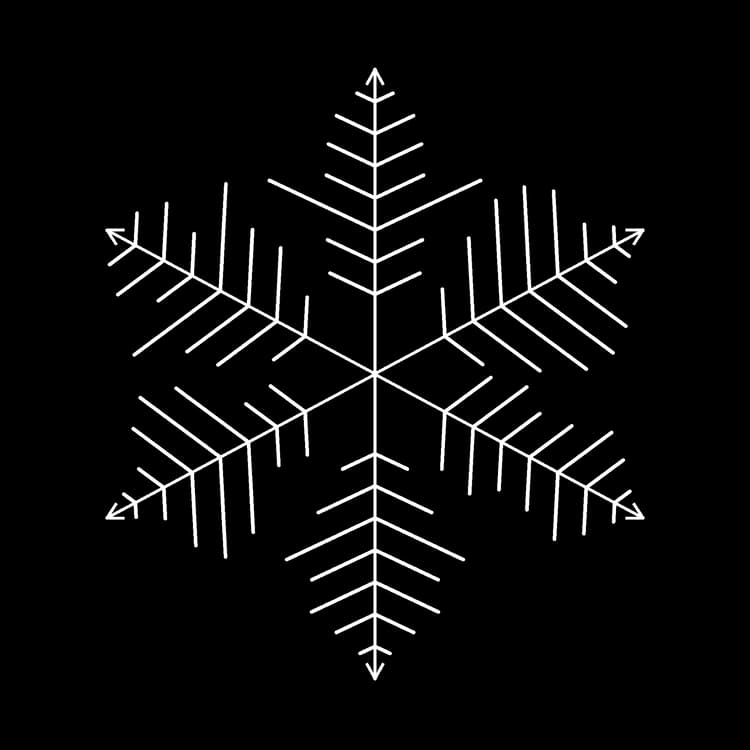
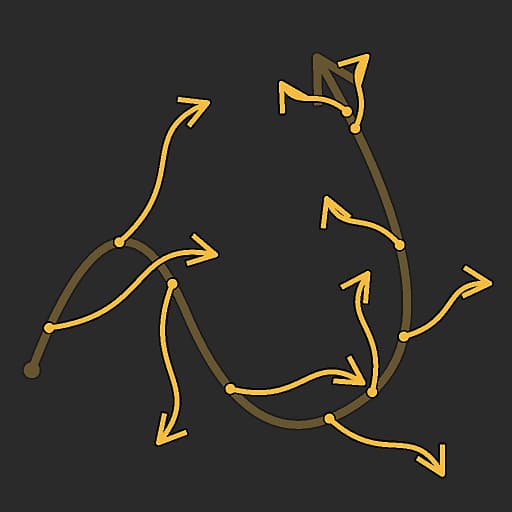
Places splines along the input parent splines.

The node offers deep customization options for controlling how splines are scattered, and lets you scatter simple straight splines, or your own custom splines.

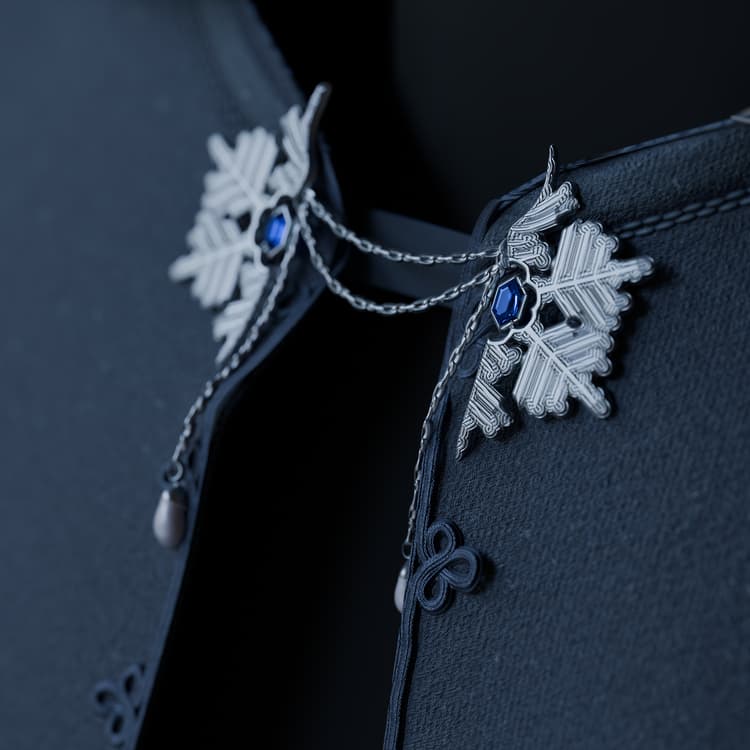
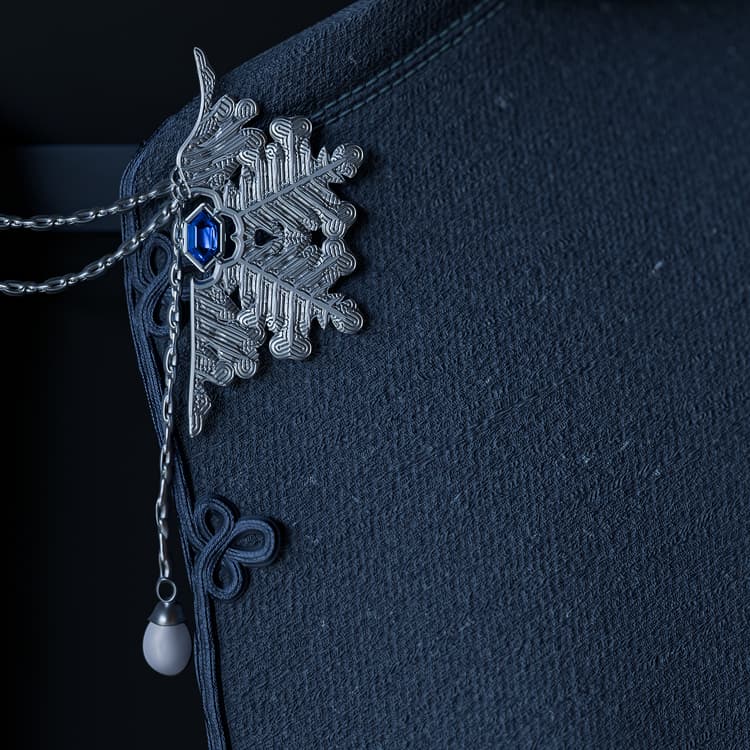
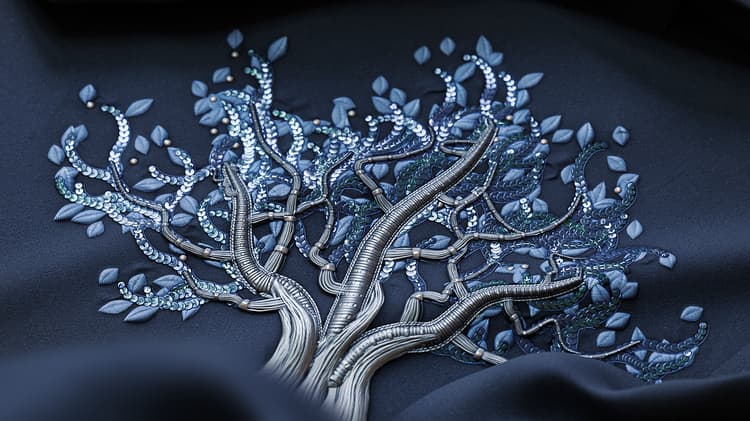
The node lets you create intricate structures for mapping colors and images using the Spline Mapper nodes, or used as a skeleton for placing shapes using the Scatter on Spline nodes.

Tutorial

Click the image on the right to access our dedicated tutorial, for a guided tour of the node’s capabilities and its usage in the context of a Spline-based workflow.

Video Spline nodes

Input connectors

Preview Grayscale
The preview of the input splines as a grayscale image.
Spline Coords Color
The coordinates of the parent splines’ points encoded in the RGBA channels of a color image: R - X position G - Y position B - Height A - Packed data:         - Sign: Spline is closed (negative) or open (positive)         - Absolute value: Thickness + 1
Spline Data Color
Additional data of the parent splines encoded in the RGBA channels of a color image: R - Tangents X G - Tangents Y B - Tangents Z A - Unused
Spline Amount Integer
The number of parent splines.
Custom Spline Coords Color
The coordinates of the custom splines’ points encoded in the RGBA channels of a color image: R - X position G - Y position B - Height A - Packed data:         - Sign: Spline is closed (negative) or open (positive)         - Absolute value: Thickness + 1
Custom Spline Data Color
Additional data of the custom splines encoded in the RGBA channels of a color image: R - Tangents X G - Tangents Y B - Tangents Z A - Unused
Custom Spline Amount Integer
The number of custom splines.
Scale Map Grayscale
The grayscale map controlling the scale of the scattered splines. The effect of this map is controlled by the  Scale Map Input Multiplier  parameter and is combined with the other parameters in the  Size  group.
Rotation Map Grayscale
The grayscale map controlling the rotation of the scattered splines. The effect of this map is controlled by the  Rotation Map Input Multiplier  parameter and is combined with the other parameters in the  Rotation  group.

Output connectors

Preview Grayscale
The preview of the scattered splines as a grayscale image.
Spline Coords Color
The coordinates of the scattered splines’ points encoded in the RGBA channels of a color image: R - X position G - Y position B - Height A - Packed data:         - Sign: Spline is closed (negative) or open (positive)         - Absolute value: Thickness + 1
Spline Data Color
Additional data of the scattered splines encoded in the RGBA channels of a color image: R - Tangents X G - Tangents Y B - Unused A - Unused
Spline Amount Integer
The number of scattered splines.

Parameters

Side Integer
Controls on which side(s) of the parent splines the splines should be scattered, considering that ‘forward’ is the direction of the  parent  splines:   Left Place the splines on the left side.   Right Place the splines on the right side.   Left + Right Place the splines on both sides. Left / Right - Alternate Place splines left then right alternatively (E.g., every other side).   Left / Right - Random Pick the side randomly for each spline.
Amount Mode Integer
The method of scattering the splines along the parent splines, which impacts the amount of scattered splines on each parent spline: Fixed amount per spline The specified amount of evenly spaced splines is scattered.   Spacing The amount of splines is automatically adjusted to fit the specified even spacing. In both cases, the first and last scattered splines fall exactly on the start and end of each parent spline respectively.
Spline Amount Per Spline Integer
The amount of evenly spaced splines scattered along each parent spline.
Spline Spacing Float
The minimum distance along parent splines by which splines should be spaced, while still landing the first and last spline on the start and end of each parent spline respectively.
Spline Type Integer
Selects which type of spline should be scattered on the parent splines: Straight A simple, straight spline.   Custom spline The spline(s) provided to the  Custom Spline  inputs. Mutliple splines are supported when appended together into a list.
Custom Spline Selection Integer
When using multiple custom splines appended together into a list, this parameter lets you select how these splines should be distributed in the scattering. Whole list All splines are scattered together as a group. Sequential Each individual spline is scattered in order, looping around the list. Random A random spline is picked from the list for every spline scattered.
Start Float
Offsets the point from the start of the parent splines where the scattering starts. The value is the normalized length of each parent spline.
End Float
Offsets the point from the start of the parent splines where the scattering ends. The value is the normalized length of each parent spline.
Flip Direction Boolean
Inverts the direction of the scattered splines.
Left / Right Symmetry Mode Integer
The method of symmetry applied to the splines scattered on each side of the parent splines. Disabled No symmetry is applied, the splines are place on each side using a simple rotation.   Left symmetry The spline on the left is symmetrical to the one on the right relatively to the parent spline. Right symmetry The spline on the right is symmetrical to the one on the left relatively to the parent spline.
Left / Right Random Link Boolean
Controls whether the splines on each side of the parent spline should use the same values when using random rotation, random scaling, etc. In other words: - False: each spline uses separate random values - True: both splines share the same random values
Spline Pivot Mode Integer
Sets the method of placing the pivot of scattered splines, which impacts rotation and scaling. Note that the pivot is  always placed on the parent spline  and its controls impact the scattered spline. In other words: the pivot does not move, it is the scattered spline that moves and scales relatively to it.   Position along spline Move the pivot along the scattered spline.   Absolute position Set an arbitrary position for the pivot.
Pivot Position Along Spline Float
The normalized position of the pivot along the scattered spline, where 0 is its start and 1 is its end.   Note that the pivot follows the  direction  of the scattered spline and the spline’s orientation may change to preserve the pivot’s position and rotation relatively to the parent spline.
Pivot Absolute Position Float2
The position in UV space of the pivot.
Non-Square Correction Boolean
Adjust the splines positions and thickness to retain the their shape in non-square resolutions. Note: When using custom splines, the custom spline should use the  same image ratio  as the  Scatter Splines on Splines  nodes.
Size
table 0-row-2 1-row-2 2-row-2 3-row-2 4-row-2 5-row-2
Spline Scale Float A global control for the size of all splines, where 1 is their full original size. Scaling is applied relatively to a spline’s pivot. The pivot position can be offset using the  Spline Pivot  parameter.
Spline Scale Random Float Applies a random multiplier up to the specified value for decreasing the size of the splines.
Scale Map Input Multiplier Float Controls the intensity of the  Scale Map  input. This map acts as a multiplier for the current size of the patterns. The effect of this map is combined with the other parameters in the  Size  group.
Scale Map Input Sampling Mode Integer The method of mapping the values in the  Scale Map  to the splines: Texture space The values are applied to the splines where they would be if placed in a texture using the texture’s UV coordinates. This effectively applies the value to the splines ‘in place’ Horizontal along spline The values are applied to the encoded splines’ coordinates directly (see  Spline Coords  input), where each row is applied to a different spline from top to bottom   Hor. along spline (rand. offset X) The values are applied to the encoded splines’ coordinates directly (see  Spline Coords  input), with a random horizontal offset in the  Scale Map  for each spline (I.e., each row in Spline Coords)   Hor. along spline (rand. offset Y) The values are applied to the encoded splines’ coordinates directly (see  Spline Coords  input), with a random vertical offset in the  Scale Map  for each spline (I.e., each row in Spline Coords)
Start/End Attenuation Float2 Factors in the distance from the midpoint of the spline to its  Start  and  End  when scaling the splines. This means size is decreased for splines closer to a spline’s extremities.
Position
table 0-row-2 1-row-2 2-row-2 3-row-2 4-row-2 5-row-2 6-row-2
Local Offset Float2 Applies an offset to the splines’ positions along the parent spline’s tangent (parallel) and normal (perpendicular).
Offset on Spline Range Integer Sets the range of offset applied to the scattered splines along the parent splines. Interval The range spans the interval  between  each scattered spline.   Parent spline The range spans the  full length  of the parent spline.
Offset on Spline Float Applies a position offset to the splines along the parent splines.
Random Offset Range Integer Sets the range of random offset applied to the scattered splines along the parent splines.   Interval The range spans the interval  between  each scattered spline.   Parent spline The range spans the  full length  of the parent spline.
Random Offset on Spline Float Applies an additional position offset to the splines along the parent splines.
Offset by Thickness Float Applies an offset to the scattered splines along the normal of the parent splines, up to the parent splines’ thickness. Effectively, a value of 1 lets you place the scattered splines on the  surface  of the parent splines’ envelope.
Rotation
table 0-row-2 1-row-2 2-row-2 3-row-2 4-row-2 5-row-2 6-row-2 7-row-2 8-row-2 9-row-2
Custom Spline Alignment Integer Controls the initial orientation of the custom spline(s) on the parent splines. First point tangent The splines are oriented according to the tangent of their first point. In other words, they go off the parent splines in the direction set by their first point.   Image space The splines are placed as they originally appear, with no additional adjustment to their position or orientation, as if the image representing them was resting on the parent spline.
Rotation Mode Integer Sets the initial orientation of the scattered splines.   From spline The splines are oriented to match the  normal  of the parent splines at their location.   Absolute The splines are all oriented the same way, regardless of the parent splines’ direction.
Rotation Float Rotates the splines around their pivots, in number of turns. The pivot position can be offset using the  Spline Pivot  parameter.
Rotation Random Float Applies an additional random rotation to the splines around their pivots, in number of turns. The pivot position can be offset using the  Spline Pivot  parameter.
Left / Right Angle Float Controls the angle of symmetrical rotation applied to the splines on each side of the parent splines, in number of turns.
Left / Right Angle Random Float Adds a random amount of symmetrical rotation to the splines on each side of the parent splines, in number of turns.
Rotation Map Input Multiplier Float Controls the intensity of the  Rotation Map  input. This map acts as a multiplier for the current rotation of the patterns.   The effect of this map is combined with the other parameters in the  Rotation  group.
Rotation Map Input Sampling Mode Integer The method of mapping the values in the  Rotation Map  to the splines: Texture space The values are applied to the splines where they would be if placed in a texture using the texture’s UV coordinates. This effectively applies the value to the splines ‘in place’,   Horizontal along spline The values are applied to the encoded splines’ coordinates directly (see  Spline Coords  input), where each row is applied to a different spline from top to bottom,   Hor. along spline (rand. offset X) The values are applied to the encoded splines’ coordinates directly (see  Spline Coords  input), with a random horizontal offset in the  Rotation Map  for each spline (I.e., each row in Spline Coords).   Hor. along spline (rand. offset Y) The values are applied to the encoded splines’ coordinates directly (see  Spline Coords  input), with a random vertical offset in the  Rotation Map  for each spline (I.e., each row in Spline Coords).
Rotation Map Input Affects Integer Selects the rotation parameter that is impacted by the Rotation Map:   Spline rotation The map impacts the splines’ global rotation clockwise.   Left / Right angle The map impacts the  Left/Right  splines’ symmetrical rotation.
Height
table 0-row-2 1-row-2 2-row-2 3-row-2 4-row-2 5-row-2 6-row-2 7-row-2 8-row-2
Start Height Mode Integer The method of computing the starting height of the scattered splines. Manual Set the same absolute value for all scattered splines.   From parent spline (+ custom spline) Use the height of the parent spline, then add the custom spline’s height using the  Custom spline start height mult.  parameter.   From custom spline Use the height of the custom spline as is.   Note: Set  Spline Type  to ‘Custom Spline’ and connect the  Custom Spline  inputs to use the height of custom splines.
Custom Spline Start Height Mult. Float Controls the contribution of the custom spline’s own starting height to the starting height of the scattered splines, where 1 means the full height of the custom spline is used.   The custom spline’s height is used differently according to the selected Start Height Mode: - From parent spline (+ custom spline): The height is added to the parent spline’s - From custom spline: The height is used directly
Start Height Offset Float Applies an absolute offset to the scattered spline’s starting height.
Start Height Float Sets an absolute value for the scattered spline’s starting height.
End Height Mode Integer The method of computing the ending height of the scattered splines. Manual Set the same absolute value for all scattered splines.   From parent spline (+ custom spline) Use the height of the parent spline, then add the custom spline’s height using the  Custom Spline End Height Mult.  parameter.   From custom spline Use the height of the custom spline as is.     Note: Set  Spline Type  to Custom Spline and connect the  Custom Spline  inputs to use the height of custom splines.
Custom Spline End Height Mult. Float Controls the contribution of the custom spline’s own ending height to the ending height of the scattered splines, where 1 means the full height of the custom spline is used. The custom spline’s height is used differently according to the selected End Height Mode: - From parent spline (+ custom spline): The height is added to the parent spline’s - From custom spline: The height is used directly
End Height Offset Float Applies an absolute offset to the scattered spline’s ending height.
End Height Float Sets an absolute value for the scattered spline’s ending height.
Thickness
table 0-row-2 1-row-2 2-row-2 3-row-2 4-row-2 5-row-2 6-row-2 7-row-2 8-row-2
Start Thickness Mode Integer The method of computing the starting thickness of the scattered splines. Manual Set the same absolute value for all scattered splines.   From parent spline Use the thickness of the parent spline.   From custom spline Use the thickness of the custom spline.   Note: Set  Spline Type  to Custom Spline and connect the  Custom Spline  inputs to use the thickness of custom splines.
Start Thickness Multiplier Float Scales the starting thickness of the scattered splines, where 1 is the full thickness.
Start Thickness Offset Float Applies an absolute offset to the scattered spline’s starting thickness.
Start Thickness Float Sets an absolute value for the scattered spline’s starting thickness.
End Thickness Mode Integer The method of computing the ending thickness of the scattered splines. Manual Set the same absolute value for all scattered splines.   From parent spline Use the thickness of the parent spline.   From custom spline Use the thickness of the custom spline.   Note: Set  Spline Type  to Custom Spline and connect the  Custom Spline  inputs to use the thickness of custom splines.
End Thickness Multiplier Float Scales the starting thickness of the scattered splines, where 1 is the full thickness.
End Thickness Offset Float Applies an absolute offset to the scattered spline’s ending thickness.
End Thickness Float Sets an absolute value for the scattered spline’s ending thickness.
Preview
table 0-row-2 1-row-2 2-row-2 3-row-2 4-row-2 5-row-2
Show Direction Helper Boolean Displays a dot at the start of the spline and an arrowhead at its end in the  Preview  output.
Show Thickness Envelope Boolean Displays additional lines at the edges of the spline’s thickness.
Thickness (px) Float Adjusts the thickness of the spline visualization in the  Preview  output, in number of pixels.
Segments Amount Integer Adjusts the number of segments used to draw the spline visualization in the  Preview  output. A higher value results in a smoother line.
Background Intensity Float The intensity of the  Preview  input in the  Preview  output visualization.

Examples

Scatter Splines on Splines: Example 1 {modal="regular"}
Scatter Splines on Splines: Example 3 {modal="regular"}
Scatter Splines on Splines: Example 4 {modal="regular"}

Renders

Scatter Splines on Splines: Render 1 {modal="regular"}
Scatter Splines on Splines: Render 2 {modal="regular"}

Scatter Splines on Splines: Render 3 {modal="regular"}

recommendation-more-help
dd48abc6-e399-43d2-9777-578ec70c5a23