Point List
In: Spline & Path Tools > Spline Tools
Description
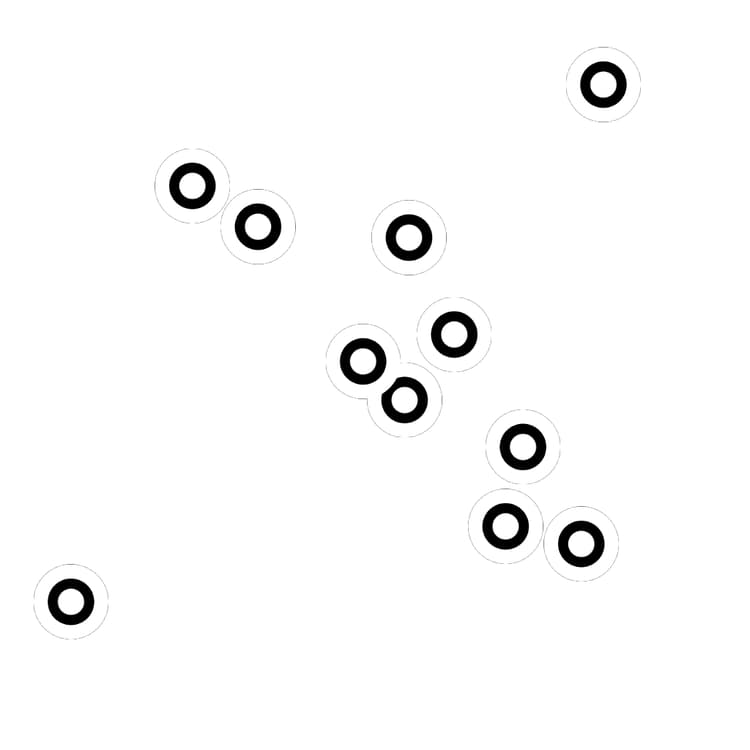
Generates a list of points to be traversed by a spline.
If an existing point list is supplied to the Point inputs, the generated list is appended to the input list.
TIP
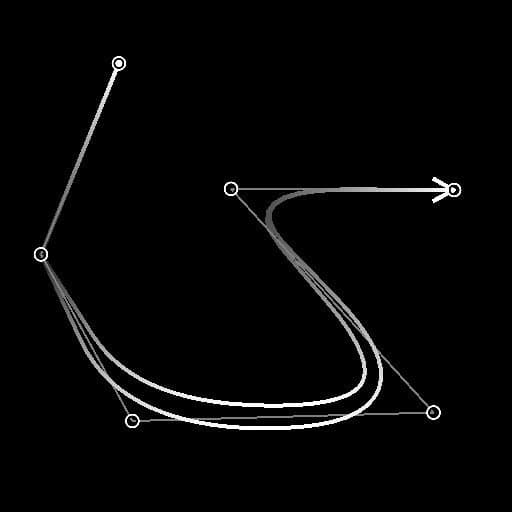
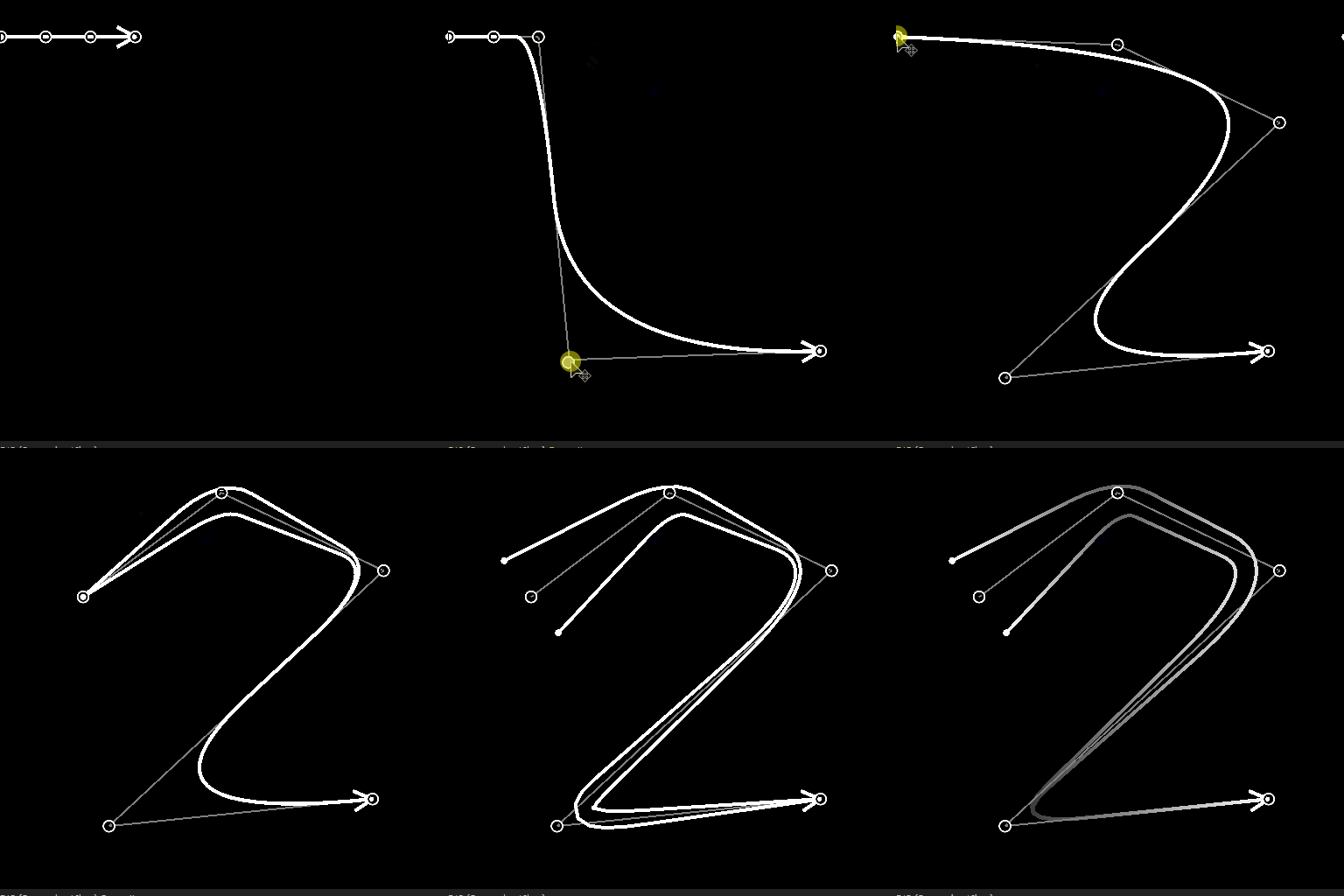
This node can be used to supply points to the Spline (Poly Quadratic) node in order to build splines.
IMPORTANT
The Point List and Point Number connectors are not compatible with Spline Coord, Spline Data and Spline Amount connectors, for they rely on different data.
Inputs
Preview Grayscale
The preview of the points as a grayscale image.
Point List Input Color
A list of input points encoded in the RGBA channels of a color image:
R - X position
G - Y position
B - Height
A - Packed data:
* Integer part: Smoothness;
* Fractional part: Thickness.
R - X position
G - Y position
B - Height
A - Packed data:
* Integer part: Smoothness;
* Fractional part: Thickness.
Point Number Input Integer
The number of input points.
Outputs
Preview Grayscale
The preview of the points as a grayscale image.
Point List Color
The output list of points encoded in the RGBA channels of a color image:
R - X position
G - Y position
B - Height
A - Packed data:
* Integer part: Smoothness;
* Fractional part: Thickness.
R - X position
G - Y position
B - Height
A - Packed data:
* Integer part: Smoothness;
* Fractional part: Thickness.
Point Number Integer
The output number of points.
Parameters
Point Number Integer
The number of generated points.
Global Smoothness Adjustment Float
Applies a uniform offset to the smoothness value of all points.
The resulting smoothness value is clamped to the [0;1] range.
The resulting smoothness value is clamped to the [0;1] range.
Points Properties
p# Properties Float3
Sets the properties of the p# point.
- Height: Adjusts the height of the point where a lower value means a lower or deeper location;
- Smoothness: Offsets the start of the smoothing of the spline at p#, where a value of 0 results in a hard trajectory and 1 in an entirely smooth one;
- Thickness: Adjusts the thickness of the spline at p#. Thickness is used by specific Spline nodes.
- Height: Adjusts the height of the point where a lower value means a lower or deeper location;
- Smoothness: Offsets the start of the smoothing of the spline at p#, where a value of 0 results in a hard trajectory and 1 in an entirely smooth one;
- Thickness: Adjusts the thickness of the spline at p#. Thickness is used by specific Spline nodes.
Points Coordinates
p# Float2
Sets the position of the p# point in texture space.
Preview
Show Labels Boolean
For each point, displays the point’s name next to it in the ‘Preview’ output.
Label Size Float (Available when ‘Show Labels’ is set to ‘True’)
The size of the label for each point in texture space, where 0.1 is a tenth of the texture’s width.
Show Points Boolean
Displays the points in the ‘Preview’ output.
Points Size Float (Available when ‘Show Points’ is set to ‘True’)
The radius of the points in texture space, where 0.1 is a tenth of the texture’s width.
Examples
recommendation-more-help
substance-3d-designer-help-guide