Leaks
In: Mesh Based Generators > Mask Generators
Description
Generates a black and white mask based on baked maps and user settings. Similar to Smart Masks in Painter.
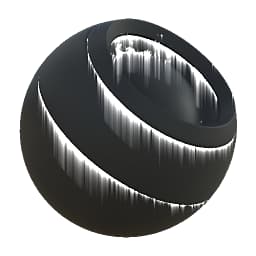
This node represents leaking streaks of dirt and grime coming from sharp edges. As streaks are generated with baked Position, they always run downwards.
Make sure to try changing the variation mask: because it drives the placement of streaks, it can have a much larger influence than with other Mask Generators.
Inputs
Position Grayscale Input
Baked position map, used for streak directions. Required!
Curvature Grayscale Input
Baked map used for streak placement. Required!
Ambient Occlusion Grayscale Input
Baked map used for internal effects and masking. Recommended, but you could use flat white instead.
Normal World Space Color Input
Baked World Space Normalmap, used for streak direction. Required!
Variation Mask Grayscale Input
Optional variation mask, enable by setting the override to True.
Mask (optional) Grayscale Input
Mask slot used for masking the node’s effects.
Parameters
Level 0.0 - 1.0
Total level of the result. Progressively reveals the effect, affects length as well. Should be set fairly high to get long drips.
Contrast 0.0 - 1.0
Adjusts the contrast of the result.
Variation 0.0 - 1.0
Sets the amount of large-scale variation used to mask the streaks. Setting this value to 0 leads to full uniform streaks, so avoid this.
Lenght 0.0 - 8.0
Length of the streak drips. Setting this value too high at a small scale will lead to visible stepping. Play around with the Level too.
Occlude X, Y, Z, None
Sets what direction the AO should affect.
Override variation mask False/True
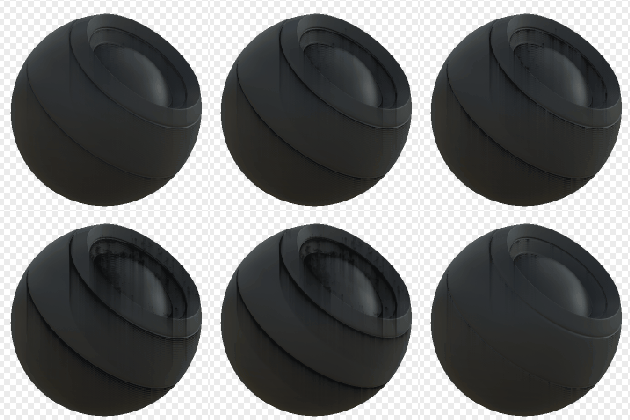
Enables overriding of the variation mask with a custom input slot. Using sparser or denser masks can be interesting and is a good way to control the drips.
Examples
recommendation-more-help
substance-3d-designer-help-guide