Edge Wear
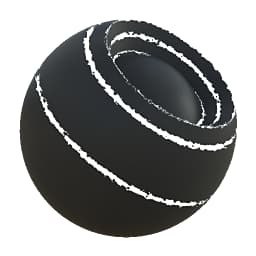
In: Mesh Based Generators > Mask Generators
Description
Generates a black and white mask based on baked maps and user settings. Similar to Smart Masks in Painter.
This node represents wear on object edges. It has quite a few parameters, but is not the easiest to use: we recommend that you play around and get a feel for things. The node is quite powerful, although no custom override mask can be done.
Inputs
Curvature Grayscale Input
Baked map used for internal effects and masking
Mask (optional) Grayscale Input
Mask slot used for masking the node’s effects.
Parameters
Level 0.0 - 1.0
Sets total spread of the effect.
Contrast 0.0 - 1.0
Adjusts the contrast of the result.
Threshold 0.0 - 1.0
Similar to Level, sets total spread of the effect.
Edges Width 0.0 - 1.0
Sets the fullness of the highlighting effect. Reduce to make them sparser.
Disorder 0.0 - 1.0
Sets the amount of noise to blend in to break up the smoothness.
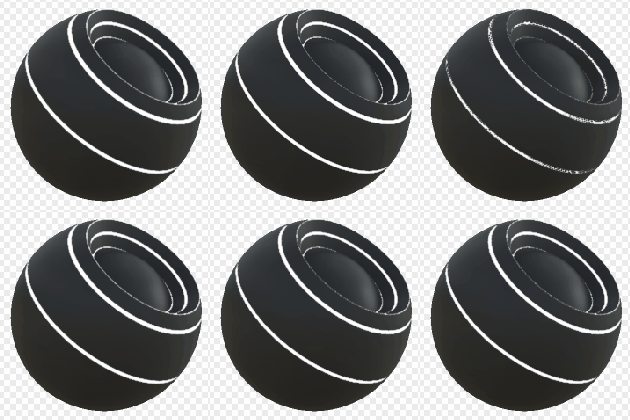
Examples
recommendation-more-help
substance-3d-designer-help-guide