Non-Uniform Rotation
| table 0-row-2 0-border-0 1-border-0 2-border-0 html-authored no-header | |
|---|---|
|

|
In: Filters*/Transforms*
Intermediate
Description
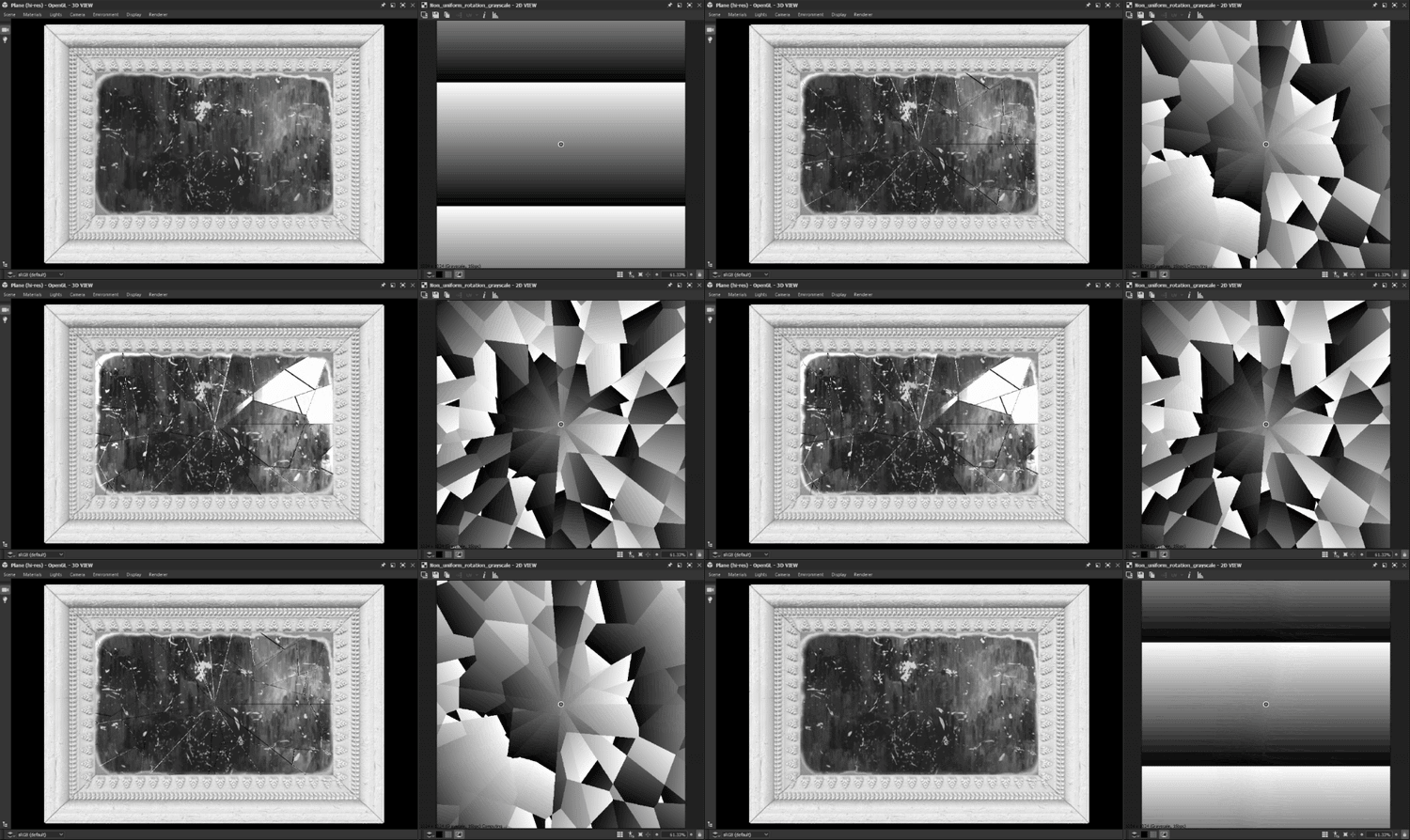
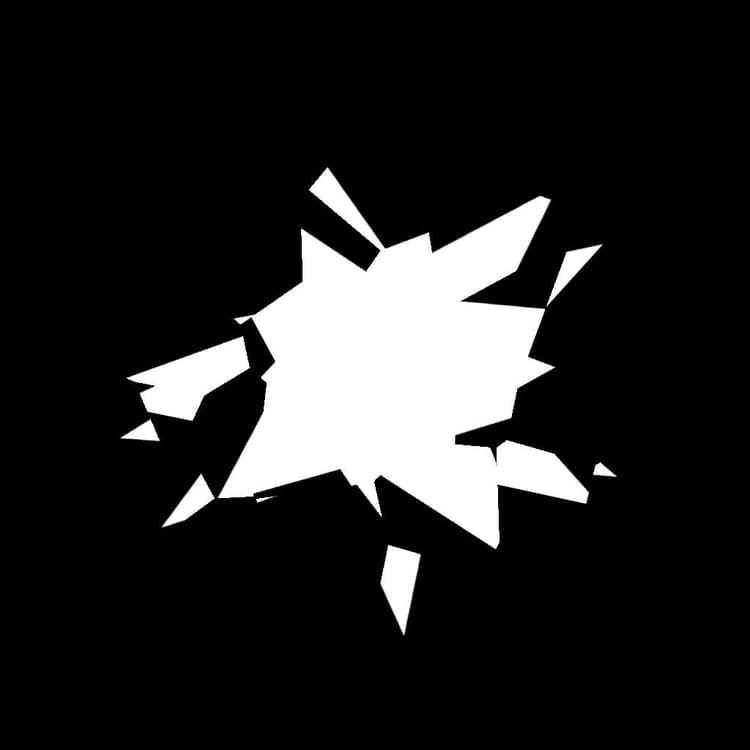
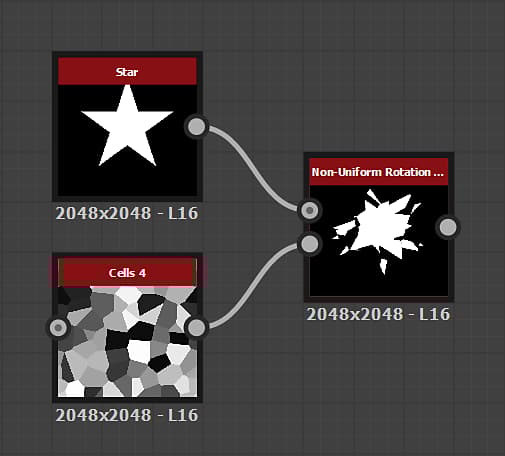
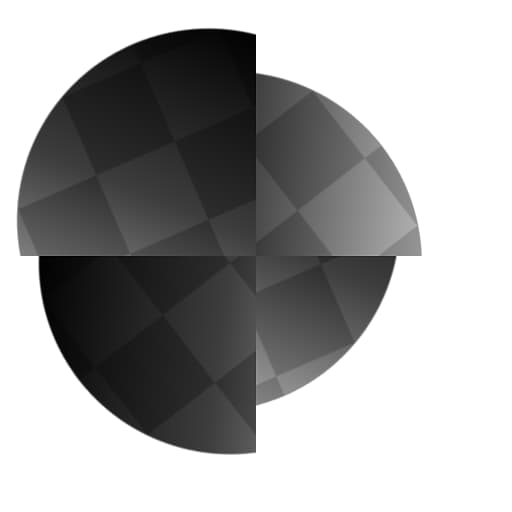
The Non-Uniform Rotation node rotates the Input using the Rotation Map input.
The values of the image represent a number of turns. The rotation is performed around the position specified by the Pivot Position value or the Pivot Position map input.
Positive values in the Rotation Map input result in a clockwise rotation.
Parameters
Inputs
- Input Grayscale/Color
The input grayscale image which should be rotated. - Rotation Map GrayscaleThe map used to control the amount of rotation, in number of turns. The sampled values are multiplied against the Rotation Angle Multiplier. Negative values result in a counter-clockwise rotation.
- Rotation Pivot Position Map Color
The image used to specify the position of the rotation pivot. The X/Y position is mapped to the R/G channels of the image.
Parameters
-
Rotation Angle Multiplier Float
Adjusts the intensity of the Rotation Map input. -
Rotation Angle Offset Float
Applies the specified additional amount of rotation. -
Use Pivot Position Map Boolean
Use a bitmap input to specify the position of the rotation pivot. The X/Y position is mapped to the R/G channels of the Position Map input. -
PIvot Position Float2
The position of the pivot around which the image is rotated. -
Background Color Float/Float4
Background color to display outside of the image’s bounds in case the tiling is not set to H and V Tiling. -
Filtering Mode Integer
Defines how to treat the sampled results when interpolating between pixels:- Nearest: will sample exactly the same value (faster)
- Bilinear: will apply a bilinear filter on the result for a smoother look
Example Images