Auto Crop
| table 0-row-2 0-border-0 1-border-0 2-border-0 html-authored no-header | |
|---|---|

|

|
In: Filters*/Transforms*
Simple
Description
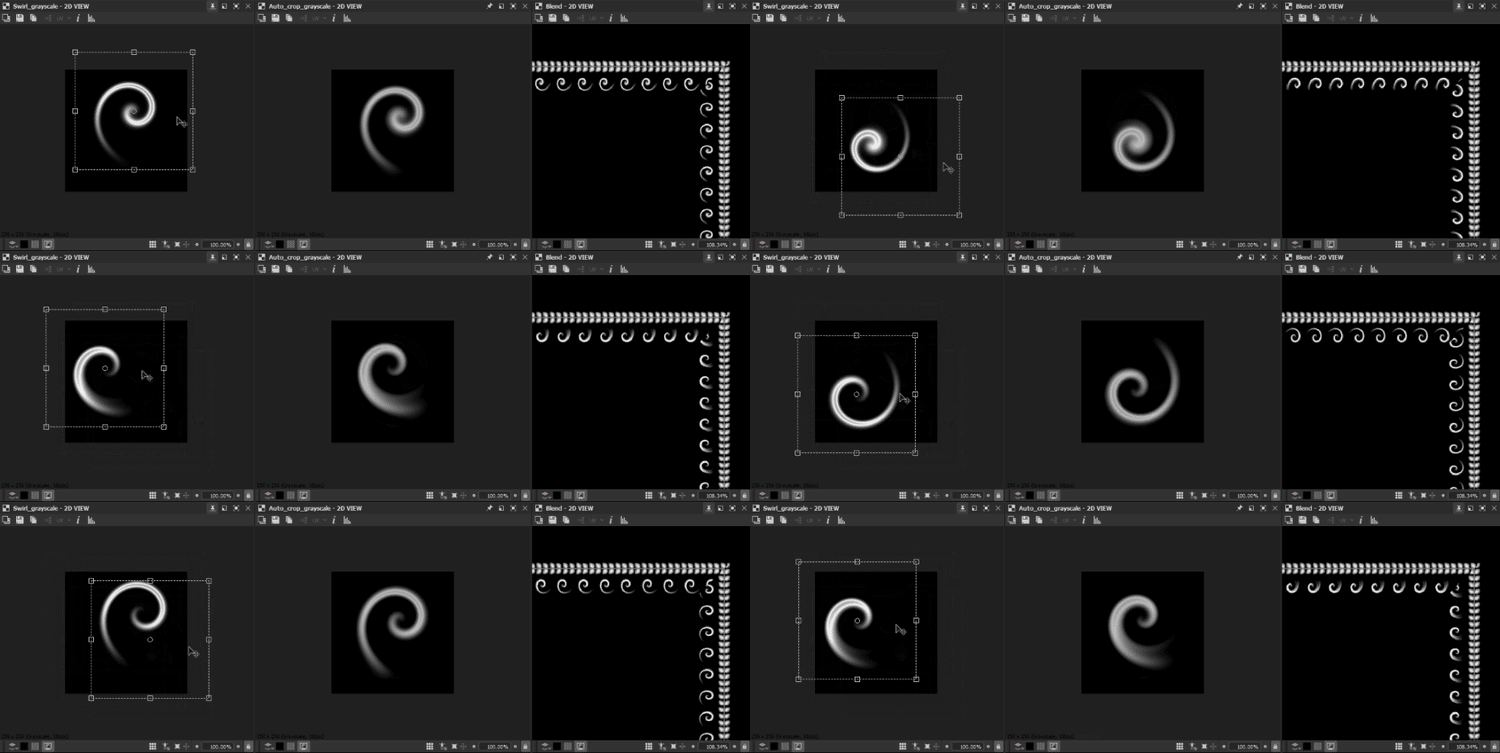
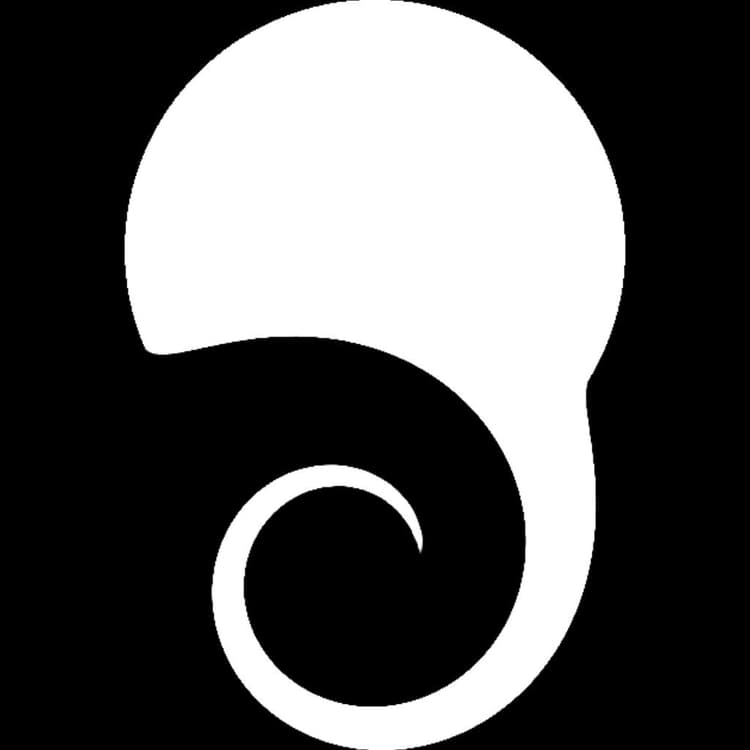
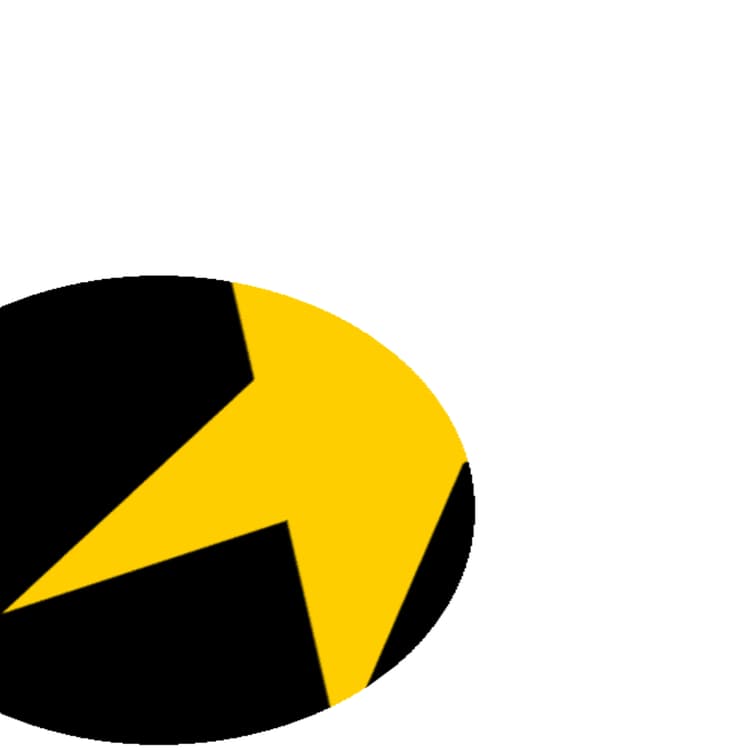
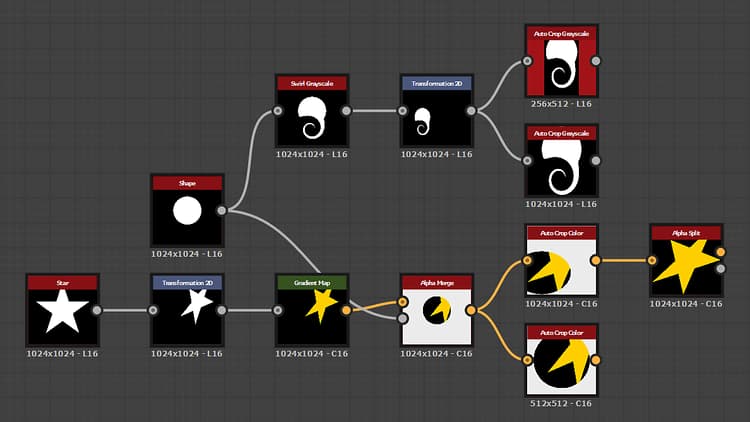
The Auto Crop node adjusts the Input so that its content is either placed at the center of the image without being resized, or resized to the span of the image.
The content of the image is defined by a box fitted to the first and last pixels on X and Y which values are higher than 0 (i.e. non-black). The Color version lets you choose from the RGB and Alpha channels for defining that box.
Parameters
-
Mode IntegerSet the cropping method which should be applied:
- Crop square: the image is cropped so that the shape is at the center of the smallest square image which can fully include it
- Crop auto: The image is cropped so that the shape is at the center of the smallest square or non-square image which can fully include it
- Fit (Keep ratio): The image is resized to the full span of the image while keeping its proportions (i.e. width to length ratio)
- Fill (Stretch): The image is resized to the full span of the image
-
Use alpha BooleanUse the alpha channel of the Input to determine the image content’s bounds for cropping. When set to False, black pixels are used instead.
Note: This parameter is only available in the Color version of the node. -
Filtering Mode IntegerDefines how to treat the sampled results when interpolating between pixels:
- Nearest: will sample exactly the same value (faster)
- Bilinear: will apply a bilinear filter on the result for a smoother look
- Auto: Uses the most appropriate of the two modes above depending on the selected Mode for cropping
Example Images