Make It Tile Patch
Make It Tile Patch (Grayscale)
In: Filters/Tiling
Complex
Description
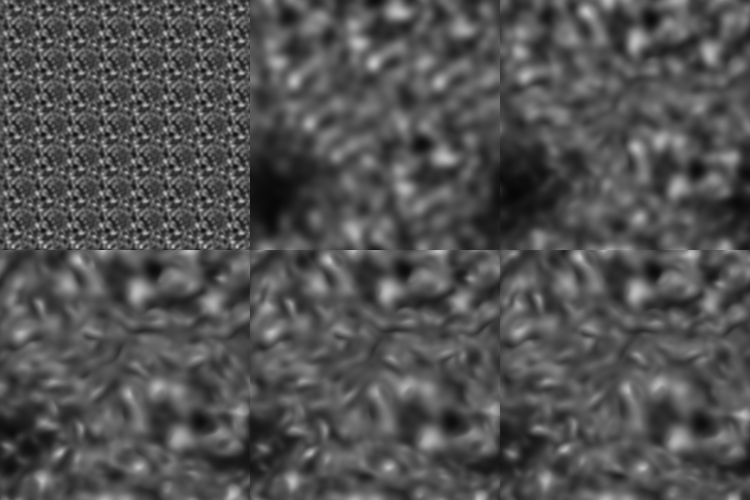
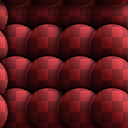
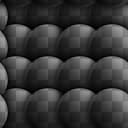
This node is a grid-based semi-random tiler. It takes an input patch and stamps it around, attempting to turn it into a tiling image without too many repetitions, based on your settings.
Useful for when you have a small patch of texture and want to create a larger scale, tiling texture from it.
Keep in mind that this is different from Make-It-Tile Photo, which mainly fixes up edges.
To do this with an entire material, see Smart Auto Tile.
Parameters
- Mask Size: 0.0 - 1.0Size of the round mask used when stamping the patch.
- Mask Precision: 0.0 - 1.0Falloff/smoothness precision of the mask.
- Mask Warping: -100.0 - 100.0Introduces warping at mask edges. Good for avoiding smooth, undefined transitions between patches.
- Pattern size width: 0.0 - 1000.0Changes the width of the patch non-uniformly.
- Pattern size height: 0.0 - 1000.0Changes the height of the patch non-uniformly.
- Disorder: 0.0 - 1.0
Introduces translational randomness, slightly shifting patches around. - Size Variation: 0.0 - 100.0Introduces size variation for the mask.
- Octave: 0 - 6This is the main control that determines the overal size.
- Rotation: -360.0 - 360.0Pre-rotates the patch.
- Rotation Variation: 0.0 - 360.0Introduces random rotation for every patch stamp.
- Background Color: *(Color value)*Sets the background color for areas where no patch appears.
- Color Variation: *0.0 - 1.0 (Color Version Only)*Introduces color variation per patch.
- Luminosity Variation *(grayscale version only)*Introduces luminosity variation per patch.
Example Images